Last Friday, I ran the Foundations of Claude workshop for Sequoia Group, a leadership and OD...
As Sequoians, they believe in going high tech so that they can go high touch. They have been using AI, but they would like to learn how to use it better.
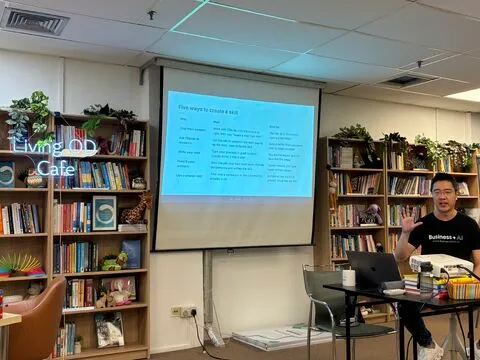
As Sequoians, they believe in going high tech so that they can go high touch. They have been using AI, but they would like to learn how to use it better.
We covered 3 things. Here is the summary.
—
- The features that make Claude more than a chatbot
Most people use Claude (or ChatGPT) like a search engine that talks. One question, one answer, copy, paste. That barely scratches what it can do.
The features that matter most for knowledge work:
→ Projects: a workspace that holds your context, files, and instructions, so you stop re-explaining yourself every chat.
→ Artifacts: real deliverables built in a side window. Documents, slides, web pages, even small interactive apps.
→ Research: runs many searches that build on each other, then writes a cited report in minutes.
→ Connectors: plug in Gmail, Drive, or Notion. Claude reads your live data and, with your permission, acts on it.
→ Skills: teach Claude to do a recurring task your way, once, and it repeats it on demand.
—
- Three mental models for working with AI
→ A brilliant super-intern, with a drinking problem and short-term memory. Fast and capable, but it hallucinates (trust but verify), cannot take responsibility (you do), and forgets everything between chats. (adapted from Prof Simon Chesterman)
→ AI is an averaging machine. It was trained on everyone’s output, so by default it gives you average. Your taste, standards, and feedback are what shift it toward great.
→ You apprentice it. Out of the box it knows nothing about your business, your customers, or your voice. You teach it context and skills over time until it becomes uniquely yours.
—
- Context management. The part that matters most.
This is the single biggest lever on output quality, and the most overlooked.
-
LLMs have no memory. Every message is a fresh start. A chat only feels continuous because the whole conversation gets re-sent each turn.
-
Context is everything Claude can see: your prompt, your files, a project’s knowledge, your connected tools.
-
More is not better. Too much irrelevant context makes Claude follow instructions worse, not better. Keep it tight.
-
One chat, one topic. Switch topics and old context bleeds in. Start a new chat.
-
Durable context needs a home. Anything Claude should always know goes in your Instructions or a Project, not buried in one chat you will never find again.
Get context right, and the same model gives you better work.
—
If you lead a team adopting AI but getting generic, inconsistent results, that is usually not a model problem. It is a context problem, and it is teachable.
I run Foundations of Claude as a private session for teams. DM me to arrange one for your team.
#AI #ClaudeAI #FutureOfWork CC: Shang How, Jacqueline, Angela, Druga, Daniel, Zafirah, Shubaashini, Regina
Tap to expand
Enjoyed this? Subscribe for more.
Practical insights on AI, growth, and independent learning. No spam.
More in AI Agents

6 Common Causes Your OpenClaw Is Expensive and Fixes That Actually Work.
The bad news? OpenClaw burns through tokens by design. Full context on every request, heartbeats polling every few minutes, browser screenshots described by ...

Can LLMs like ChatGPT do reasoning? It failed my casual tests in under 30 minutes.
… more
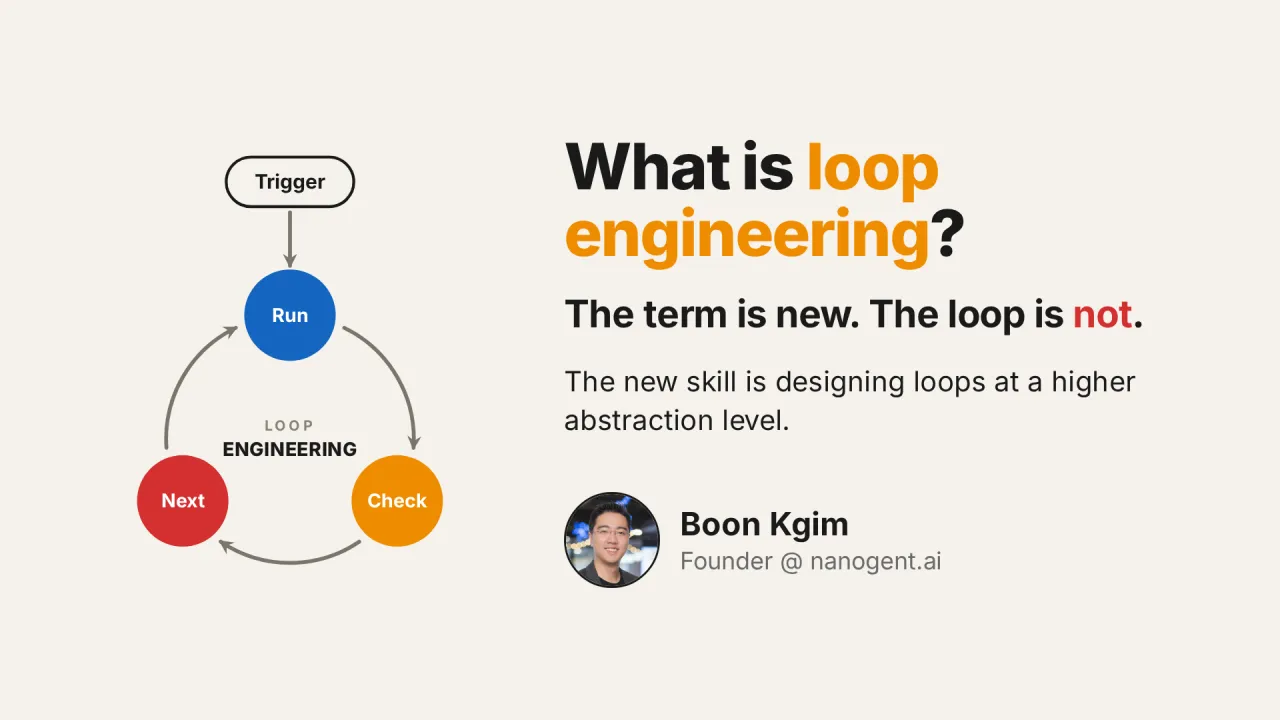
What Is Loop Engineering? Why Is It Trending? And Why Loops Are Not New
Loop engineering is everywhere right now. It is the practice of designing the system that prompts an AI agent, instead of prompting it yourself. Addy Osmani,...
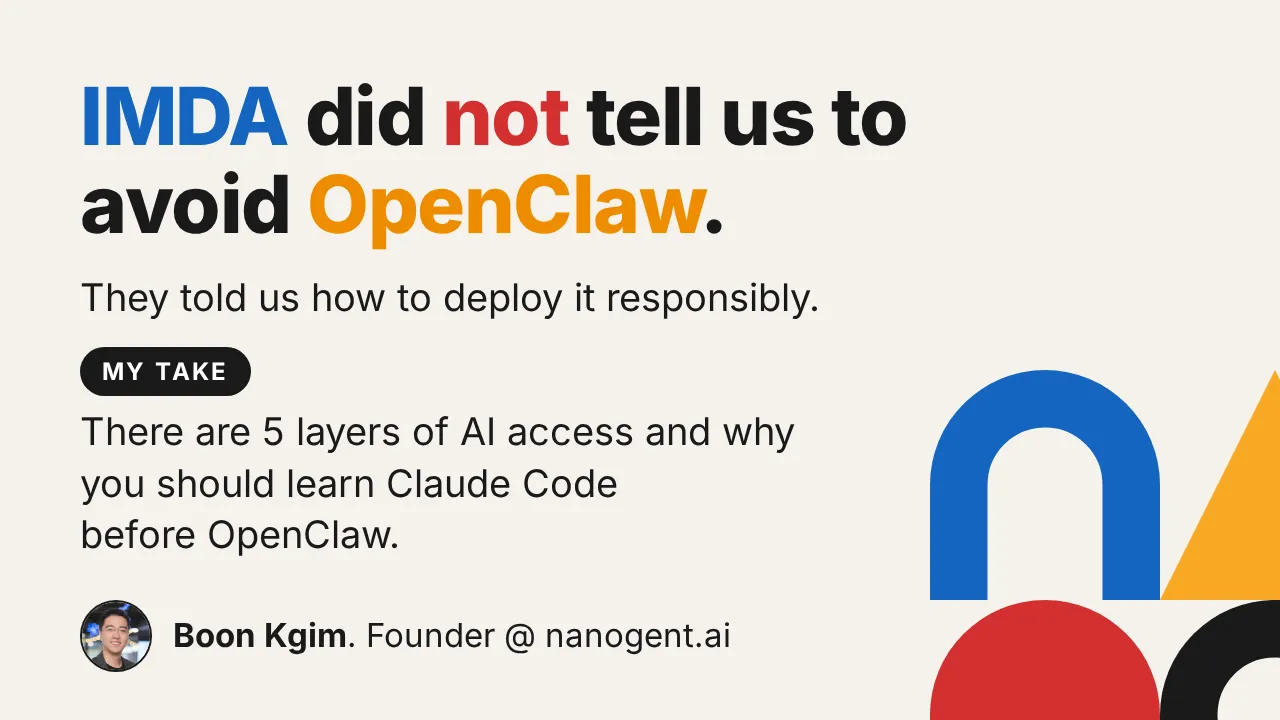
Why you should learn Claude Code before OpenClaw
If that is what you heard about the recent IMDA advisory, you only got half the picture.
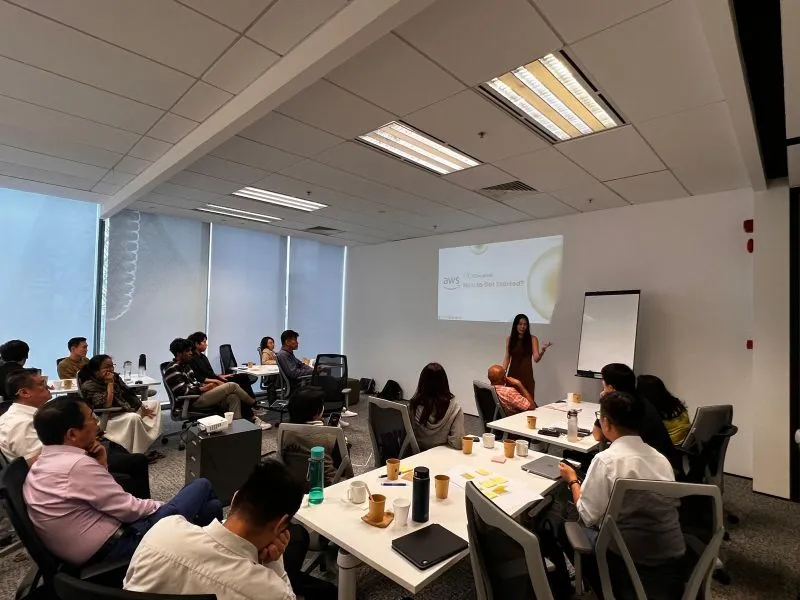
GenAI Design Thinking Workshop
Helping participants break down their business processes to identify opportunities for adopting agentic AI workflows using the 5I framework.
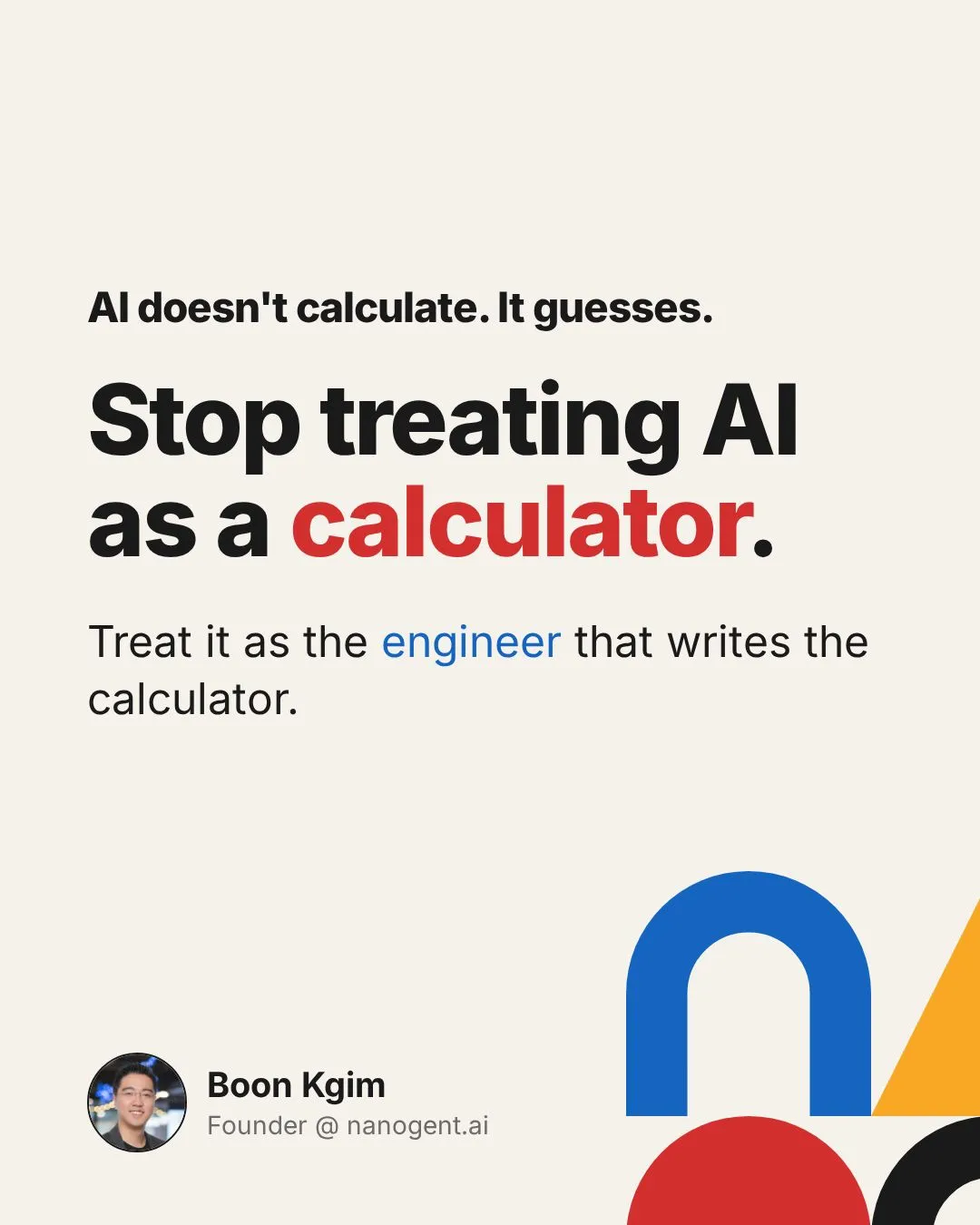
Stop using AI as a calculator.
One of the most common mistakes people make with AI is asking it to do the calculation directly.
6 Common Causes Your OpenClaw Is Expensive and Fixes That Actually Work.
The bad news? OpenClaw burns through tokens by design. Full context on every request, heartbeats polling every few minutes, browser screenshots described by ...
What Is Loop Engineering? Why Is It Trending? And Why Loops Are Not New
Loop engineering is everywhere right now. It is the practice of designing the system that prompts an AI agent, instead of prompting it yourself. Addy Osmani,...
GenAI Design Thinking Workshop
Helping participants break down their business processes to identify opportunities for adopting agentic AI workflows using the 5I framework.
Can LLMs like ChatGPT do reasoning? It failed my casual tests in under 30 minutes.
… more
Why you should learn Claude Code before OpenClaw
If that is what you heard about the recent IMDA advisory, you only got half the picture.
Stop using AI as a calculator.
One of the most common mistakes people make with AI is asking it to do the calculation directly.