OpenClaw Is One of the Most Expensive Ways to Do AI Automation
Not because the software is expensive. It is free, MIT open source. The problem is the tokens it burns to do anything. And the hype is what has turned it int...
Not because the software is expensive. It is free, MIT open source. The problem is the tokens it burns to do anything. And the hype is what has turned it into a hammer that makes every AI automation problem look like a nail. Autonomous AI agents are also not the most reliable way to run tasks that are actually deterministic. Most people reaching for OpenClaw are paying agent prices for work that a script would do better.
I recently wrote about 6 common causes your OpenClaw is expensive and the fixes that actually work. That piece is for people who already have OpenClaw running and want to bring the bill down. This post is about the bigger question that sits above cost optimization: should you be running an autonomous agent for this task in the first place?
The hammer problem
Autonomous agents shine when you hand them open-ended problems that need reasoning, exploration, and improvisation across many tools. Most business automation is not that.
A lot of what people try to automate is actually deterministic. “When an email with subject X arrives, extract this field and update that spreadsheet.” “Every Monday, pull the analytics report.” “Scrape these 60 pages and save to CSV.” Known inputs. Known steps. Known outputs. An autonomous agent can do all of these, but every run:
- Burns tokens reasoning about things that do not need reasoning
- Can fail in novel ways because the agent is free to improvise
- Costs unpredictably because the token count depends on how the model decides to approach the task that day
A Playwright script runs the same task in milliseconds, for zero tokens, the same way every time. That is not a hypothetical. I burned $25+ on an agent that scraped my LinkedIn analytics before rebuilding the exact same task as a Playwright script that costs nothing to run. The script is faster, free, and more reliable.
The rule I keep coming back to: the more deterministic your task, the less you want AI in the loop at all.
A decision framework: match the tool to the determinism of the task
Think of automation tasks on a spectrum from fully deterministic to fully open-ended. Each level has a natural category of tool that fits it best. The goal is to pick the highest-determinism category that can actually handle your task, not reach for the most powerful one.
Level 1 — Fully deterministic: code or a browser automation script
If the task has the same steps every time, write code. Python or Node.js for data manipulation, logic-based steps, and API calls, Playwright or Puppeteer for browser automation, shell scripts for filesystem work. No LLM anywhere in the loop. Zero per-run cost. Deterministic behavior. The overwhelming majority of “can you automate this?” tasks actually live here, and people skip it because writing code feels harder than dragging a box onto a canvas. It is not, for most of these tasks.
Level 2 — Mostly deterministic with a fuzzy step: AI workflow or code + LLM API
Some tasks are deterministic except for one step that needs judgment. Classifying an email intent. Extracting structured data from free text. Summarizing a document. The rest of the flow is known.
For these, keep the workflow deterministic and make a targeted LLM API call only for the fuzzy step. You can do this inside a workflow engine like n8n, Make.com, Zapier, or Dify (all of which have native LLM nodes you can drop into any flow), or directly in code by calling the OpenAI, Anthropic, or Gemini API at the exact point you need reasoning. You pay for tokens only on the part that actually needs reasoning, not the whole task. This category covers a huge amount of real-world AI automation and is where most of the cost savings live compared to autonomous agents.
Level 3 — Less deterministic but simple: no-code agent builder with prebuilt connectors
When the flow has a few branches, needs integration with several third-party tools, and the logic is still bounded, no-code agent builders are the right category. The agent nodes in n8n and Dify are good examples — same drag-and-drop workflow canvas as Level 2, but with a proper agent node that can reason, pick tools, and loop, backed by prebuilt connectors to common SaaS (email, chat, CRM, calendar, spreadsheets). You trade flexibility for speed of setup.
This is where most “small business AI automation” should actually live. You do not need an autonomous agent to route inbound leads, triage support tickets, or draft follow-ups.
Level 4 — Non-deterministic and single agent: pure-code simple agentic loop with custom tools
When you need real agent behavior but the task is scoped tight enough that a framework feels like overkill, write the agentic loop yourself. It is maybe 50 to 150 lines of Python or Node.js — a loop that calls an LLM with your message history, a small set of custom tools you defined (not prebuilt connectors), and a stopping condition. The LLM reasons, picks a tool, you execute, feed the result back, loop again.
No framework. No graph definition. No dependencies beyond the LLM SDK. You own the loop and you own the cost. This is the right category when the agent only needs 3 to 5 task-specific tools and you want the code to stay legible and debuggable.
Level 5 — Non-deterministic and multi agent: pure-code agentic framework
When the agent needs more — multiple cooperating subagents, complex state and memory management, long-running workflows, branching graphs, human-in-the-loop checkpoints — the hand-rolled loop starts to bend. This is the level for a pure-code agentic framework. You still write Python. You still define the tools. But the framework gives you the scaffolding for memory, state, orchestration, and multi-agent coordination so you do not have to build it yourself.
LangGraph and CrewAI are examples of the category. This is the cheapest way to run a real, complex agent if you have the engineering bandwidth.
Level 6 — Fully open-ended, but reactive: terminal-based AI agent with skills and subagents
When the task is genuinely open-ended but you are fine with the agent only running when you summon it, terminal-based AI coding agents are the right category. Claude Code, OpenAI Codex, and Gemini CLI are examples. They live in your terminal, have access to your filesystem, can run commands, and can be extended with custom skills and subagents for specialized work.
You type a prompt, the agent figures out its own plan, picks its own tools, writes code, runs it, debugs, iterates, and comes back with the result. Still non-deterministic, still fully open-ended. The difference from Level 7 is that there is no heartbeat, no scheduled polling, and no surprise bill at 3am. Cost is bounded by your attention: if you are not at the keyboard, the agent is not running. For most “I want an AI that can actually do work for me” use cases, this is the right level.
Level 7 — Fully open-ended and always-on: autonomous agent
Finally, when the task is genuinely open-ended, needs persistent memory across time, requires improvising across many different tools, runs on its own schedule, and has no natural workflow structure, autonomous agents are the right category. This is a small slice of actual automation needs but it is where OpenClaw genuinely shines. An “always thinking” personal AI that checks in on your life and acts on your behalf across domains.
The mistake is using Level 7 for Level 1 problems. That is where the bills spiral.
Why people default to Level 7 anyway
Three reasons, in my experience.
- The demos are impressive. An autonomous agent reading your emails, managing your calendar, and messaging on your behalf across 23 platforms looks magical. The demos never show the token bill.
- It feels more future-proof. “If I write a script, I will have to rewrite it when the page changes. An agent will just adapt.” In practice, agents also break when pages change. They just fail in more expensive and harder-to-debug ways.
- It is the path of least resistance for non-engineers. Writing a Playwright script feels hard. Telling an agent “go log into LinkedIn and download my analytics” feels easy. Until the bill arrives.
None of these are wrong instincts. But they all lead to paying Level 7 prices for Level 1 problems.
How to pick
Before you reach for an autonomous agent, walk down the ladder:
- Can I describe the task as a deterministic sequence of steps? → Level 1. Write a script.
- Is only one step genuinely fuzzy? → Level 2. Workflow or code plus a targeted LLM API call.
- Do I need a handful of integrations and light decision logic? → Level 3. No-code agent builder.
- Do I need real agent behavior with a small set of custom tools? → Level 4. Hand-rolled agentic loop in code.
- Do I need multi-agent, complex state, or branching graphs? → Level 5. Code-first agentic framework.
- Is the task open-ended but I am OK running it when I summon it? → Level 6. Terminal-based AI agent with skills and subagents.
- Does it need to run always-on, on its own schedule, across domains? → Level 7. Autonomous agent is the right category.
If you find yourself justifying Level 7 because “I might want to add more things later,” you are describing ambition, not requirements. Build for the task in front of you. You can always upgrade.
If OpenClaw is the right answer
None of this means throwing away your OpenClaw setup. For genuinely Level 7 use cases, it has a real place. Its impact on AI adoption is undeniable — it brought the concept of a proactive, autonomous, always-on AI agent into a popular chat UI where anyone could use it.
The best AI automation is not the one with the lowest price to set up. It is the one that works reliably and has the lowest cost to sustain.
#AI #Automation #OpenClaw #AIAgents #SoftwareEngineering
Enjoyed this? Subscribe for more.
Practical insights on AI, growth, and independent learning. No spam.
More in AI Agents
AI Agents are not plug-and-play. 5 ways to add useful skills to your AI agents.
Most of them came thinking AI agents are plug-and-play. Set it up, and it becomes extremely helpful immediately.
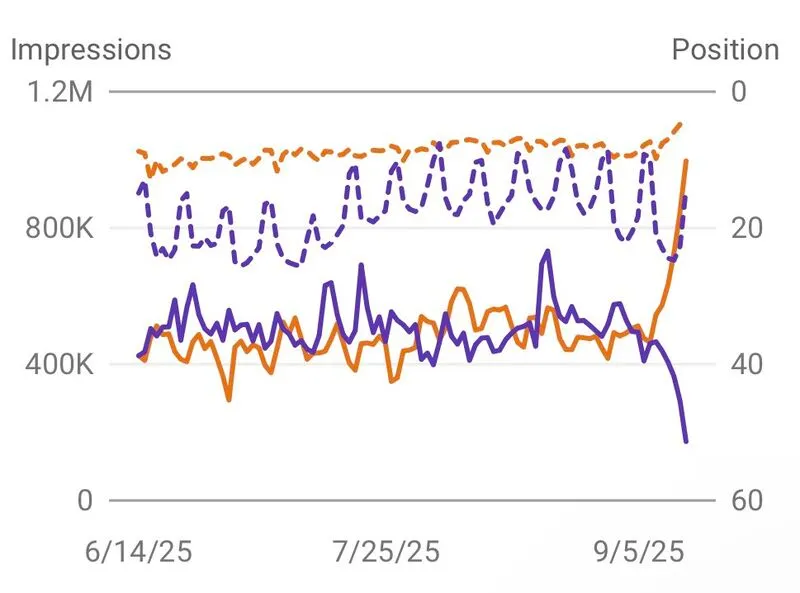
Could we have been wrong about zero click impressions?
For a while now, we’ve been blaming AI Overviews for the rise in zero click searches. But maybe that’s only half the story.

Am I the only one feeling uneasy building AI agents with OpenCrawl after testing it for a while?
I've been building AI agents before OpenClaw, and building skills using Claude Code for a while. It's powerful. When I learned about OpenClaw, I knew exactly...

How To Create Agent Skill To Write LinkedIn Posts That Sound Like You
Most people are surprised when I tell them I use AI to write all of my LinkedIn posts.
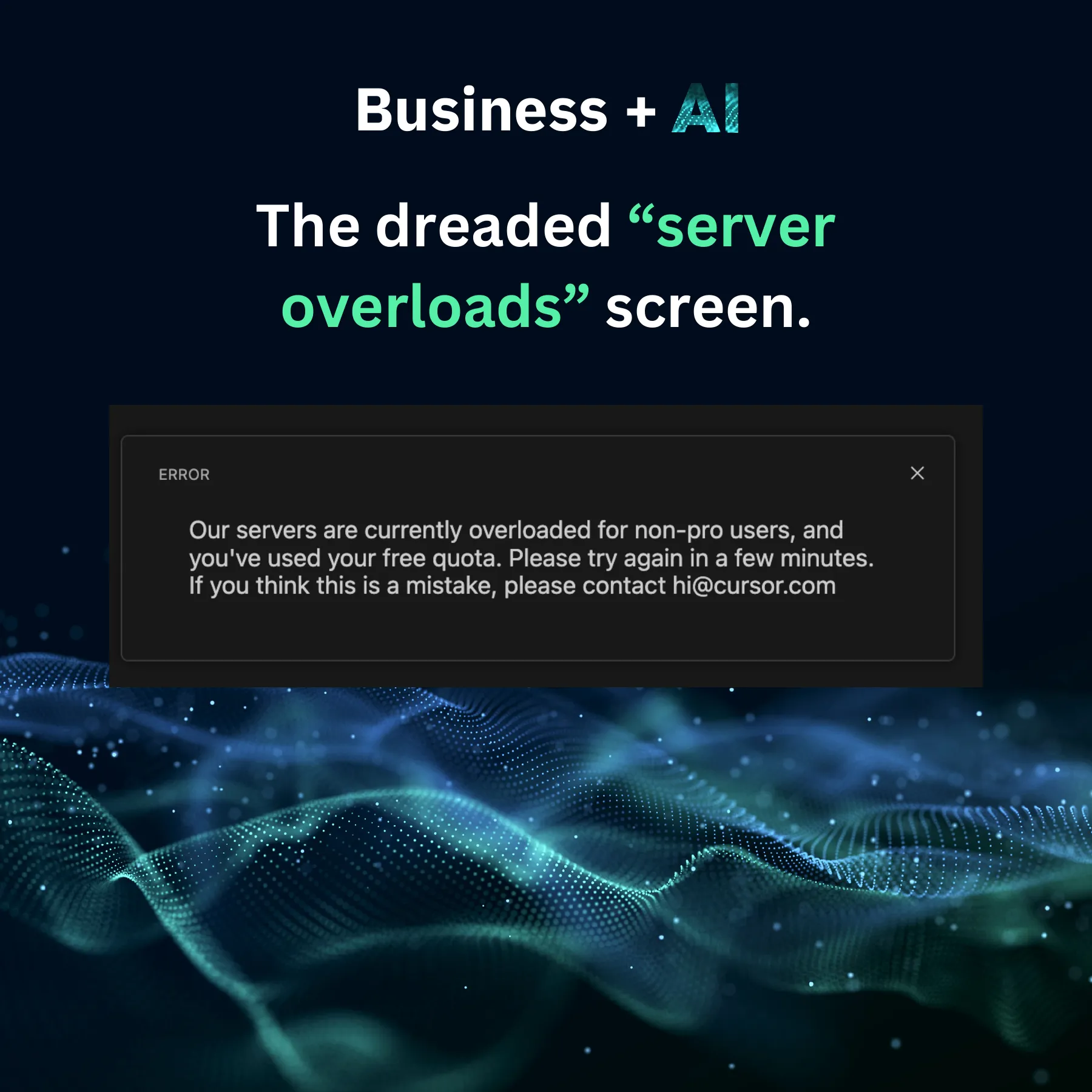
💡 Little-known hack to get the most out of Cursor for FREE
If you're using Cursor on the free plan, you will eventually hit the dreaded "servers overload" screen.
Does AI have empathy? I asked Claude a simple product question.
The answer surprised me.
AI Agents are not plug-and-play. 5 ways to add useful skills to your AI agents.
Most of them came thinking AI agents are plug-and-play. Set it up, and it becomes extremely helpful immediately.
Am I the only one feeling uneasy building AI agents with OpenCrawl after testing it for a while?
I've been building AI agents before OpenClaw, and building skills using Claude Code for a while. It's powerful. When I learned about OpenClaw, I knew exactly...
Does AI have empathy? I asked Claude a simple product question.
The answer surprised me.
Could we have been wrong about zero click impressions?
For a while now, we’ve been blaming AI Overviews for the rise in zero click searches. But maybe that’s only half the story.
How To Create Agent Skill To Write LinkedIn Posts That Sound Like You
Most people are surprised when I tell them I use AI to write all of my LinkedIn posts.
💡 Little-known hack to get the most out of Cursor for FREE
If you're using Cursor on the free plan, you will eventually hit the dreaded "servers overload" screen.