Claude Code Foundations: 5 Lessons from Cohort 1
To the learners who signed up as "guinea pigs", thank you. The first cohorts are always the messiest, as the course content and timing have not yet been test...
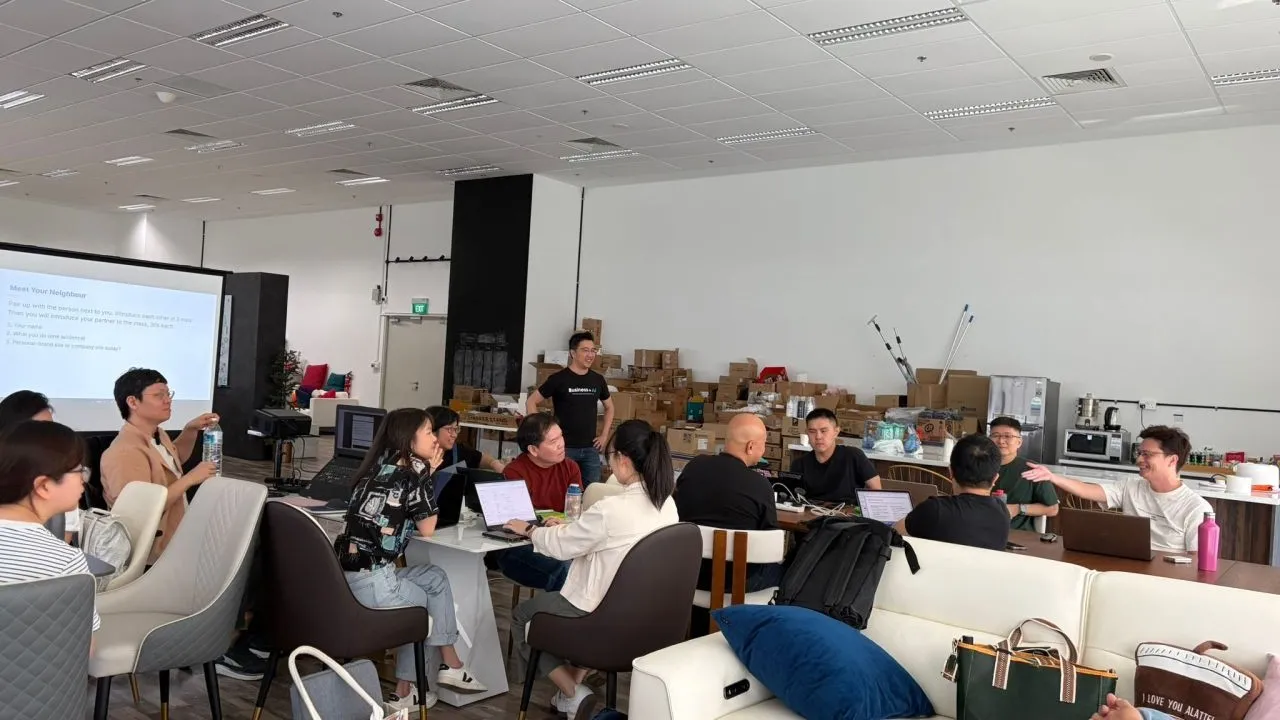
We just concluded Cohort #1 of my Claude Code Foundations workshop.
To the learners who signed up as “guinea pigs”, thank you.
The first cohorts are always the messiest, as the course content and timing have not yet been tested. But they also contain the most learning, for both the facilitator and the learners. The 2nd cohort will be much smoother.
Here are 5 pieces of honest feedback from the group, and how I’m thinking about each one.
1. “The workshop felt advanced, not foundational.”
This was the most surprising feedback. I partially agree. But foundations ≠ easy.
Easy: follow a prompt cheatsheet step-by-step.
Foundations: prompt + concept + why we are doing them. The mental models that survive every AI tool change. File-based context, version control, environment isolation, prompts saved as files.
Foundations are actually harder to master in most domains of knowledge. But foundations carry you when the next AI agent replaces Claude Code 6 months from now. I’ll reframe this expectation upfront in Cohort 2.
For learners worried about not finishing the website on the day: most learners can complete it after the workshop with help from our support chat group.
2. “Zed, Terminal, and Claude Code all look the same.”
They do. Three things layered in one window:
- Zed = an IDE with a file browser, editor, and built-in terminal
- Terminal = the command line where you run commands
- Claude Code = the AI agent launched inside the Terminal
Many learners pasted prompts into the command line instead of into Claude Code. The cursor blinks the same way in both. Next cohort, I’ll spend the first 3 minutes explaining the UI of Zed or VS Code.
I covered the 4 panels of Zed in a separate post: Claude Code: The 4 Panels of Zed.
3. “Why save my prompt and output in a .md file? Why not just chat directly?”
Unlike claude.ai or chatgpt.com, chat history is not permanently saved in Claude Code. Files are long-term memory for your project.
When you save your brief and answers as 01-brief.md, and your context as files, you can come back 6 months later and update your website by referencing the same files. Type @docs/ in Claude Code and the context is loaded.
The mindset shift: stop typing in the chat box. Save prompts as files. Reference them.
4. “What is the difference between using Lovable vs Claude Code?”
Lovable lures you in with a graphical interface. The trade-off is you depend on their wrapper.
Claude Code is the thinnest wrapper. No vendor lock-in. The foundations you pick up (CLAUDE.md, skills, version control, env isolation) carry over to any AI agent. Codex, Cursor, OpenClaw, whatever comes next.
The main takeaways are not how to use Claude Code. They are the foundations that survive AI providers coming and going.
Kie Chuan Tan from the cohort shared a nice analogy: staying in a hotel vs building your own house.
5. “Why don’t we use Claude Design or the front-end design skill of Claude Code?”
You can achieve the same outcome with more control using Claude Code directly.
The front-end design skill is basically a fixed list of patterns to avoid so the site looks less AI. The list can get stale as AI design patterns evolve. It also mandates bold typography and off-grid layouts, but not every website wants to be bold or off-grid.
How we do it instead:
- Ask Claude Code to research anti-AI website patterns in 2025 and 2026 and save it as a .md. Use it as context for design prompts.
- Ask for 5 design directions. Preview each as mock HTML. Pick the closest one.
- If none fit, articulate what you don’t like in design jargon. Color contrast. Font size. Layout. Border style.
Design is the hardest part because most non-techies lack the jargon to prompt correctly. The “5 directions then iterate” workflow works around that.
Cohort 1 was the messiest. That was also the gift.
Cohort 1 walked out with insights no future cohort will have, because they sat through the parts that didn’t work yet. That is the price of being early, and also the reward.
If you are a non-techie wanting to learn the foundations of Claude Code, the next cohort is on 21st May, 130pm to 530pm at the Hashmeta office. Cohort 1 learners are welcome to come for free for revision.
Details: https://boonkgim.com/workshops/foundations-claude-code/
Check out the sharing from Wan Wei, Soh, Kie Chuan Tan and Ni Zhengquan after the workshop.
#ClaudeCode #AI #VibeCoding #AILiteracy #BuildInPublic
Enjoyed this? Subscribe for more.
Practical insights on AI, growth, and independent learning. No spam.
More in Vibe Coding
I used to spend extra time writing detailed comments in my Git commits.
Not just about what changed, but why — so my team could learn from the reasoning behind my code. It also serves as a reference for my future self.
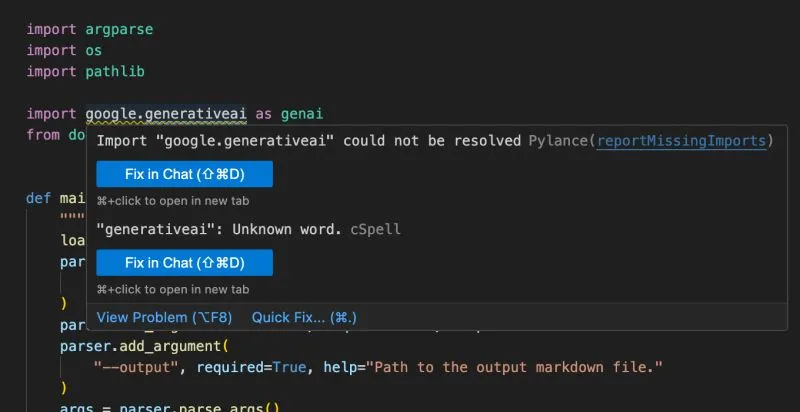
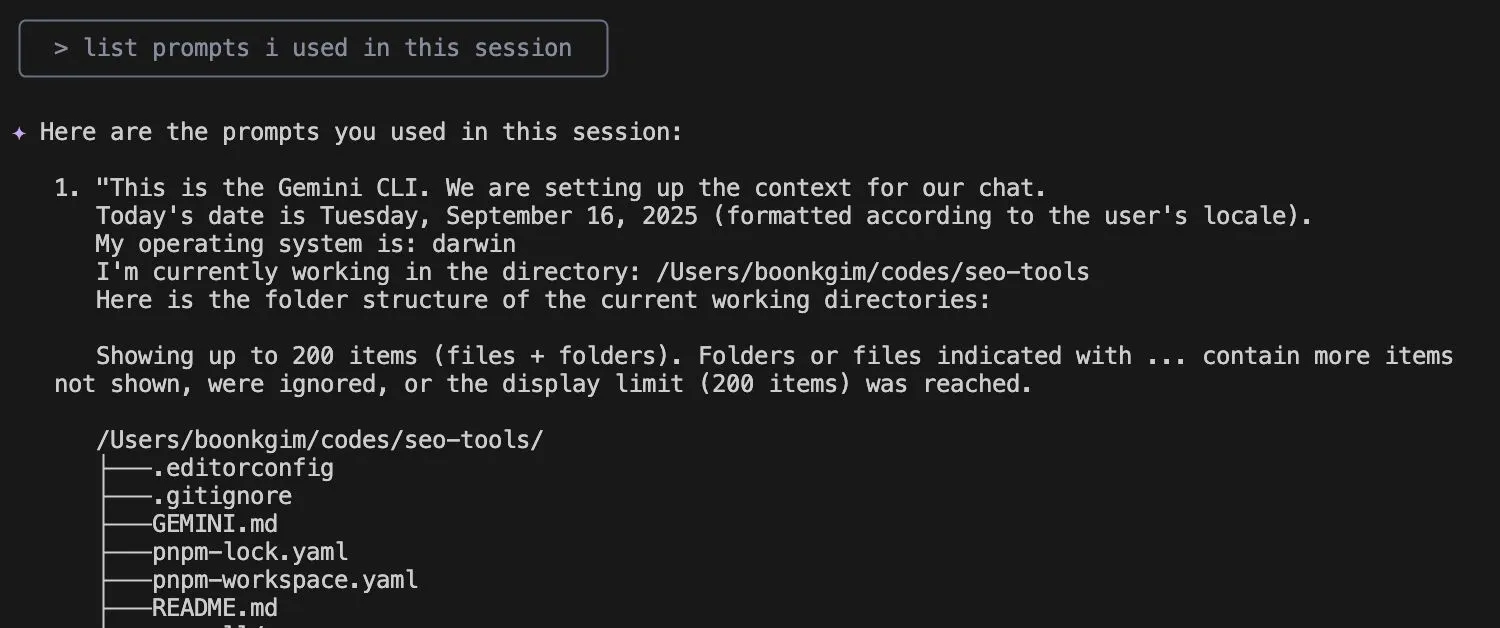
Gemini CLI stubbornly insisted its code was right and even did a Google search to prove it with an outdated article.
I was speechless. 😂
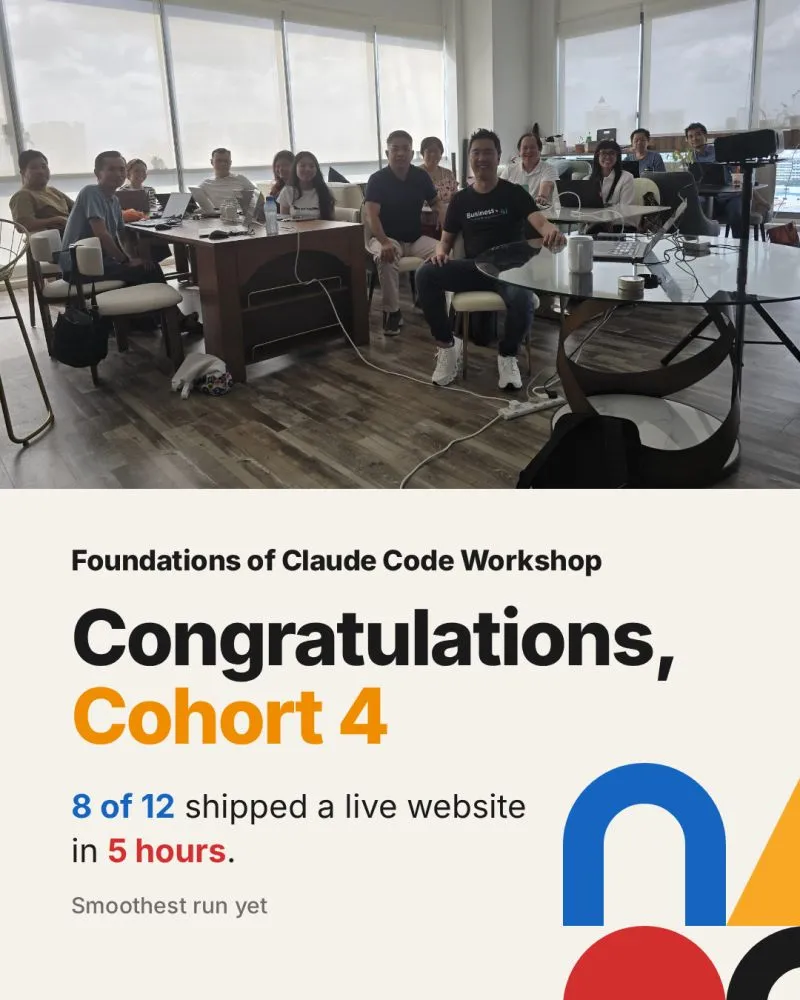
Congrats to Cohort 4 of my Foundations of Claude Code workshop, who wrapped on 18 June.
Wai Soon, wai siong, Hanah, Daniel Ling, chee shen, Mary Gagahina, Veronica Loh, Natalie, Terence Kok, Kah Meng, Yasmeen, Swee Chye
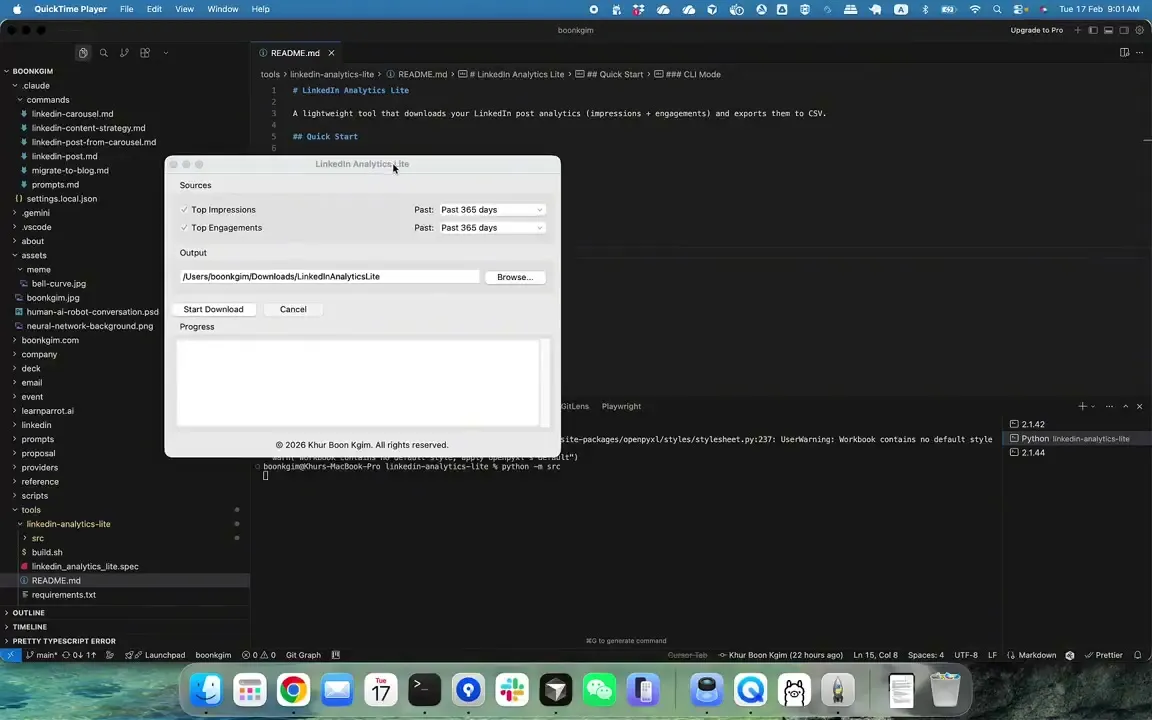
Not every automation needs an AI agent. After burning $25+ with a browser agent just to download analytics of my top LinkedIn posts, I decided to build a simple automation tool that costs nothing to run.
--
Two Choices for Handling Tech Debt in Vibe Coding
· Go full vibe: ignore tech debt, and when things inevitably break, spend a week fixing it.
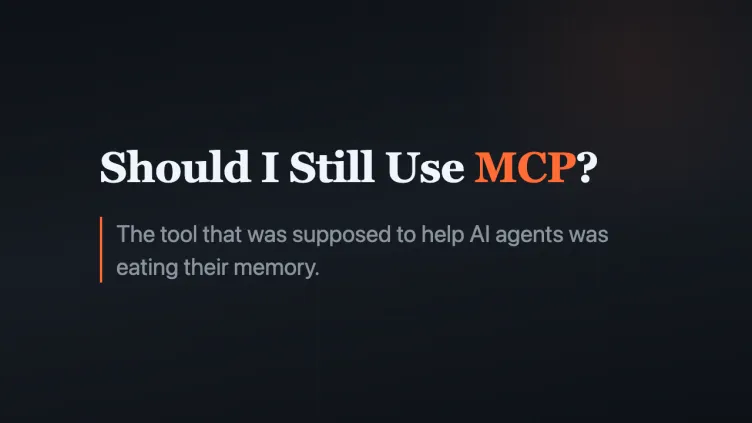
Should I Still Use MCP? Is MCP Dead?
So I thought it is good to write about it, especially for a non-tech audience who are curious.
I used to spend extra time writing detailed comments in my Git commits.
Not just about what changed, but why — so my team could learn from the reasoning behind my code. It also serves as a reference for my future self.
Congrats to Cohort 4 of my Foundations of Claude Code workshop, who wrapped on 18 June.
Wai Soon, wai siong, Hanah, Daniel Ling, chee shen, Mary Gagahina, Veronica Loh, Natalie, Terence Kok, Kah Meng, Yasmeen, Swee Chye
Should I Still Use MCP? Is MCP Dead?
So I thought it is good to write about it, especially for a non-tech audience who are curious.
Gemini CLI stubbornly insisted its code was right and even did a Google search to prove it with an outdated article.
I was speechless. 😂
Not every automation needs an AI agent. After burning $25+ with a browser agent just to download analytics of my top LinkedIn posts, I decided to build a simple automation tool that costs nothing to run.
--
Two Choices for Handling Tech Debt in Vibe Coding
· Go full vibe: ignore tech debt, and when things inevitably break, spend a week fixing it.