The web and desktop apps of Claude and Codex are getting better.
Three reasons.
Three reasons.
—
- It is the most powerful way to use AI.
In the Terminal, AI can do anything you can do on your computer. Read and edit your files, install and run your apps, write and run code, operate your browser and computer.
This is power you can’t get from a web app.
The GUI apps wrap terminal AI in a nice interface. While they can be equally powerful, there are still some quirks and limitations at the moment.
—
- It gives you the optionality to switch vendors.
The same skill works across tools. Swap Claude Code for Codex tomorrow. Try open-source harnesses like OpenCode or Pi Coding Agent.
The command line is the common layer underneath all of them. Learn it once and your workflow is not tied to one company’s roadmap or pricing.
Why does optionality matter? When one vendor goes down, you switch to another and keep working. When one vendor raises its price or adds access controls, you have the option to move.
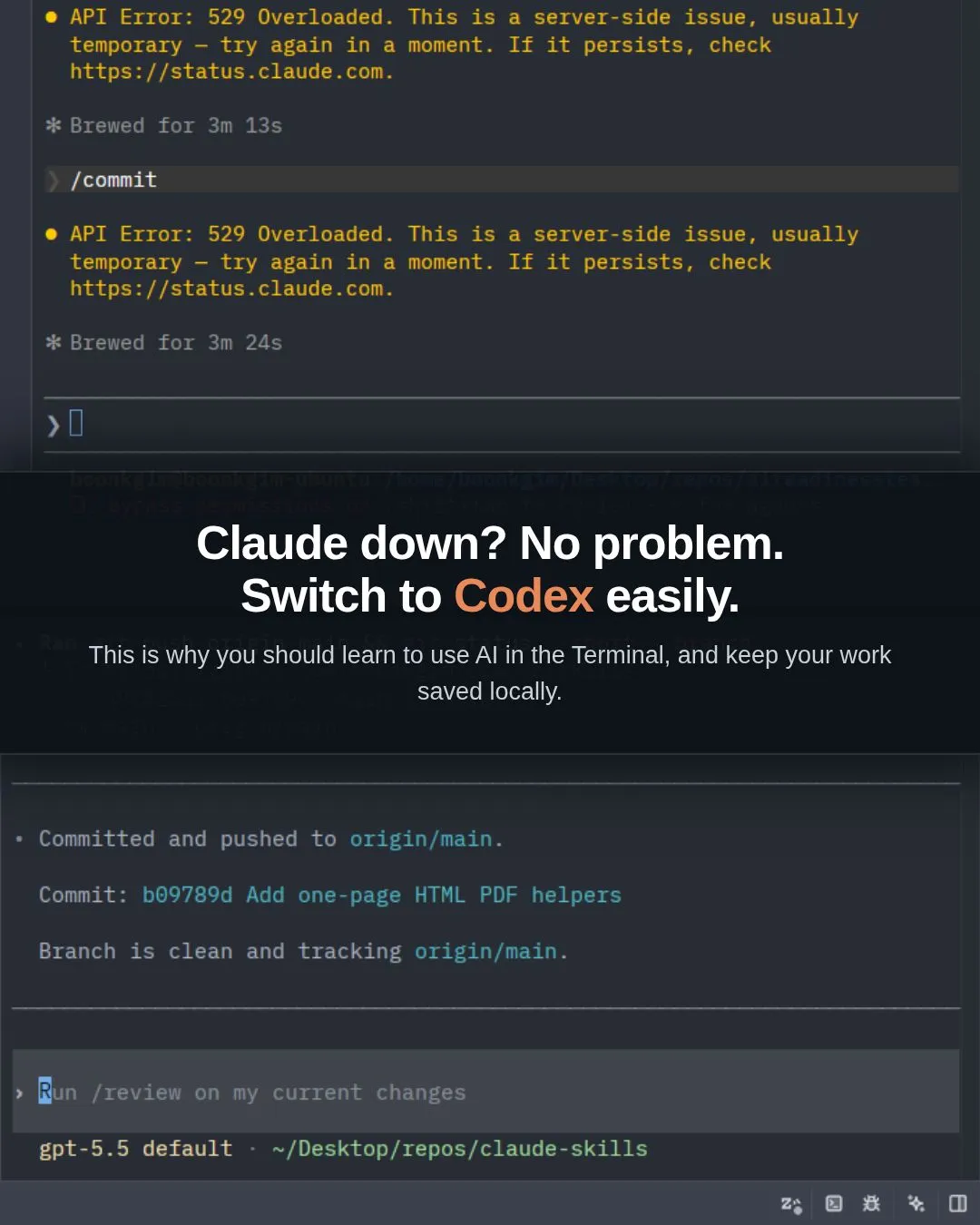
See the screenshot. When Claude is down, I launch Codex in the same Terminal and keep going.
—
- It is not as hard as you think.
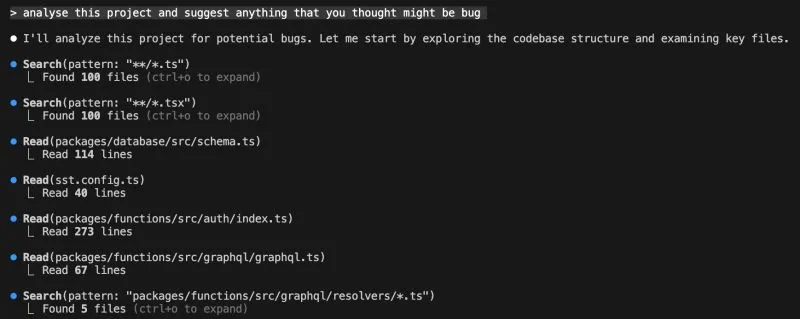
You are still chatting with AI. The difference is a dark screen (you can switch to light), a monospace font, and no mouse (recent Claude Code updates support the mouse too).
The look scares people more than the actual use. In my workshops, four cohorts of business professionals who had barely touched a Terminal shipped a live website within hours.
Real comments from several learners: “It’s easy and fun.” “So simple?”
—
If you are earlier in the journey, the dark screen is a mindset block, not a skill gap. Get past it and you get the most capable and robust way to work with AI, without betting on a single tool.
If you are a business professional who wants to learn to use Claude Code in the Terminal, I run a Foundations of Claude Code workshop. The next two cohorts are on 2 July (2 seats left) and 16 July.
Details: https://lnkd.in/e9r8kScw
#AI #ClaudeCode #VibeCoding #AIAgents #BuildInPublic
Enjoyed this? Subscribe for more.
Practical insights on AI, growth, and independent learning. No spam.
More in Vibe Coding

Ten more websites went live this week from my Foundations of Claude Code workshop.
Check out what they built and vote for your favourite in the comments to help them win a portable monitor.

"Why is my Claude Code different from his Claude Code, even though both of us are using VS Code?"
This is one of the questions I get from my Claude Code workshop for non-techies.
How Do I Install Claude Code as a Complete Beginner? A Sub-Zero to Hero Guide
2 months ago, a friend asked me what AI tool he should learn.
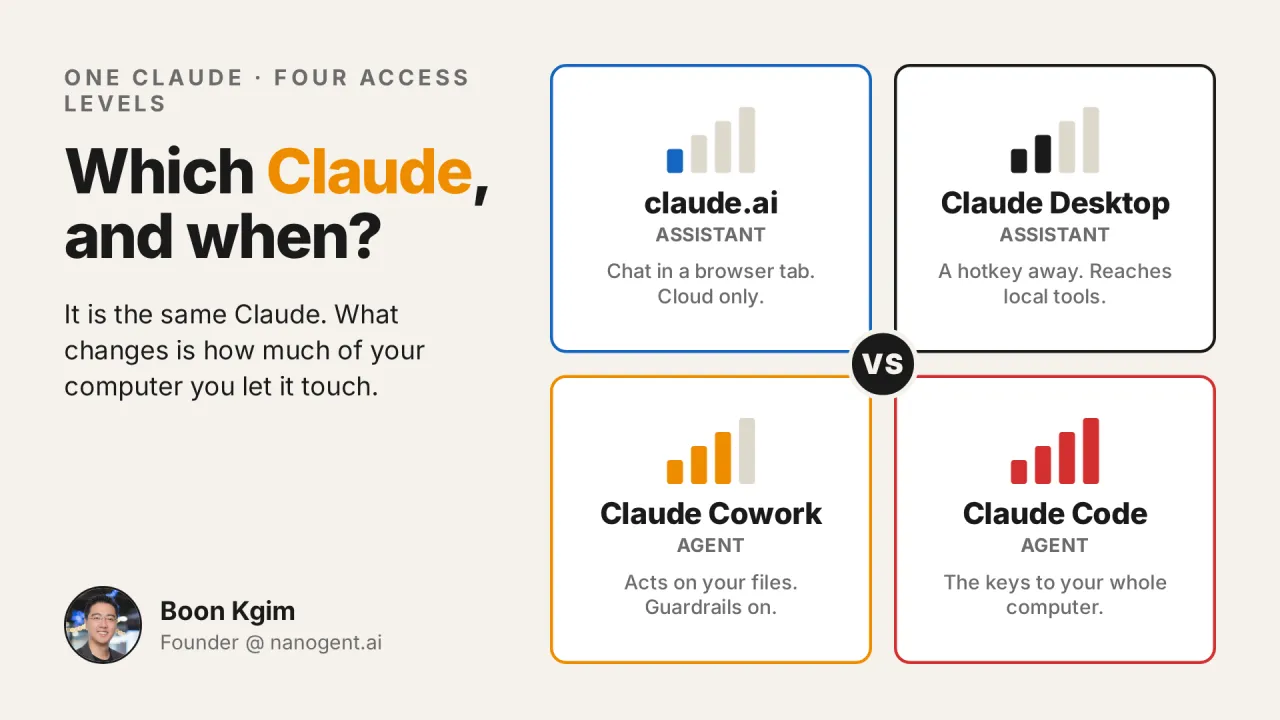
Claude.ai, Claude Desktop, Cowork, or Claude Code: which one should you use, and when? And why is Claude Code not only for coding?
I get this question a lot, in workshops, in my DMs, and in offline conversations.
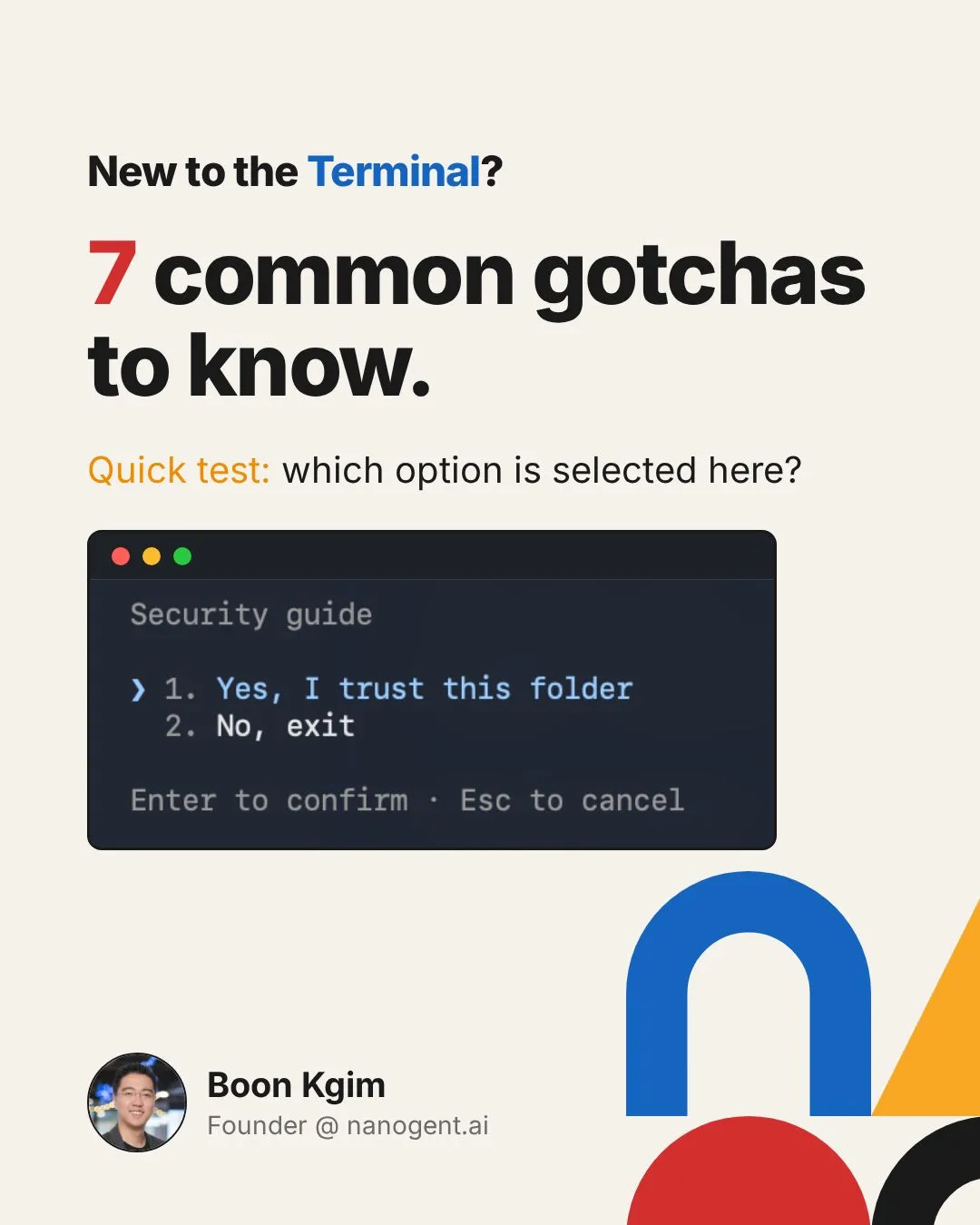
After running 5 workshops for non-techies and "forcing" them to use Terminal / PowerShell, I have a...
1. Trying to use the mouse.
Vibe coding is a double-edged sword.
In the wrong hands, it's a security nightmare. In the right hands, it's a powerful security assistant.
Ten more websites went live this week from my Foundations of Claude Code workshop.
Check out what they built and vote for your favourite in the comments to help them win a portable monitor.
Claude.ai, Claude Desktop, Cowork, or Claude Code: which one should you use, and when? And why is Claude Code not only for coding?
I get this question a lot, in workshops, in my DMs, and in offline conversations.
Vibe coding is a double-edged sword.
In the wrong hands, it's a security nightmare. In the right hands, it's a powerful security assistant.
"Why is my Claude Code different from his Claude Code, even though both of us are using VS Code?"
This is one of the questions I get from my Claude Code workshop for non-techies.
How Do I Install Claude Code as a Complete Beginner? A Sub-Zero to Hero Guide
2 months ago, a friend asked me what AI tool he should learn.
After running 5 workshops for non-techies and "forcing" them to use Terminal / PowerShell, I have a...
1. Trying to use the mouse.