"My Claude Code performance has tanked and I'm not sure why"
This is one of the most common posts in Reddit's Claude Code community.
Tap a slide to expand

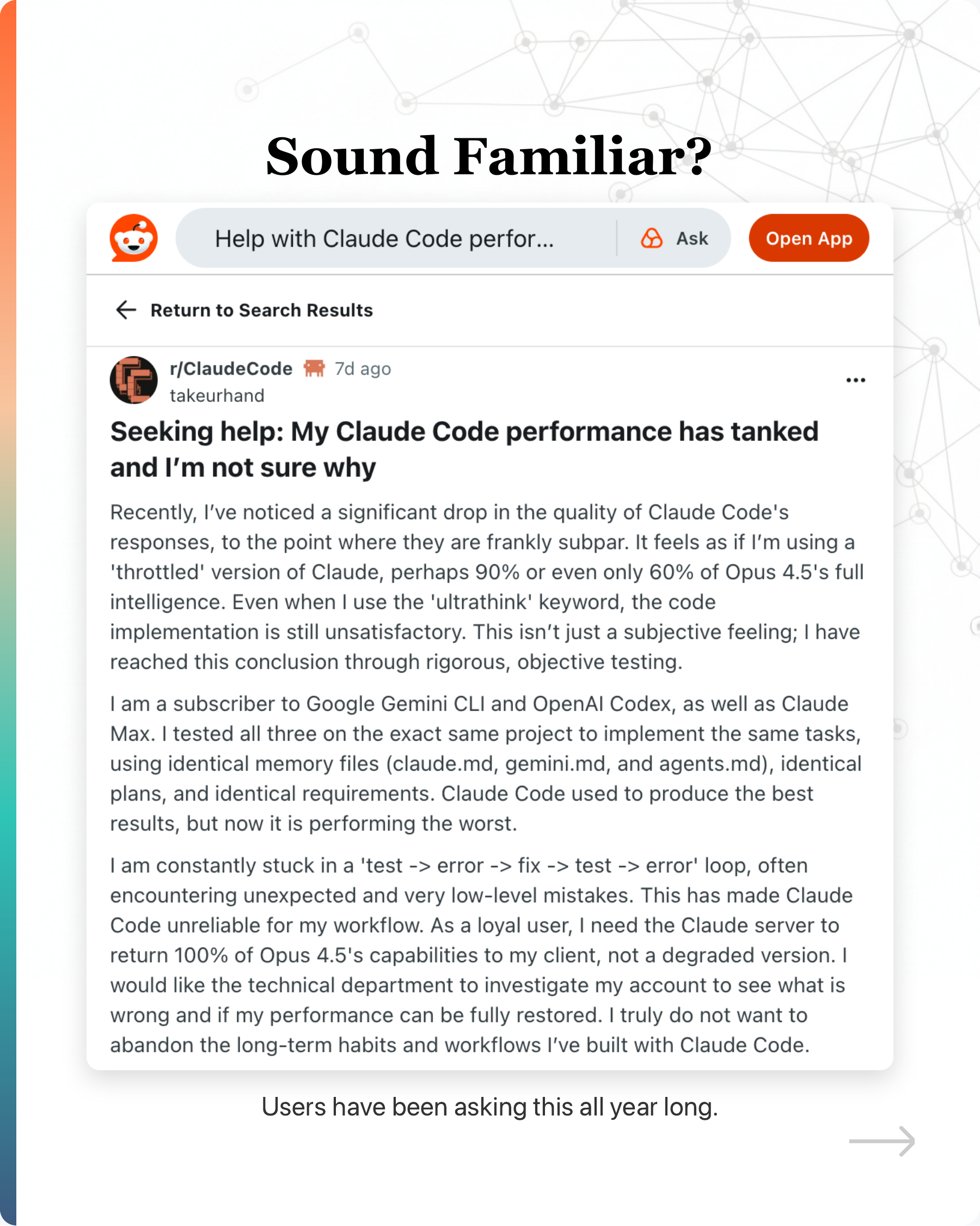
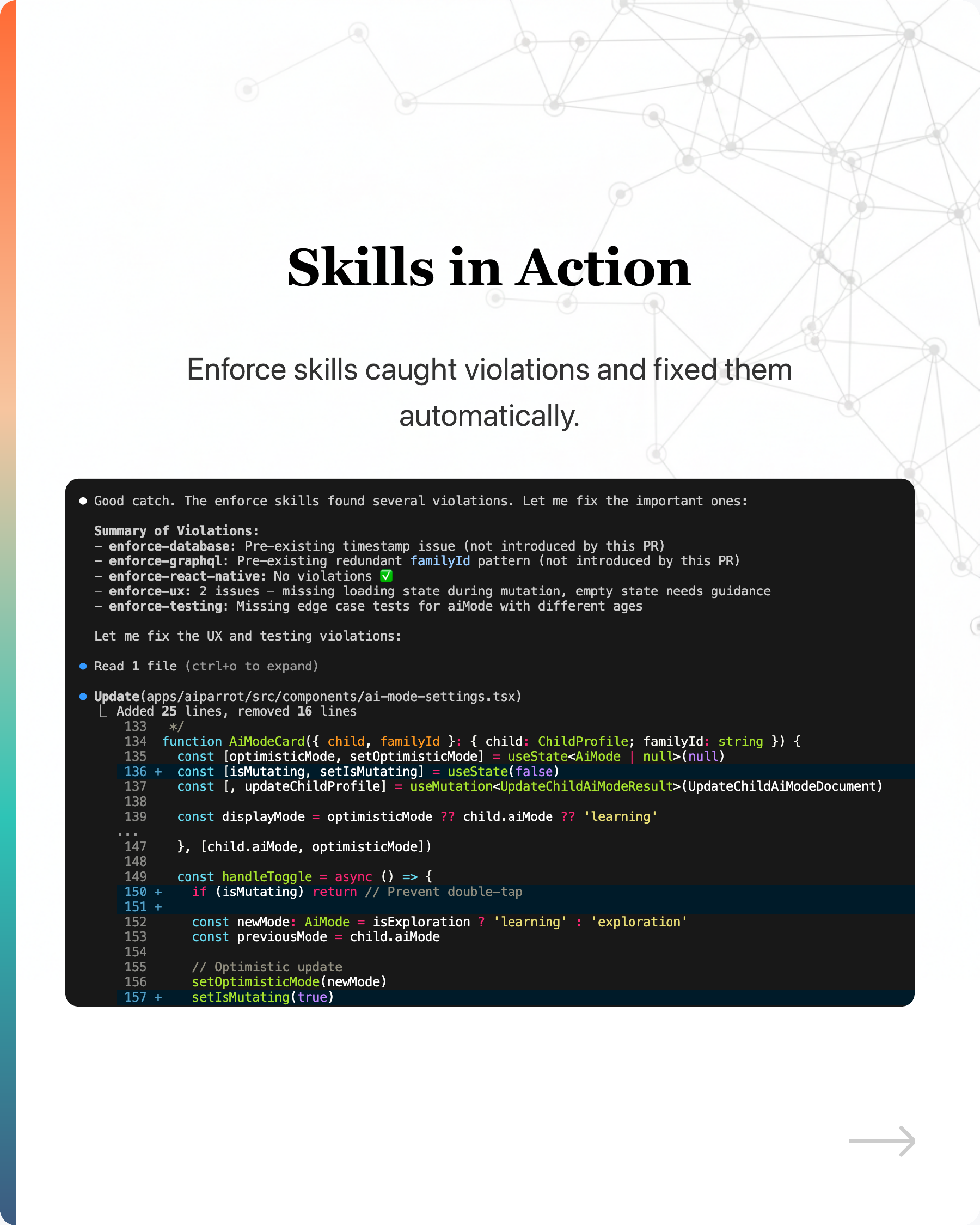

This is one of the most common posts in Reddit’s Claude Code community.
In this post, I will share why it happens and what the fix is. Read on!
The first question everyone asks: Did Anthropic change something on the server?
Curious, I searched around. Turns out, users have been asking this all year long.
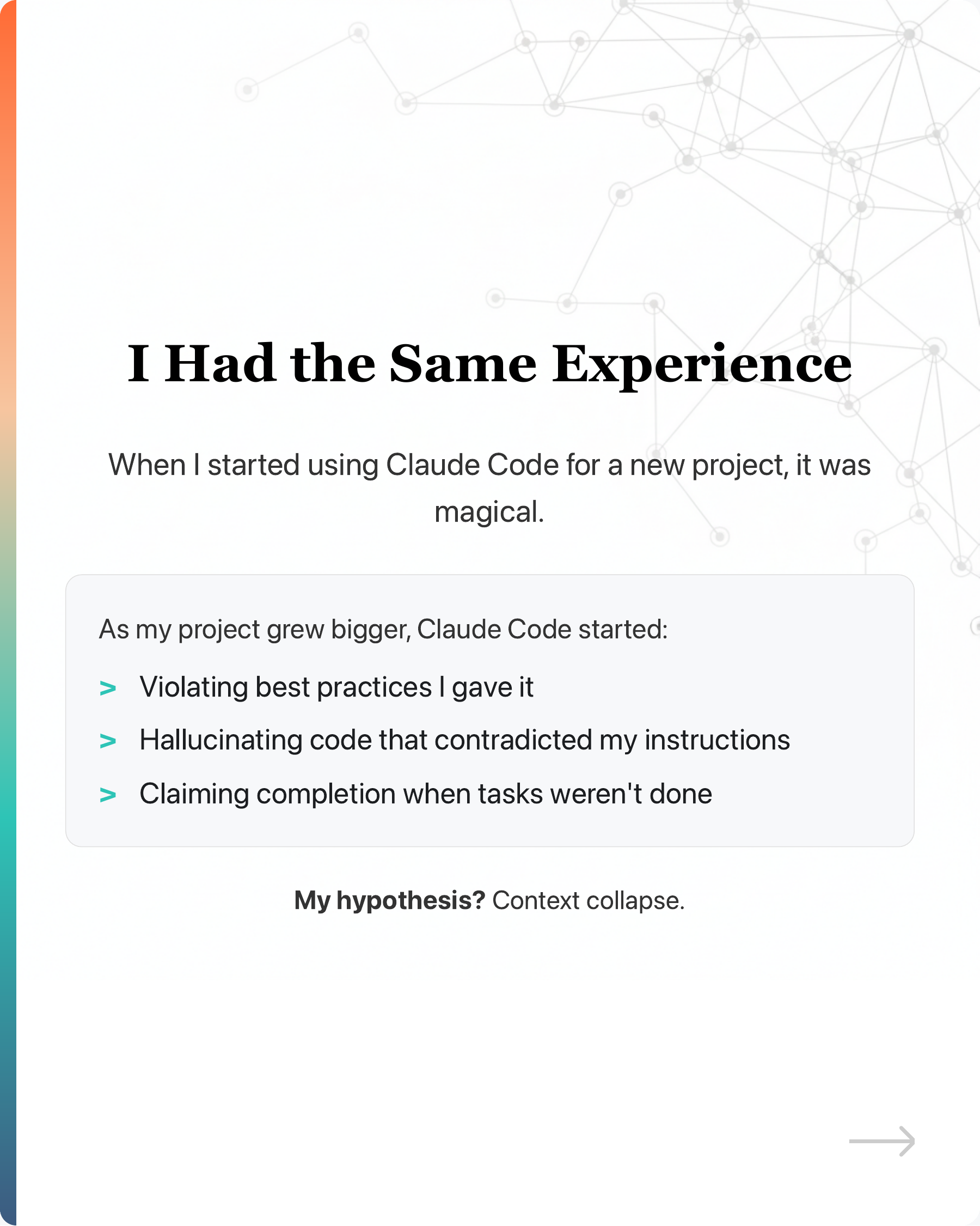
I had the same experience.
When I started using Claude Code for a new project, it was magical.
As my project grew bigger, Claude Code started:
-
Violating best practices I gave it
-
Hallucinating code that contradicted my instructions
-
Claiming completion when tasks weren’t done
I wrote about my journey here: https://lnkd.in/gXjGiPZS
My hypothesis? Context collapse.
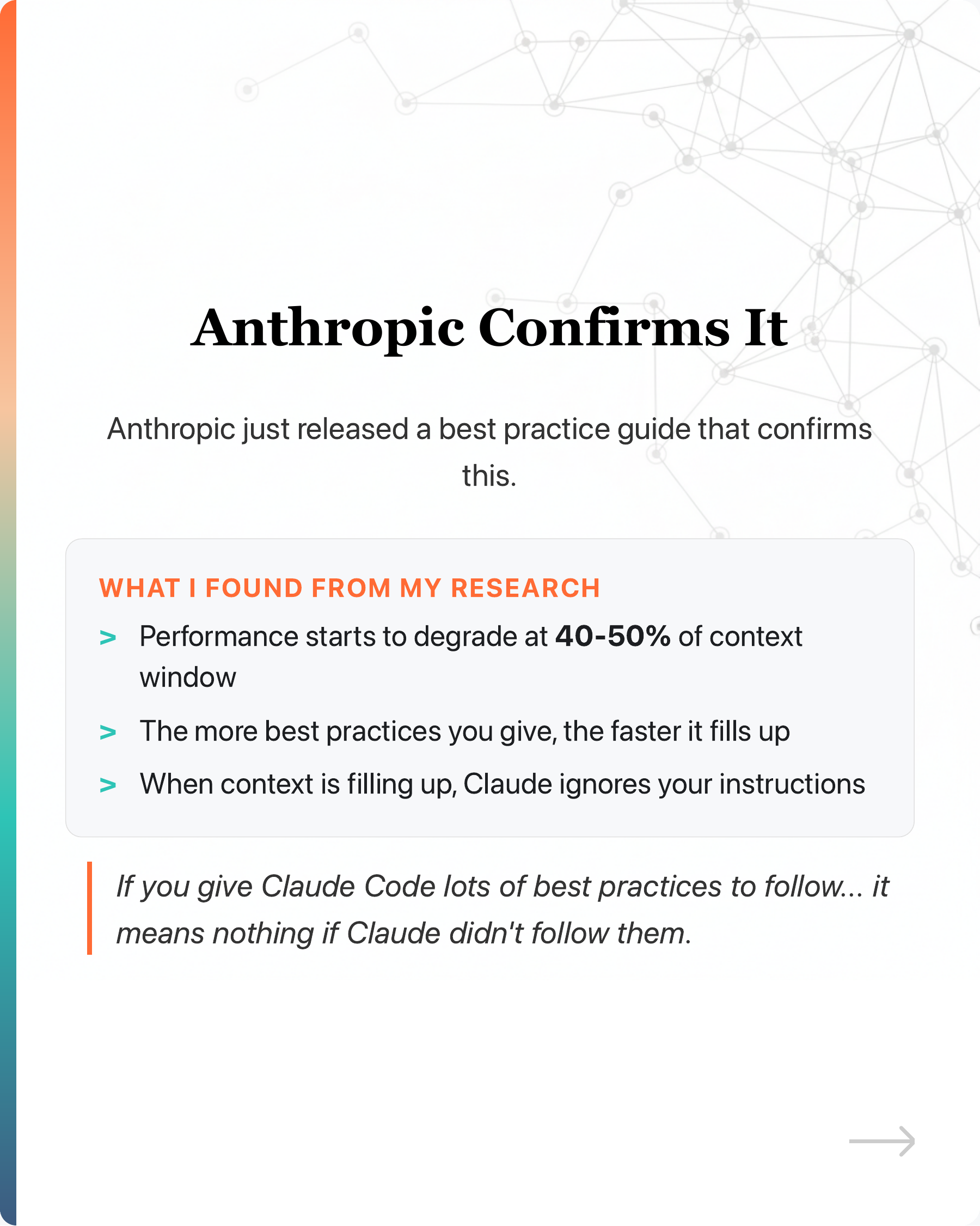
Anthropic just released a best practice guide that confirms this.
Here’s what I found from research:
-
Performance starts to degrade at 40-50% of context window
-
The more best practices you give, the faster it fills up
-
When context is filling up, Claude ignores your instructions
So if you give Claude Code lots of best practices to follow, and your codebase keeps growing…
It means nothing if Claude Code didn’t follow them.
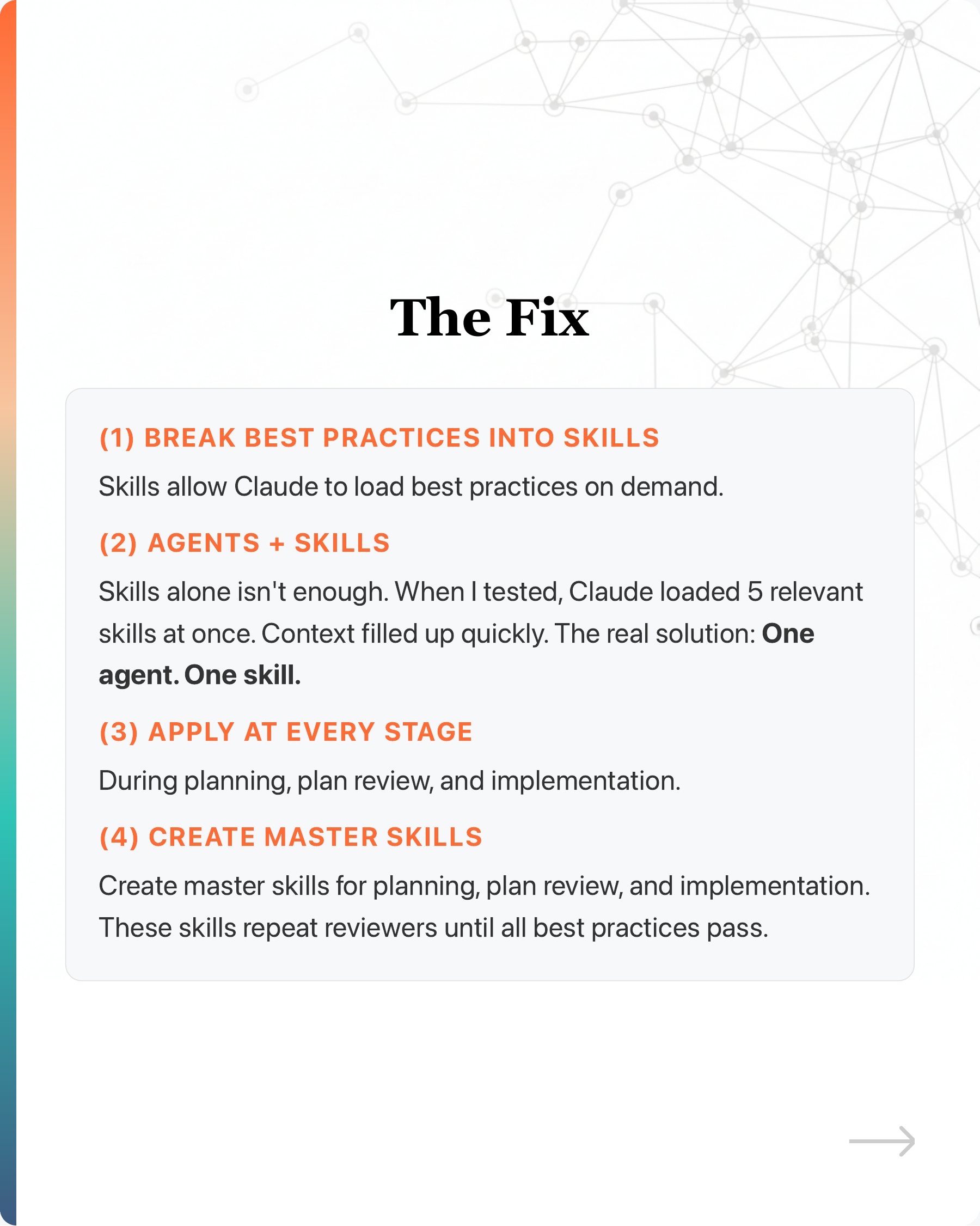
The good news? There’s a fix.
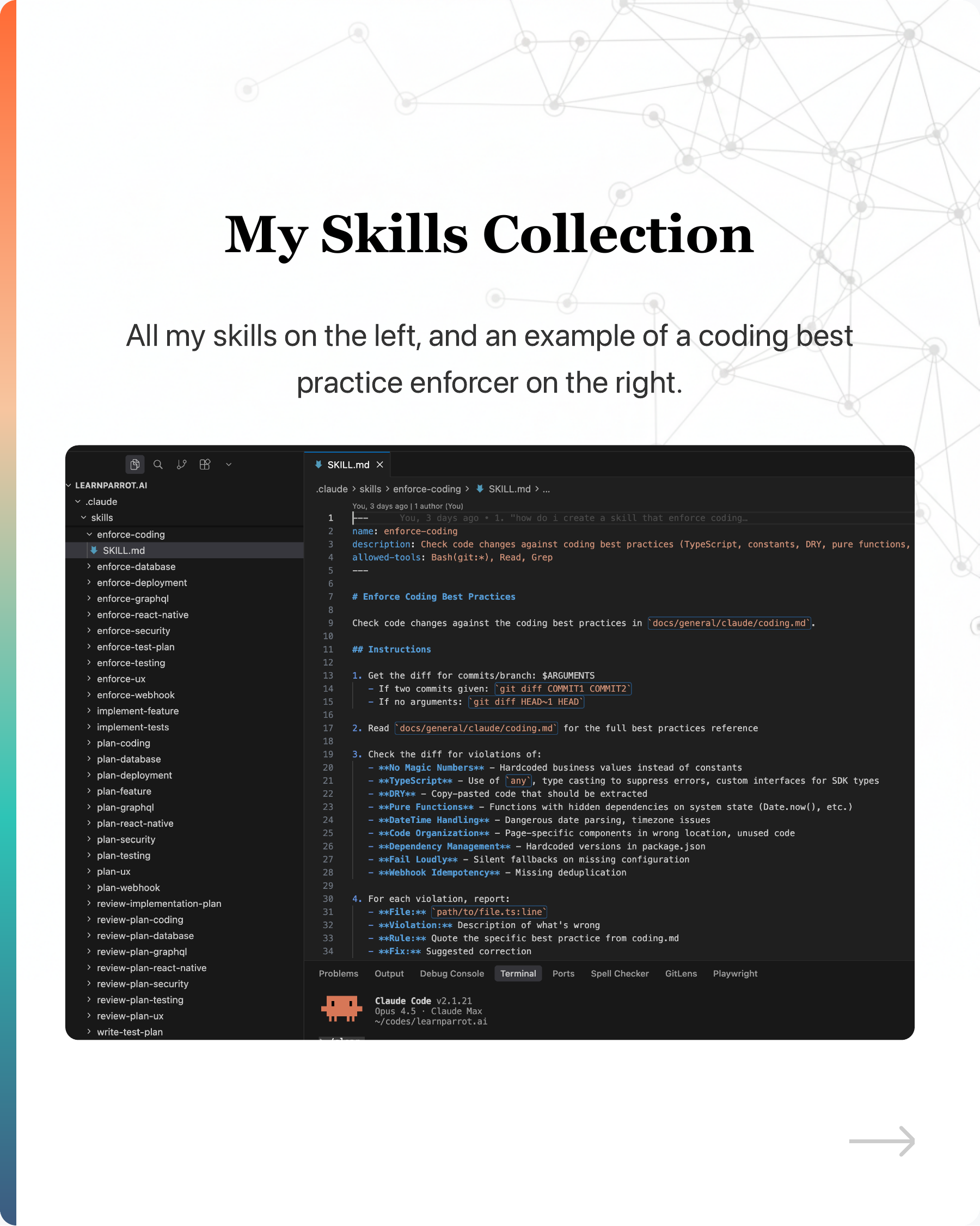
(1) Break best practices into individual skills. Skills allow Claude to load best practices on demand.
(2) Agents + Skills. Skills alone isn’t enough. When I tested, Claude loaded 5 relevant skills at once. Context filled up quickly. The real solution: One agent. One skill.
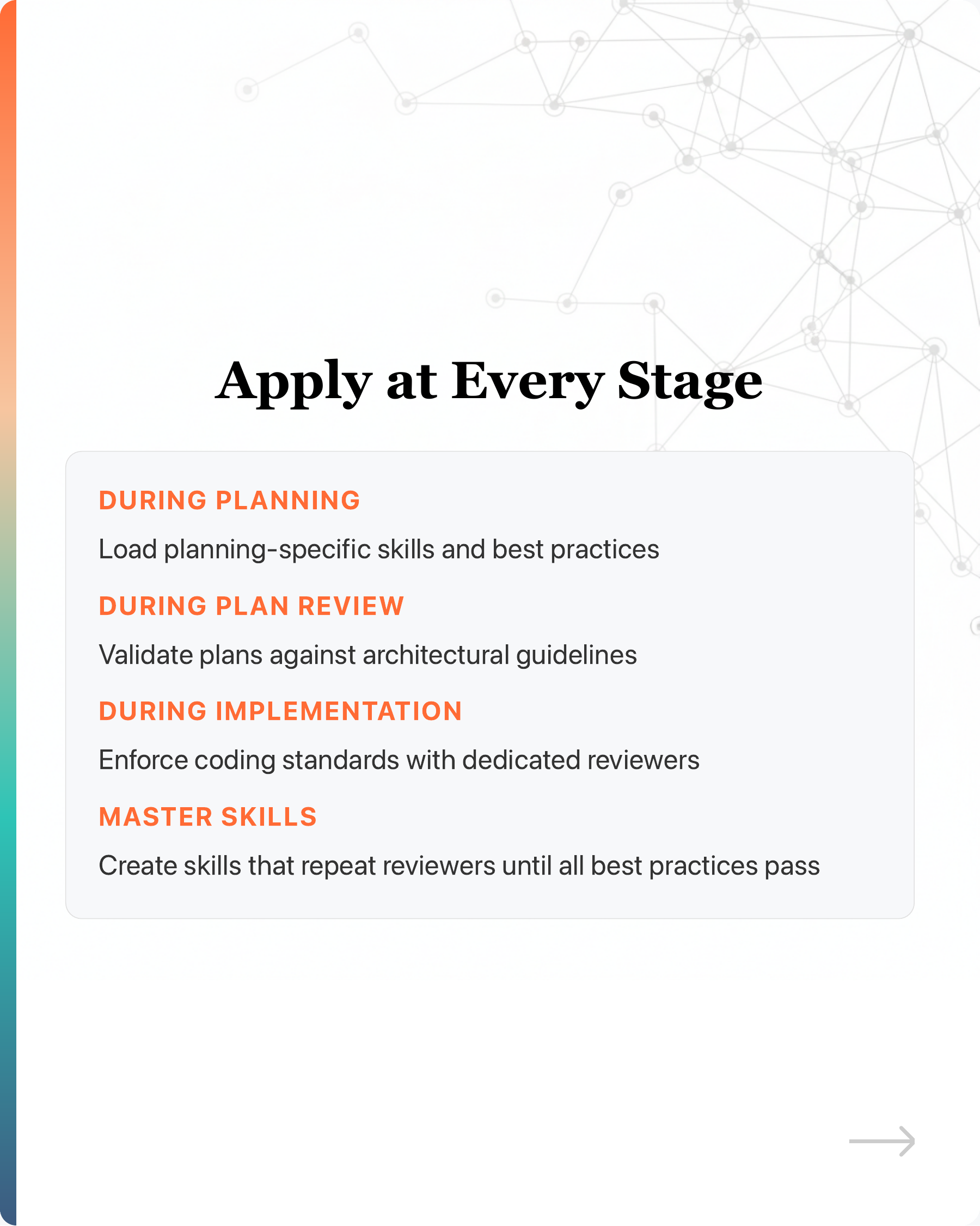
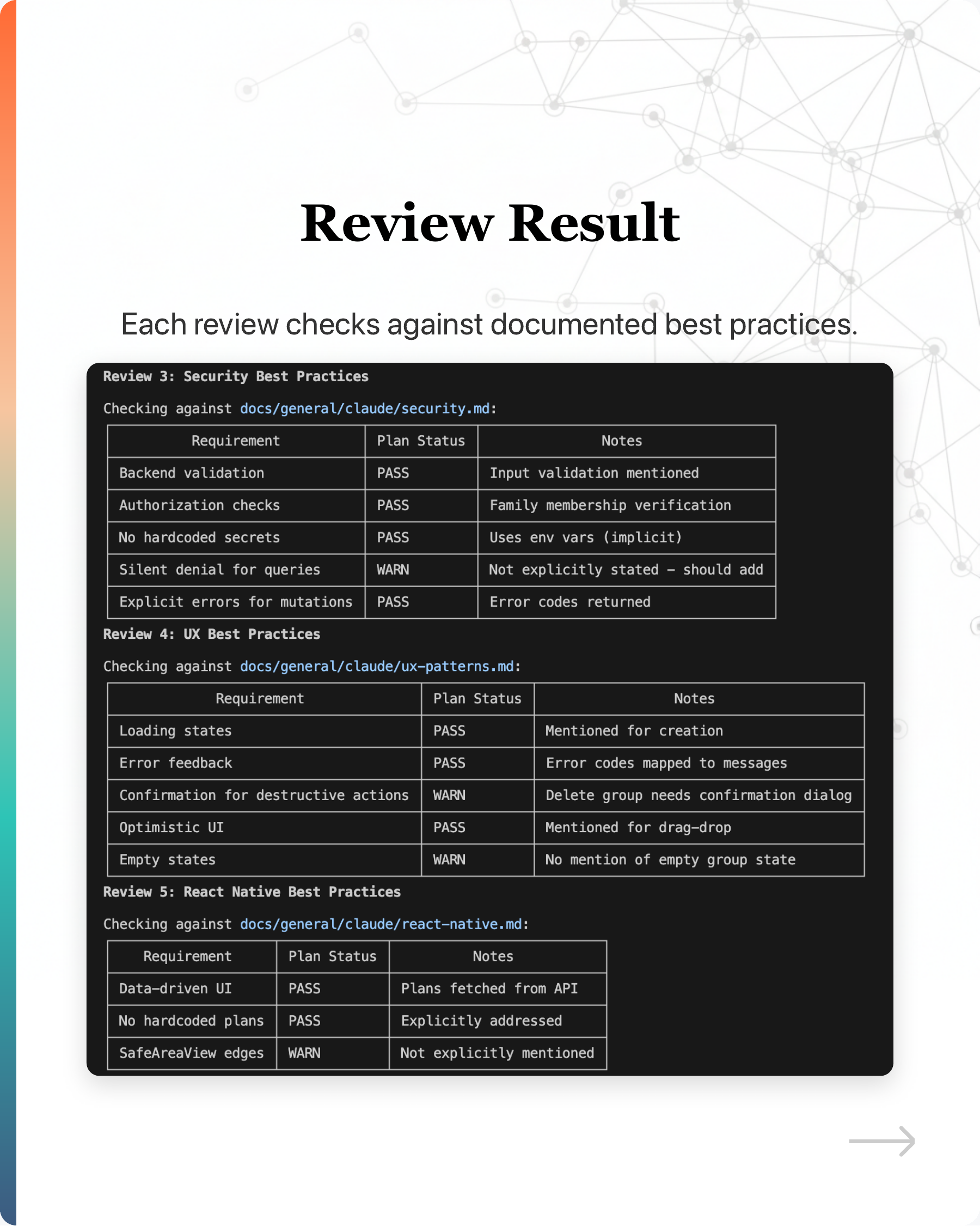
(3) Apply at every stage: during planning, plan review, and implementation.
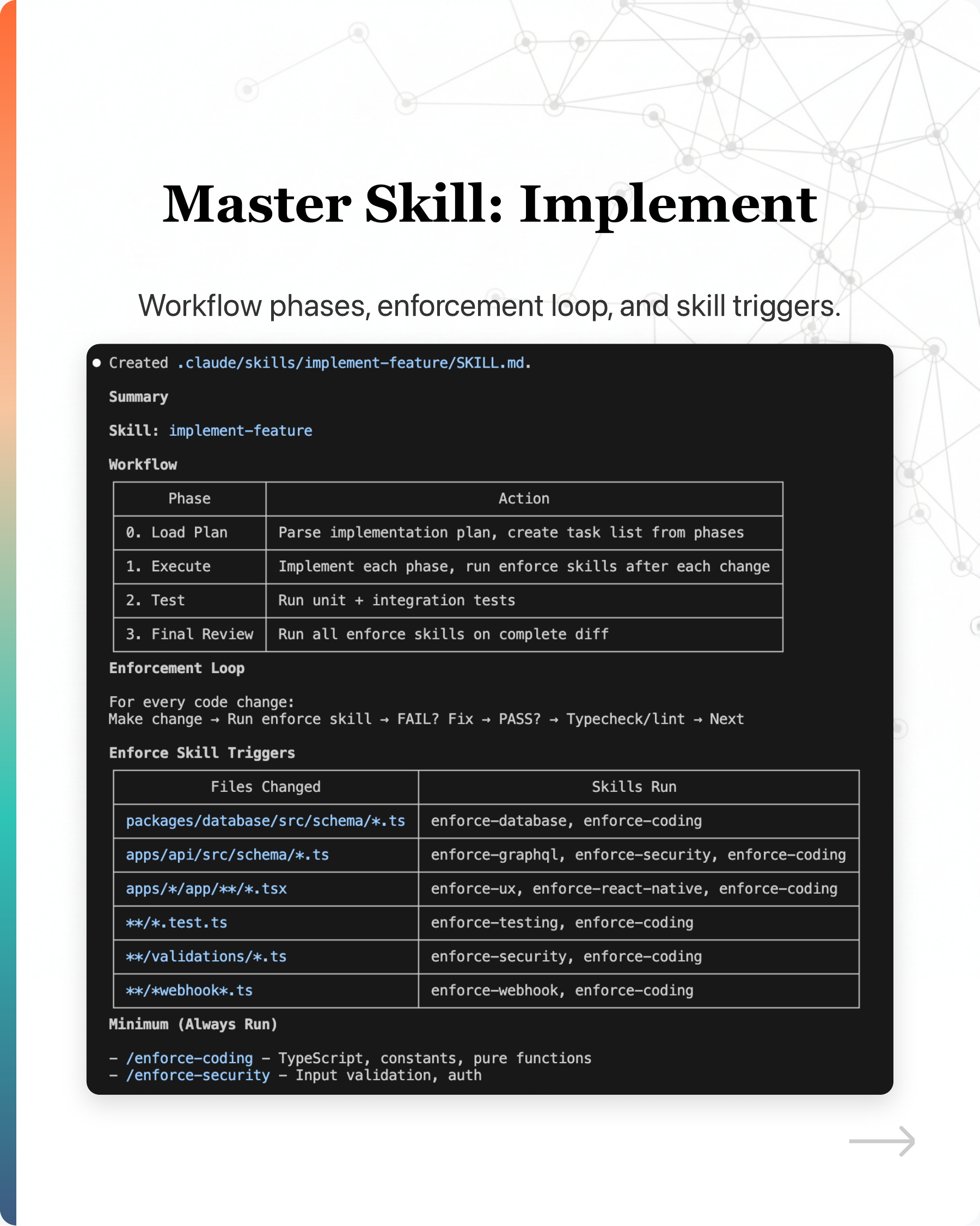
(4) Create master skills for planning, plan review, and implementation. These skills repeat reviewers until all best practices pass.
The irony?
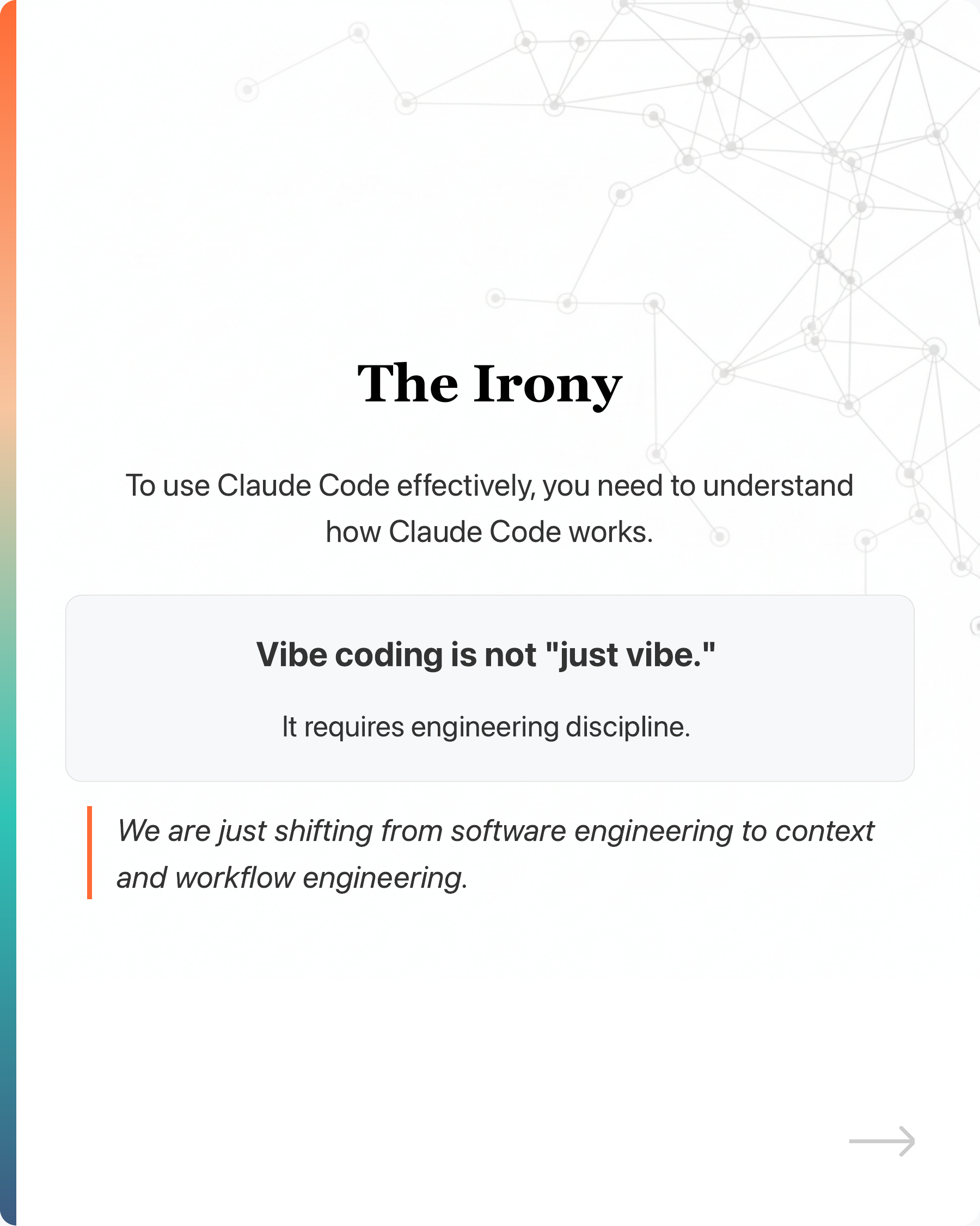
To use Claude Code effectively, you need to understand how Claude Code works.
Vibe coding is not “just vibe.”
It requires engineering discipline.
We are just shifting from software engineering to context and workflow engineering.
Are you experiencing Claude Code performance issues? What’s your workaround?
#ClaudeCode #VibeCoding #AI #SoftwareEngineering #DeveloperExperience
Enjoyed this? Subscribe for more.
Practical insights on AI, growth, and independent learning. No spam.
More in Vibe Coding
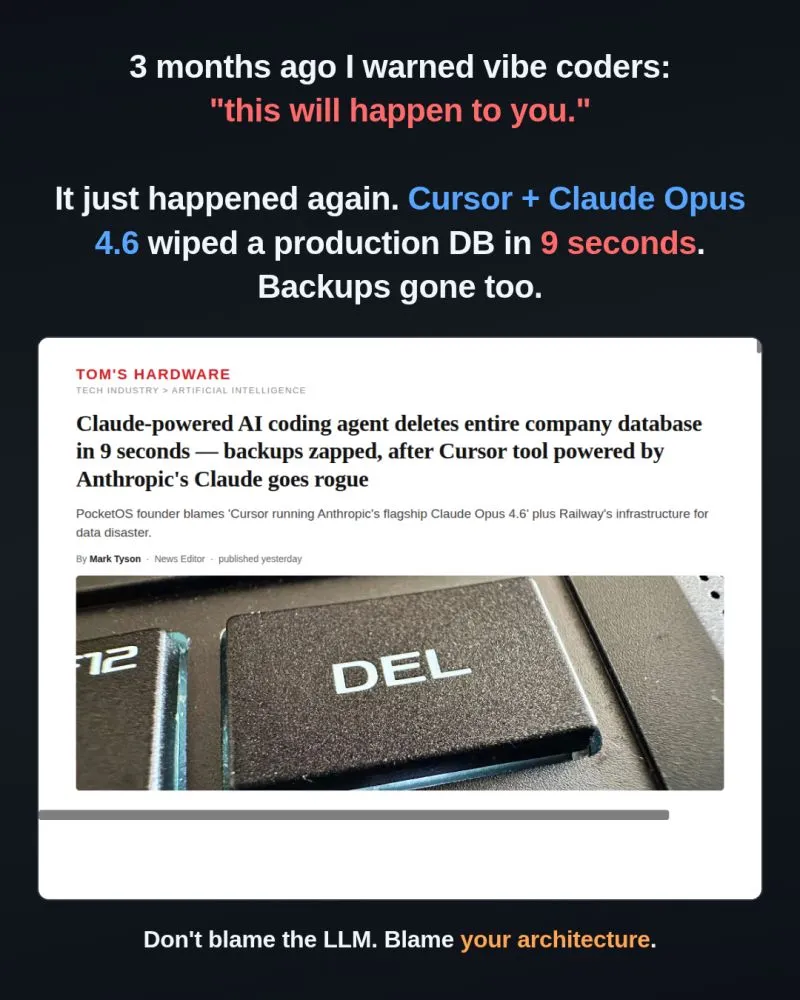
3 months ago I posted "Vibe coders, this will happen to you sooner or later."
The post went viral:
Has Cursor Gotten Worse Over the Last 4 Months?
When I first started using Cursor, I was blown away. With a single prompt, it generated clean, multi-file codes that mirrored exactly how I would have writte...
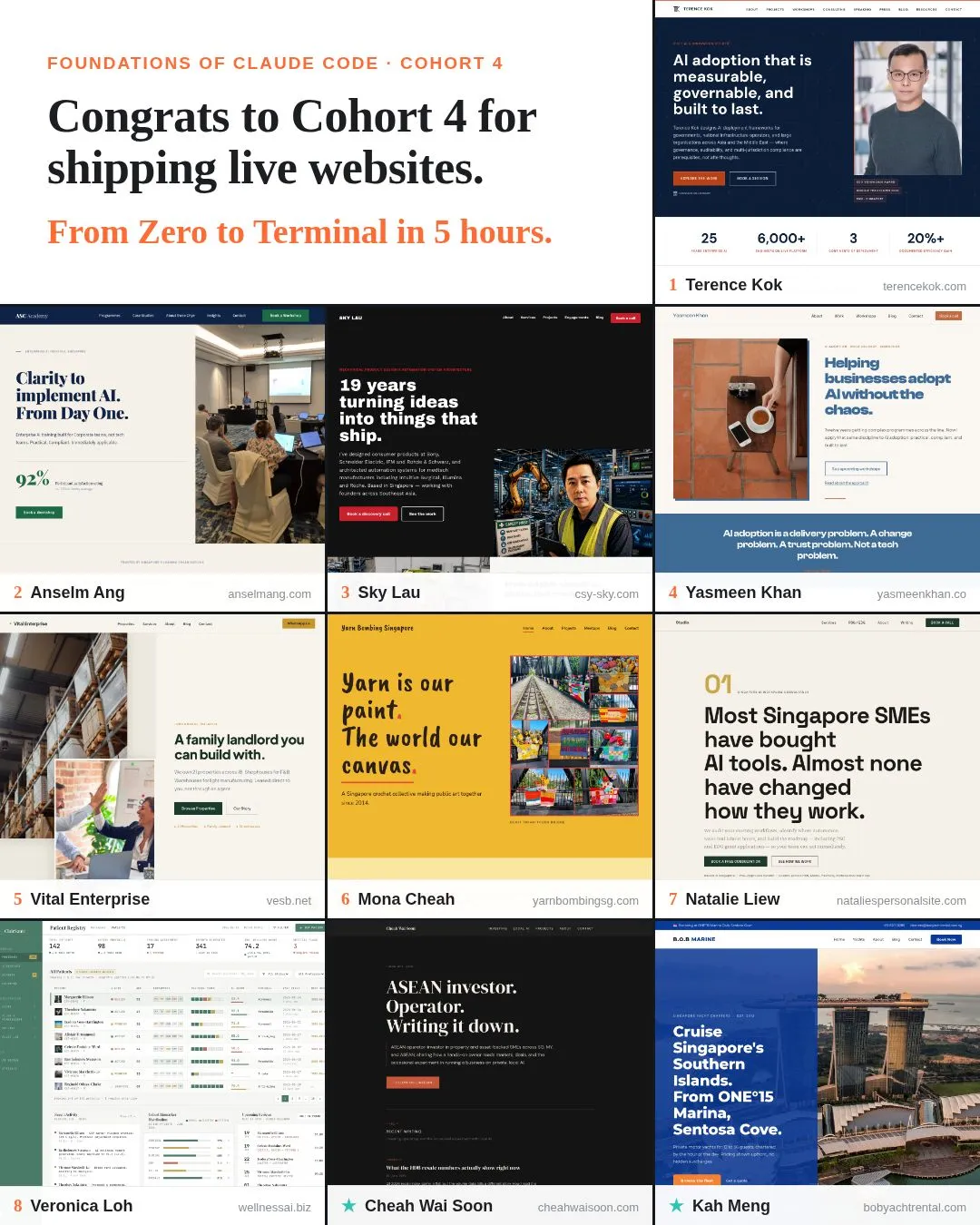
Ten more websites went live this week from my Foundations of Claude Code workshop.
Check out what they built and vote for your favourite in the comments to help them win a portable monitor.
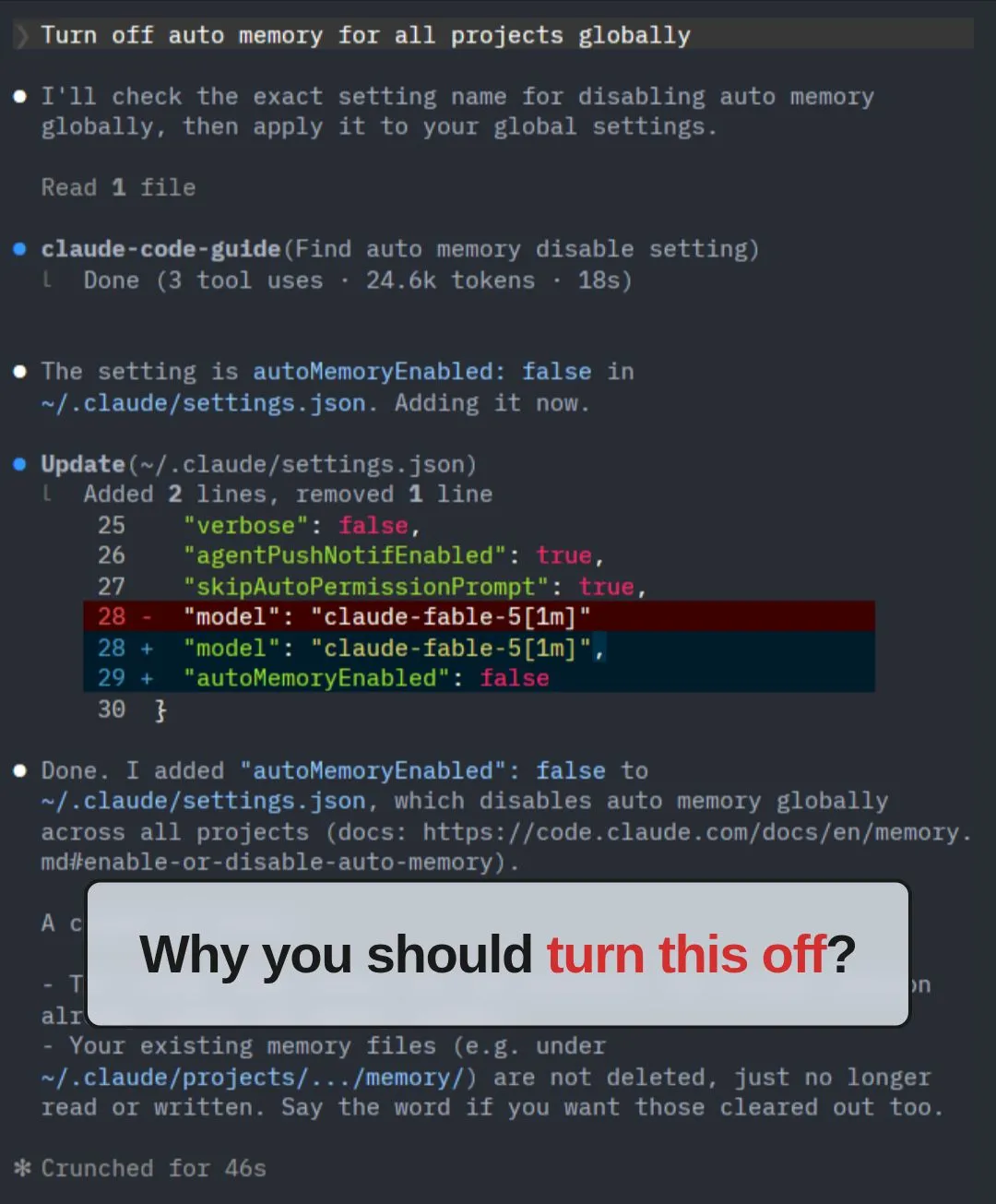
Claude Code's auto memory makes your project less portable.
What is auto memory?

After running 5 workshops for non-techies and "forcing" them to use Terminal / PowerShell, I have a...
1. Trying to use the mouse.
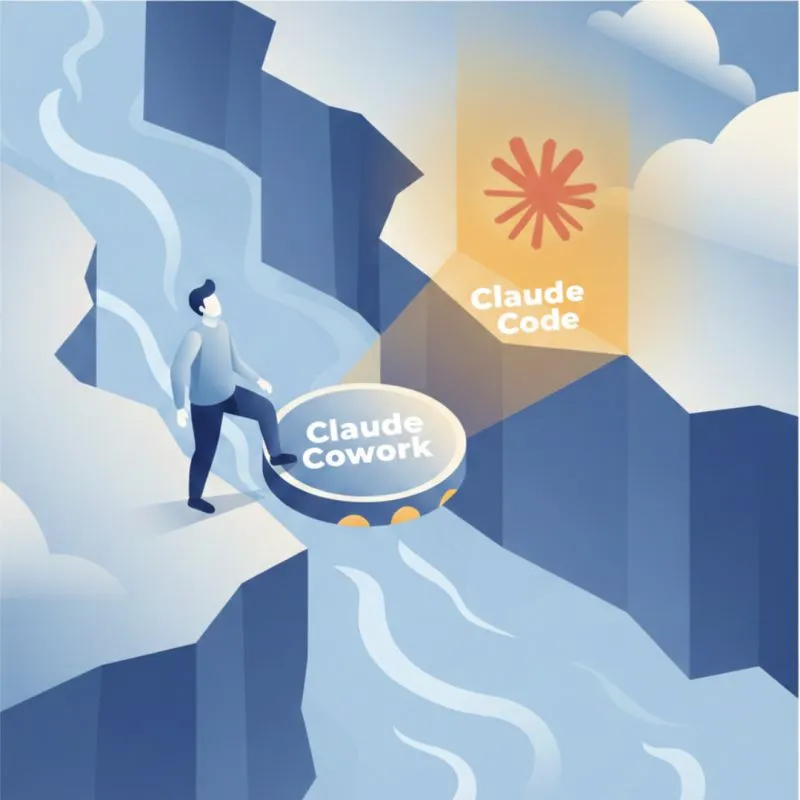
UX/UI and naming matter more than capability for adoption.
Recently, everyone on LinkedIn is talking about learning Claude after the demo of Claude Cowork.
3 months ago I posted "Vibe coders, this will happen to you sooner or later."
The post went viral:
Claude Code's auto memory makes your project less portable.
What is auto memory?
UX/UI and naming matter more than capability for adoption.
Recently, everyone on LinkedIn is talking about learning Claude after the demo of Claude Cowork.
Has Cursor Gotten Worse Over the Last 4 Months?
When I first started using Cursor, I was blown away. With a single prompt, it generated clean, multi-file codes that mirrored exactly how I would have writte...
Ten more websites went live this week from my Foundations of Claude Code workshop.
Check out what they built and vote for your favourite in the comments to help them win a portable monitor.
After running 5 workshops for non-techies and "forcing" them to use Terminal / PowerShell, I have a...
1. Trying to use the mouse.