Want to monitor your context window, session, and weekly limit in real time?
One of the lesser-known Claude Code features: you can customize your status line.
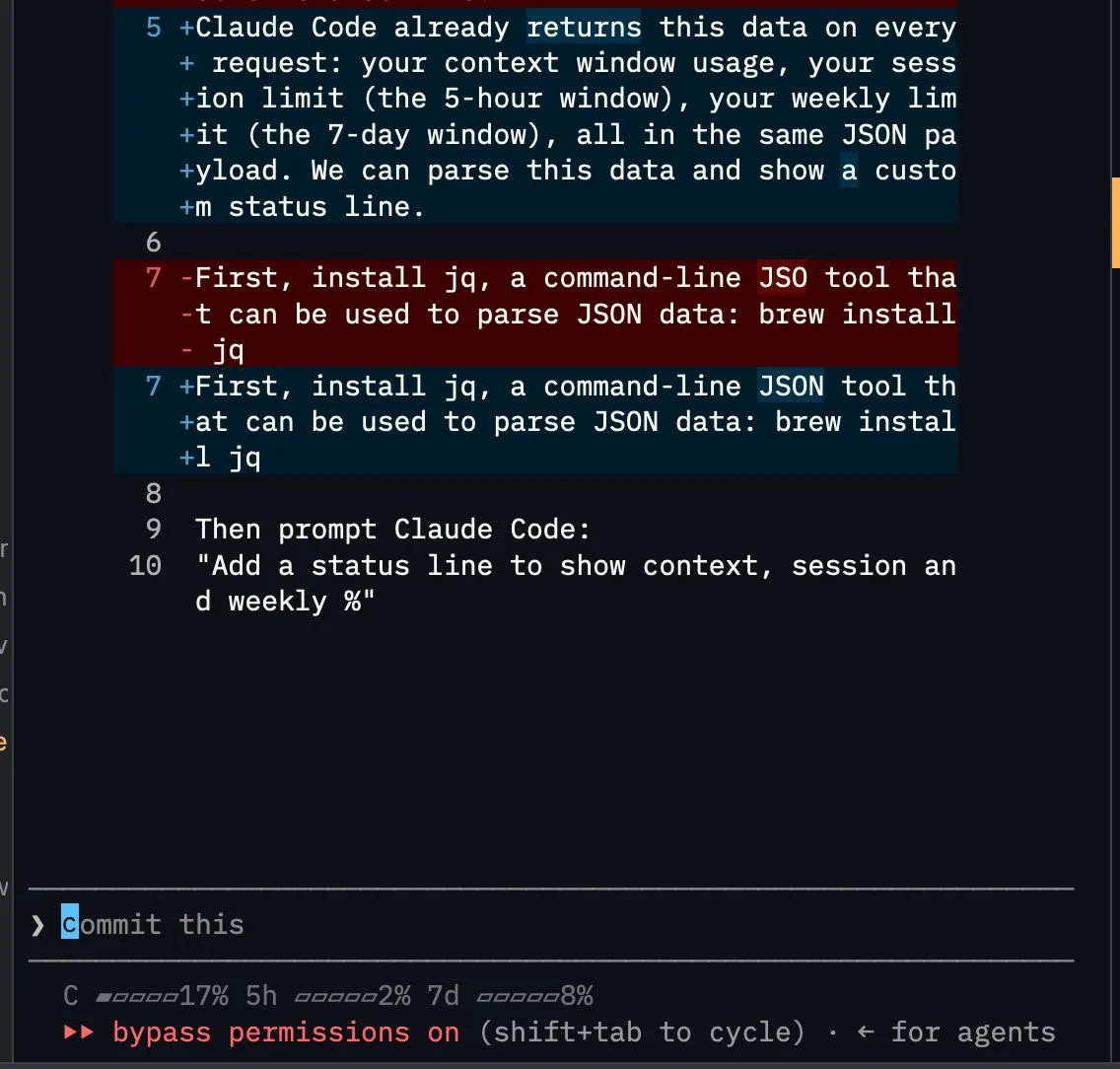
One of the lesser-known Claude Code features: you can customize your status line.
Claude Code already returns this data on every request: your context window usage, your session limit (the 5-hour window), your weekly limit (the 7-day window), all in the same JSON payload. We can parse this data and show a custom status line.
First, install jq, a command-line JSON tool that can be used to parse JSON data: brew install jq
Then prompt Claude Code:
“Add a status line to show context, session and weekly %”
To make it nicer:
“Show progress bar alongside with % using U+25B0 and U+25B1”
End result, sitting at the bottom of every session:
C ▰▰▱▱▱ 42% 5h ▰▰▰▱▱ 61% 7d ▰▱▱▱▱ 18%
One caveat: the session and weekly numbers only show up if you’re on a Claude.ai subscription plan, not pay-as-you-go API billing.
Wire this once. You’ll see exactly how much room is left in your context, your session, and your week, before you hit a wall mid-task.
#AI #ClaudeCode #VibeCoding #BuildInPublic #DeveloperTools
I conduct Foundational and Advanced Claude Code workshops for business professionals. Check out my workshops if you are looking to learn from a practitioner with 19 years of experience building tech.
Foundations: https://lnkd.in/e9r8kScw
Advanced: https://lnkd.in/eR6WPQnC
Enjoyed this? Subscribe for more.
Practical insights on AI, growth, and independent learning. No spam.
More in Vibe Coding
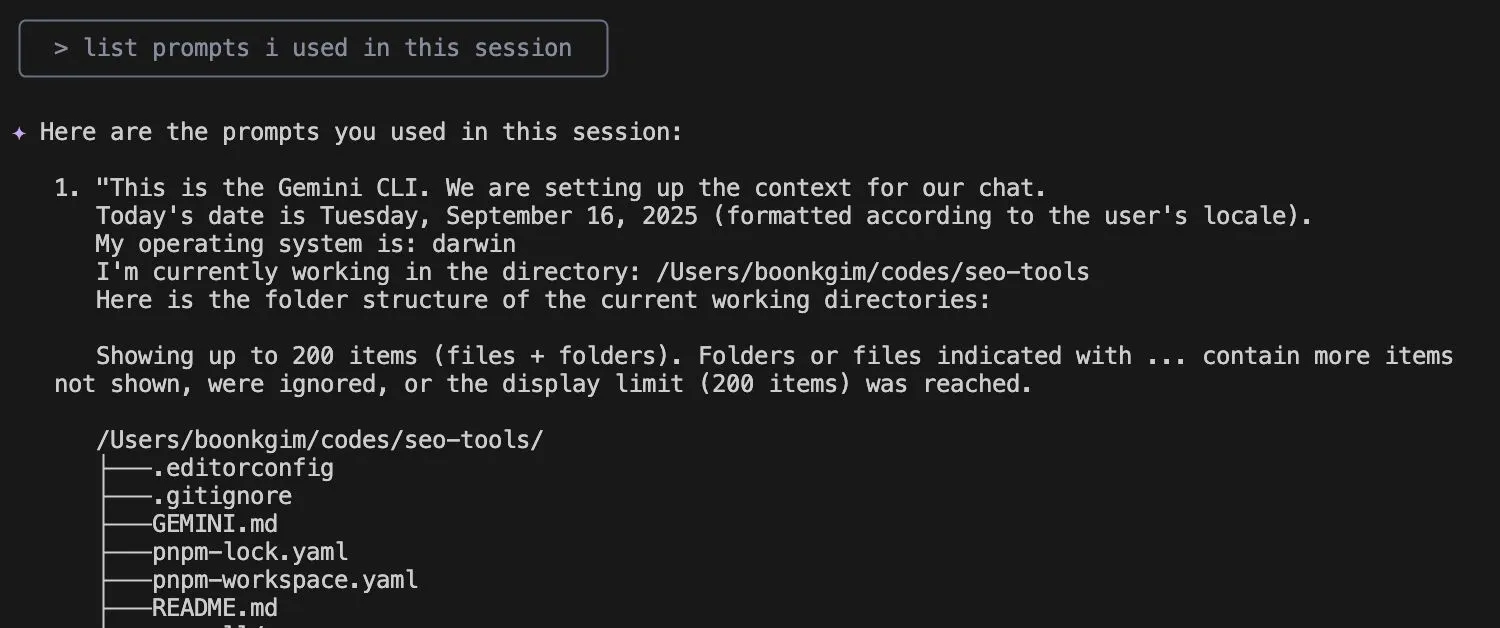
I used to spend extra time writing detailed comments in my Git commits.
Not just about what changed, but why — so my team could learn from the reasoning behind my code. It also serves as a reference for my future self.
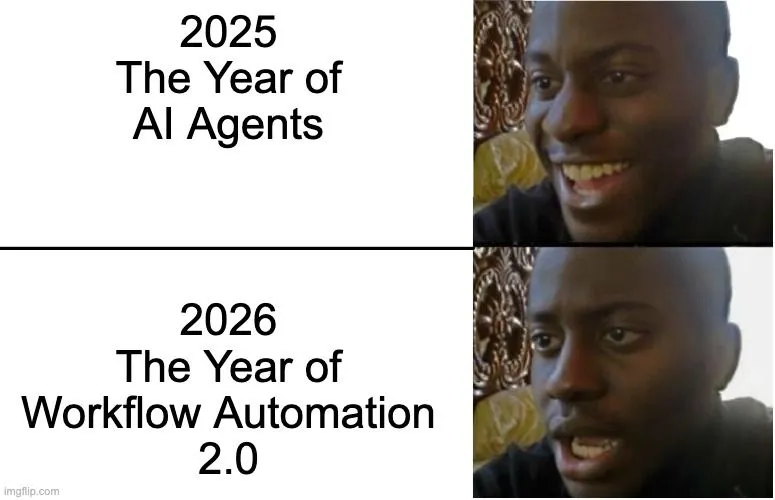
We were promised autonomous AI agents. But got Workflow Automation 2.0 instead.
2025: The Year of AI Agents 😄
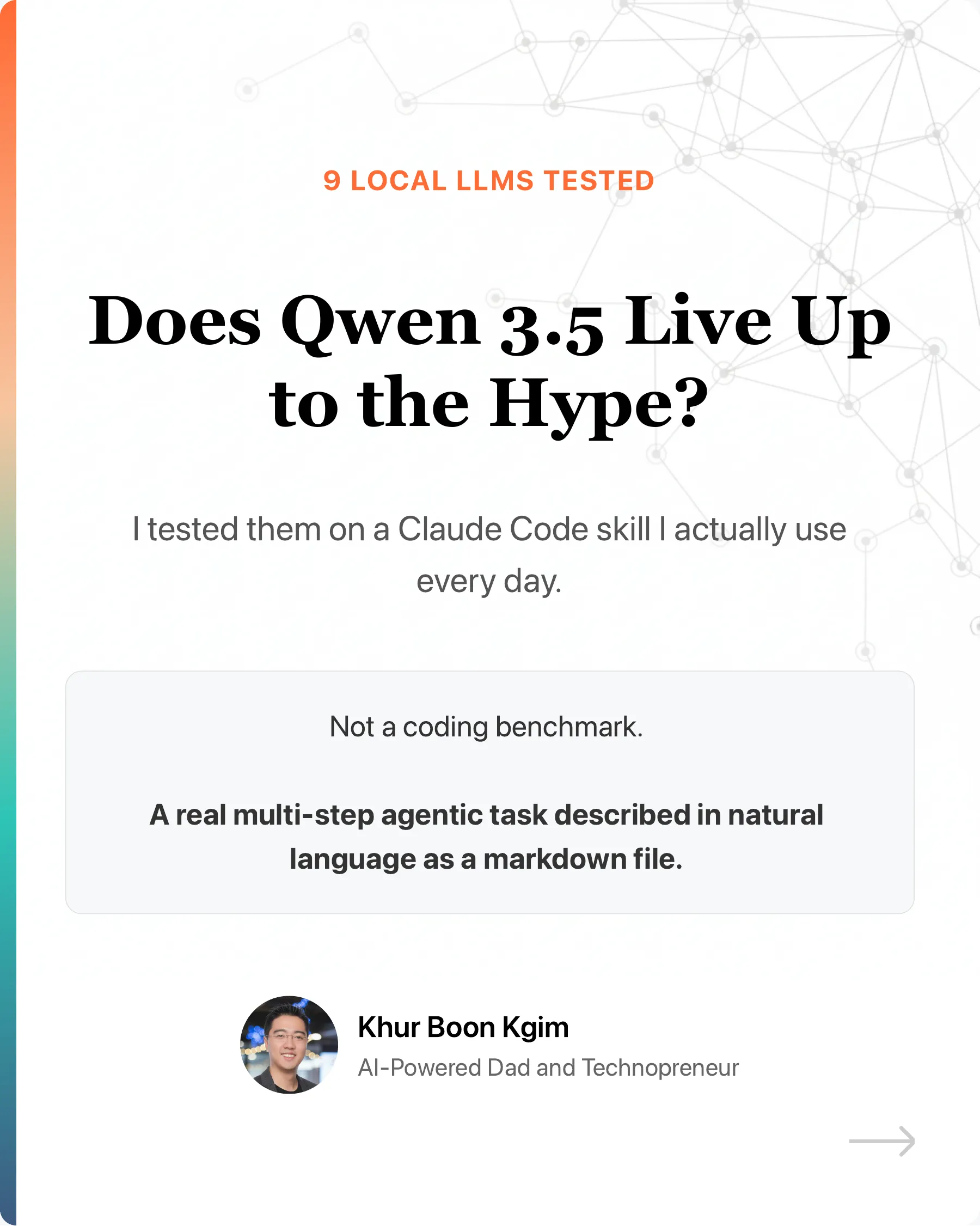
Does Qwen 3.5 live up to the hype?
I tested 9 local LLMs on a Claude Code skill I actually use every day. Not a coding benchmark. A real multi-step agentic task described in natural language a...
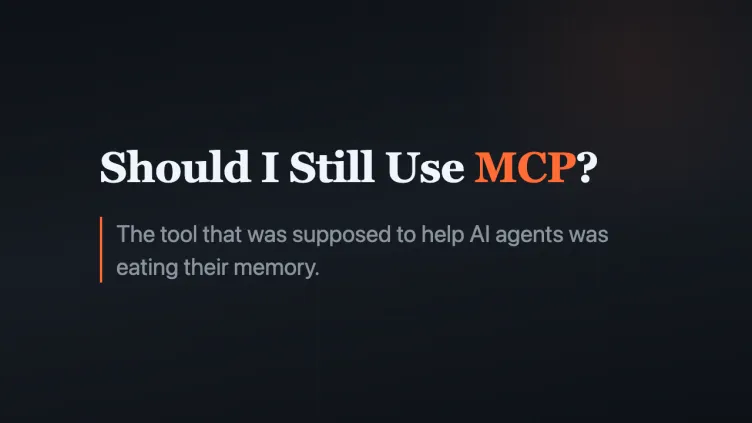
Should I Still Use MCP? Is MCP Dead?
So I thought it is good to write about it, especially for a non-tech audience who are curious.
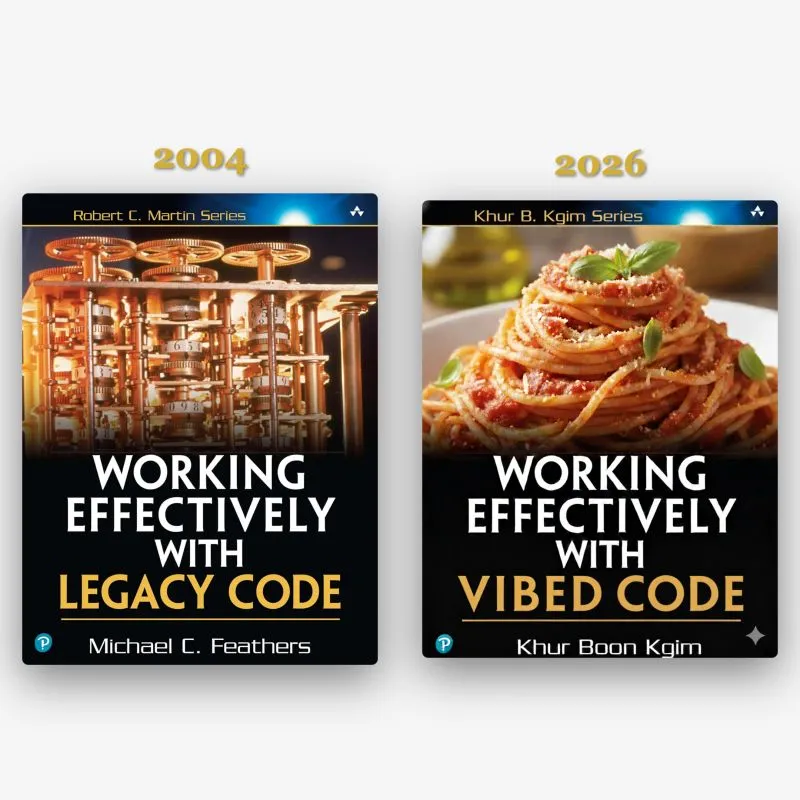
Announcing my new book proposal:
📚 Working Effectively with Vibed Code
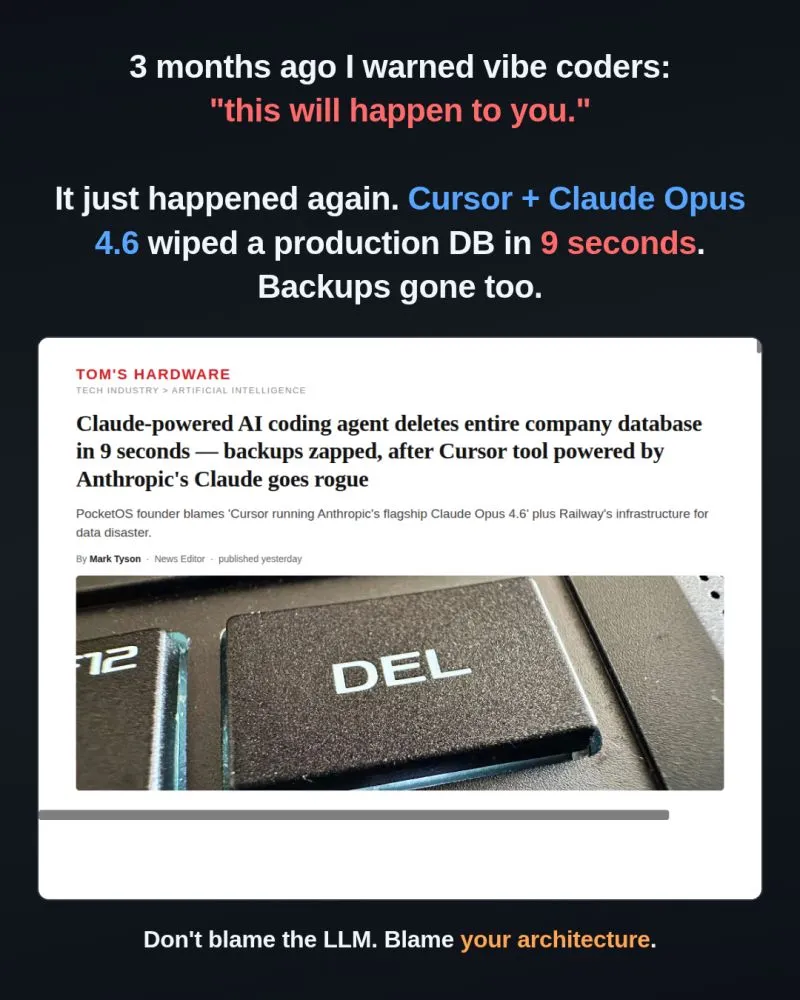
3 months ago I posted "Vibe coders, this will happen to you sooner or later."
The post went viral:
I used to spend extra time writing detailed comments in my Git commits.
Not just about what changed, but why — so my team could learn from the reasoning behind my code. It also serves as a reference for my future self.
Does Qwen 3.5 live up to the hype?
I tested 9 local LLMs on a Claude Code skill I actually use every day. Not a coding benchmark. A real multi-step agentic task described in natural language a...
3 months ago I posted "Vibe coders, this will happen to you sooner or later."
The post went viral:
We were promised autonomous AI agents. But got Workflow Automation 2.0 instead.
2025: The Year of AI Agents 😄
Should I Still Use MCP? Is MCP Dead?
So I thought it is good to write about it, especially for a non-tech audience who are curious.
Announcing my new book proposal:
📚 Working Effectively with Vibed Code