Create a Free LinkedIn Carousel with Vibe Coding
(See the carousel below that I created for one of my posts)
Tap a slide to expand

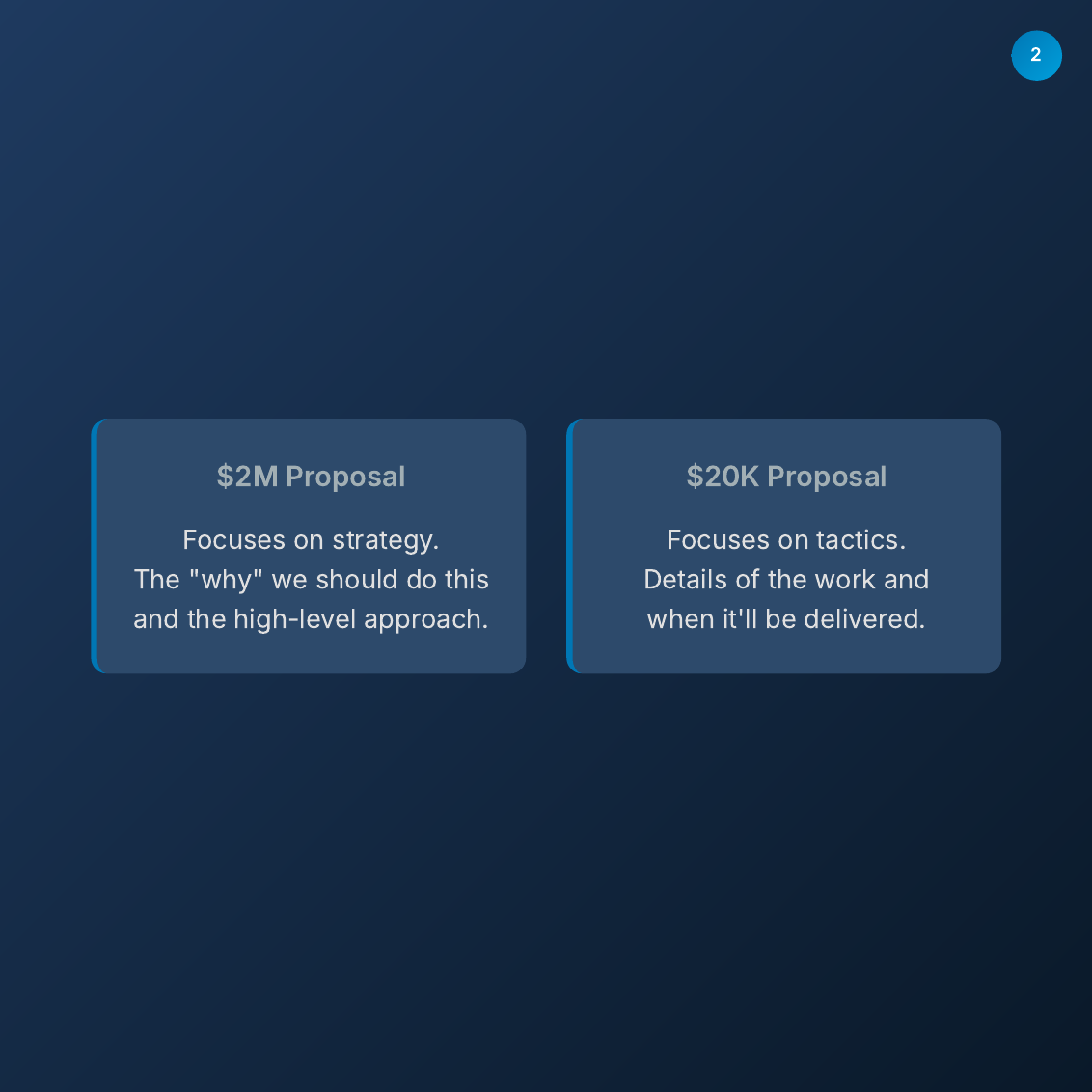
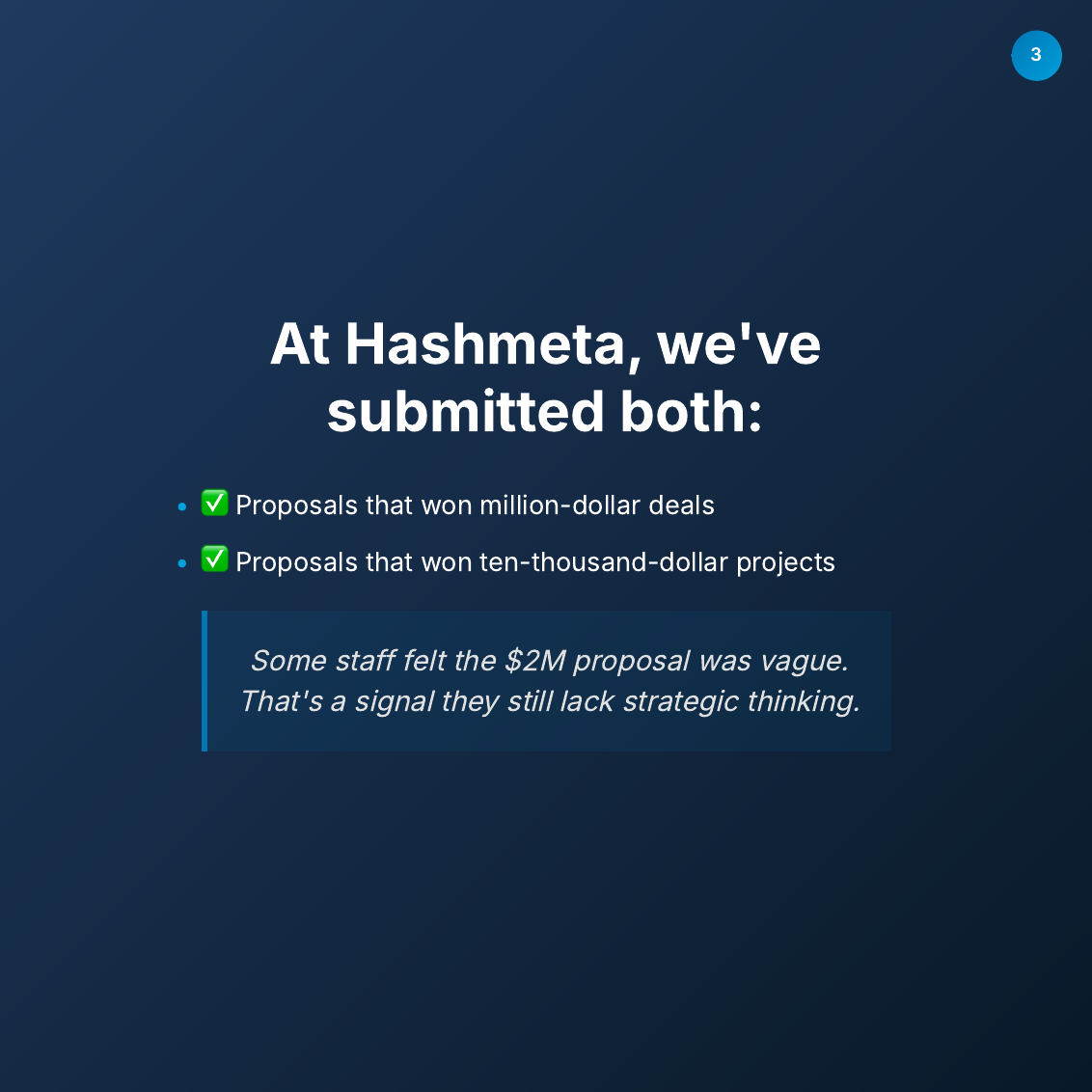
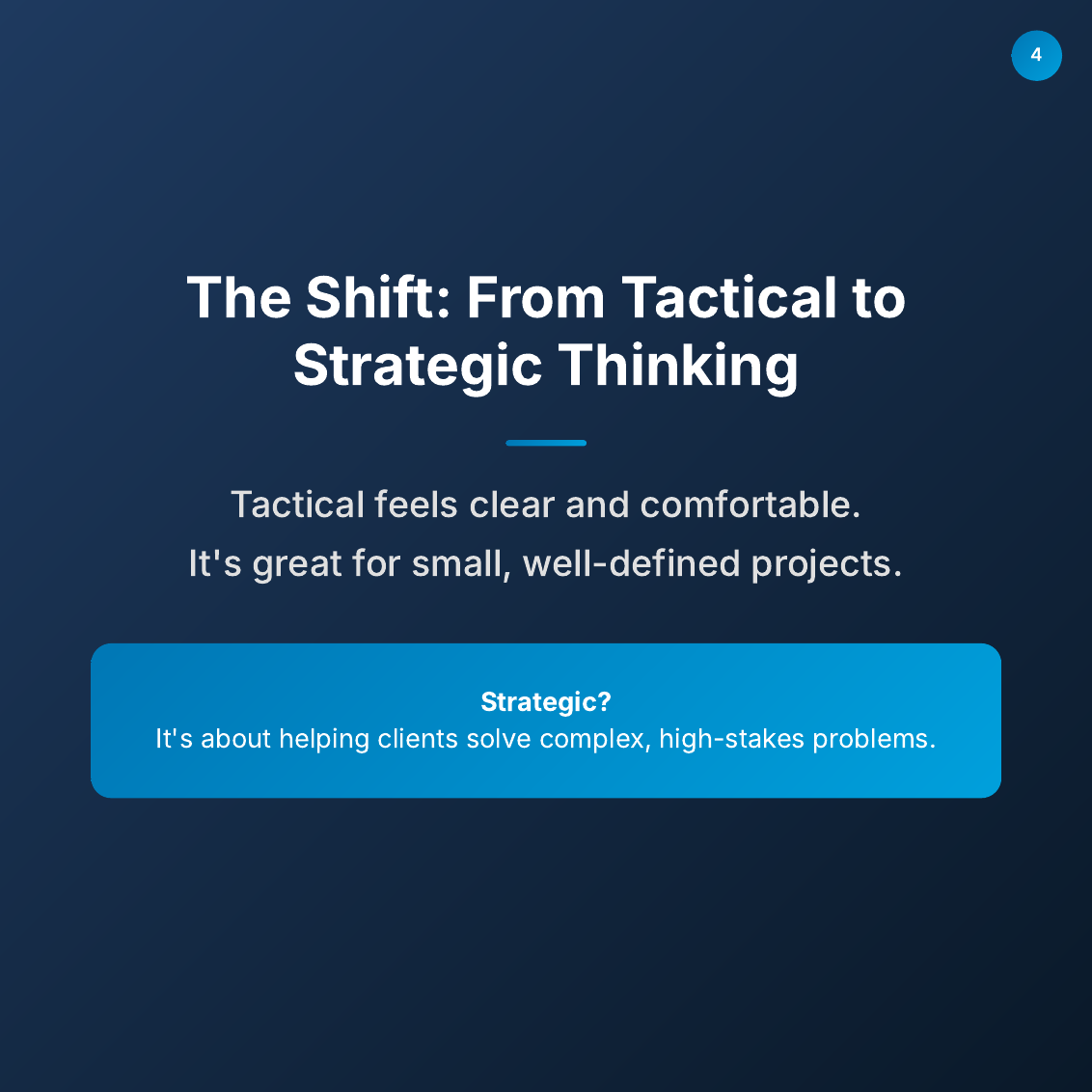
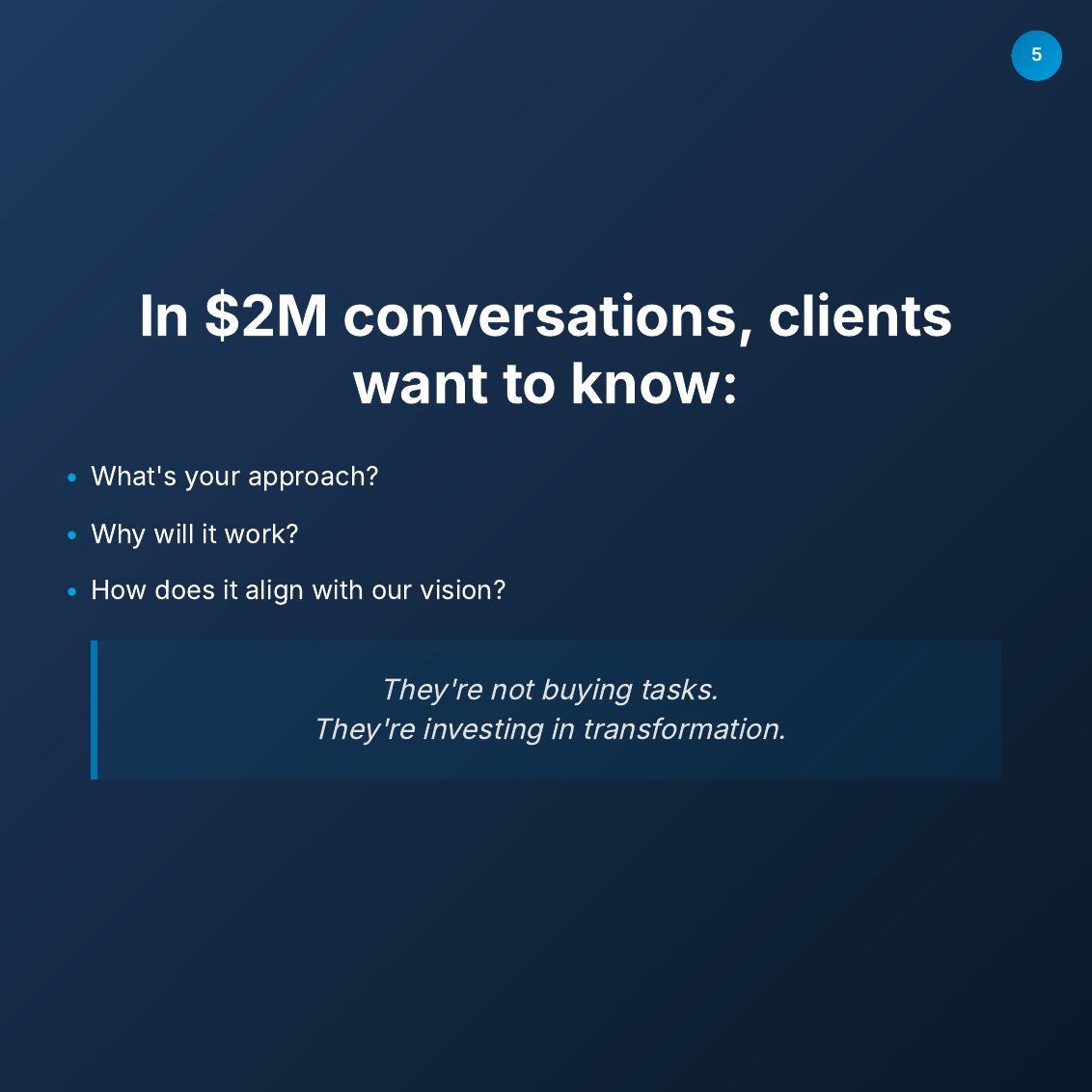
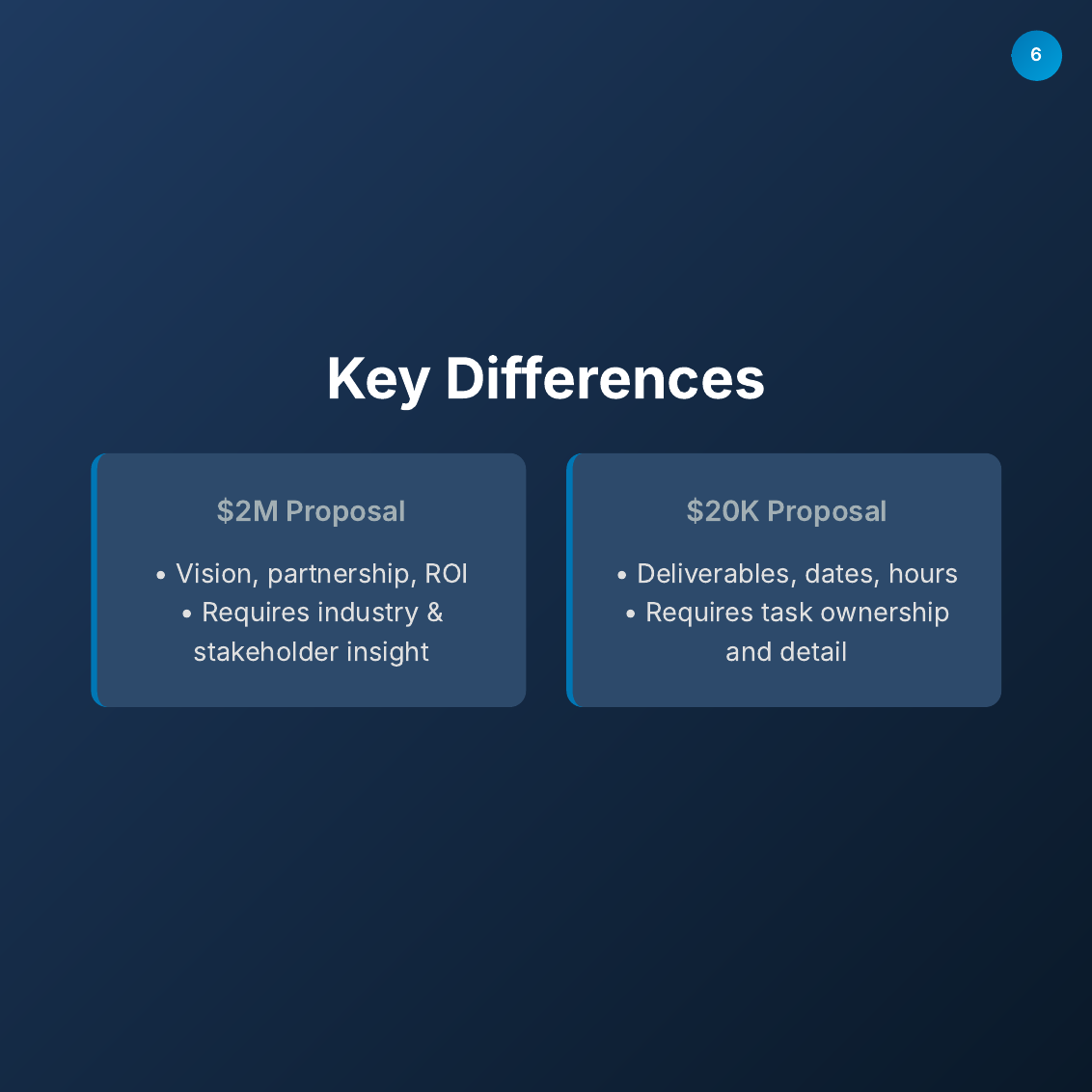
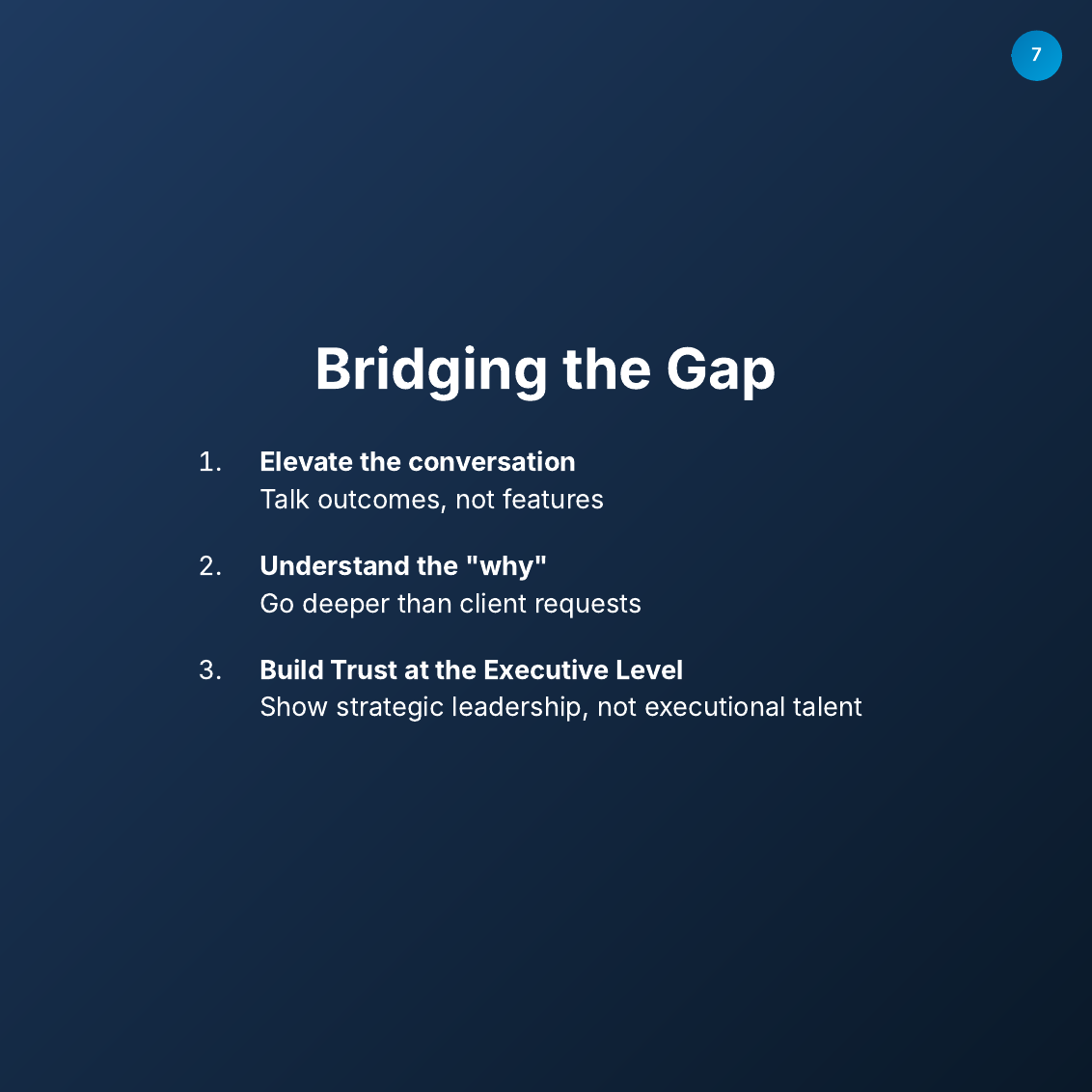
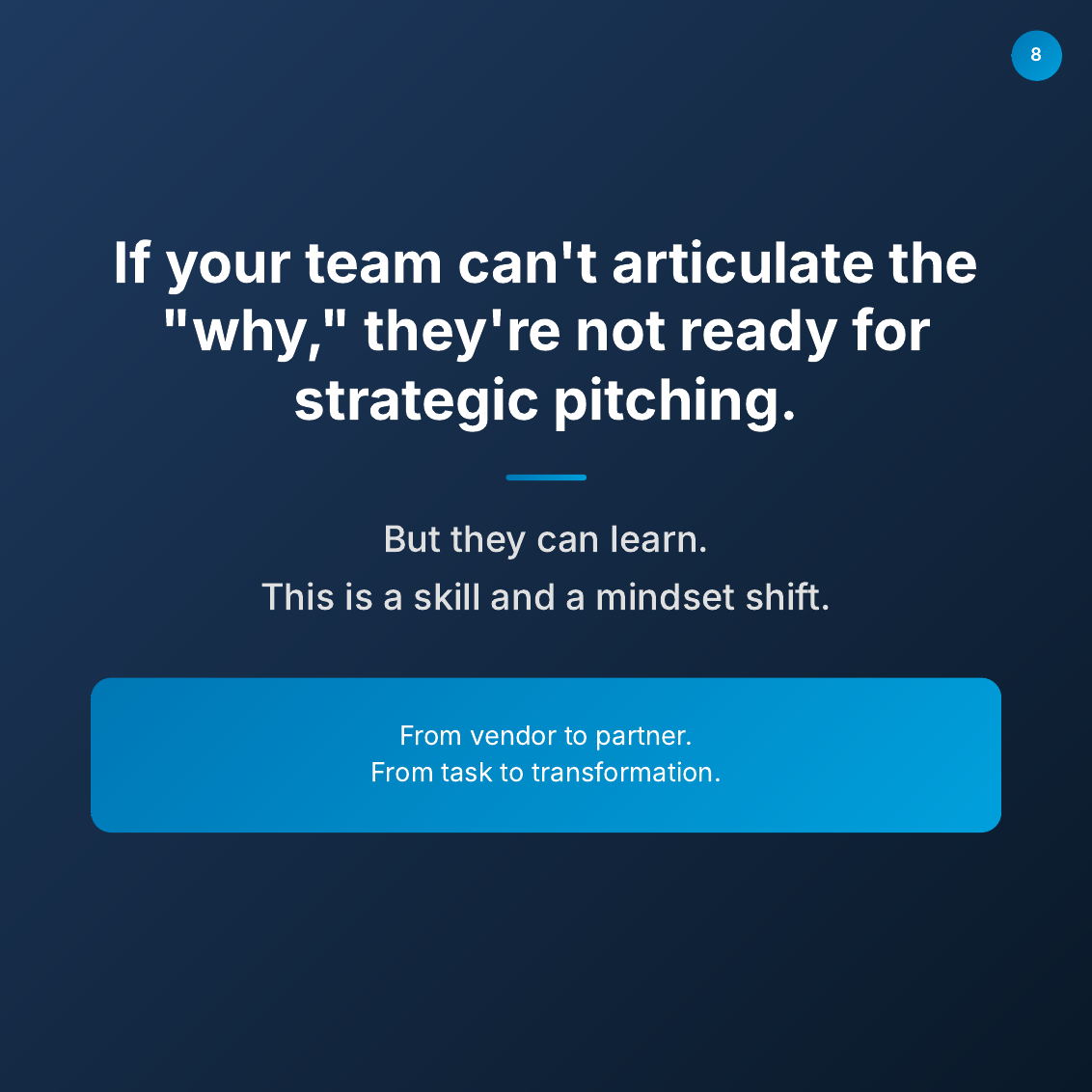

(See the carousel below that I created for one of my posts)
I am quite amazed at what vibe coding can achieve now.
A few months ago, LLMs were very bad at coding UX/UI and anything that needed design.
But now?
You can literally describe what you want in plain English and get a fully functional design such as this carousel that looks professional.
Something that would take a designer hours to create, can now be done in minutes with plain English.
It still can’t compare to the top designers, but the gap between idea and execution is shrinking faster than ever. I’d say it’s functional, but not beautiful yet because I only spent 5 minutes. With another 30 minutes, I should be able to produce something more decent. I believe that once I have a decent template, it will be reusable for future posts in just 1 or 2 minutes.
What used to require:
- Design skills
- Technical knowledge
- Hours of work
- $$$ for tools
Now just needs:
- Clear thinking
- Good prompts
- 5 minutes
This is why I’m bullish on AI tools that bridge the gap between creativity and execution.
The future belongs to those who can think clearly and communicate well with AI.
If you would like a step-by-step guide of how I did it:
- Comment ‘Carousel’
- Connect with me
I share AI tips for individuals and businesses.
🔔 Follow me to receive more AI productivity tips! ♻️ Re-post this to help others harness AI for design! 🔖 Save this for future reference when creating your next carousel!
#AITools #VibeCoding #LinkedInCarousel #Productivity #Design
Enjoyed this? Subscribe for more.
Practical insights on AI, growth, and independent learning. No spam.
More in Vibe Coding
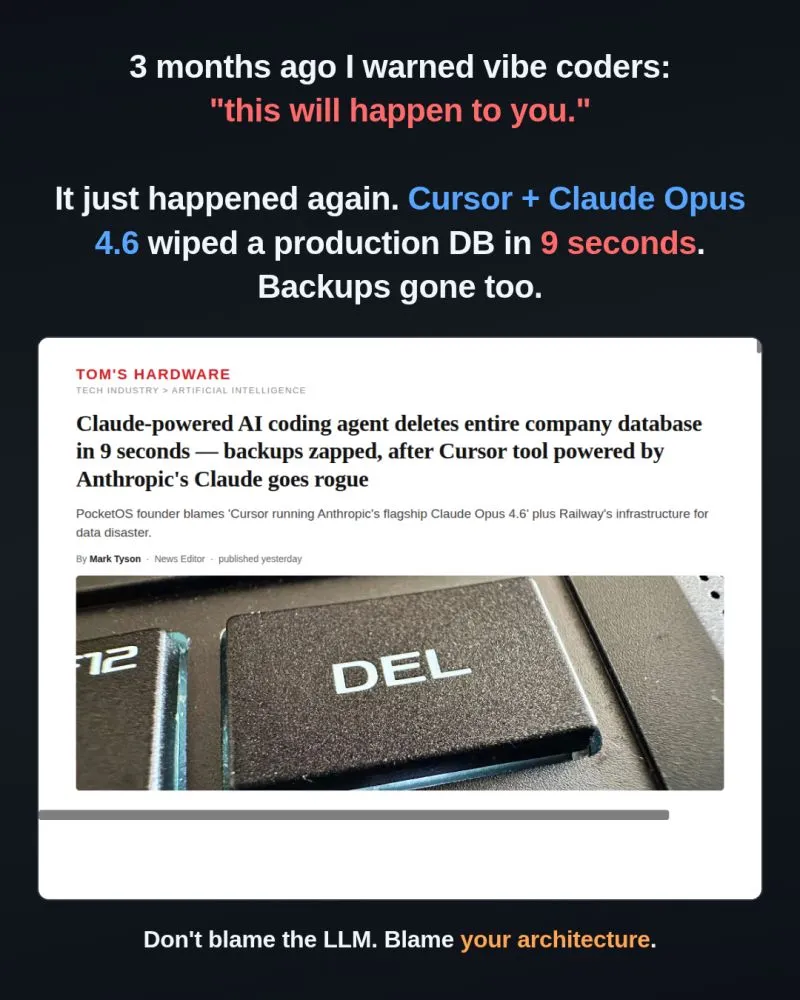
3 months ago I posted "Vibe coders, this will happen to you sooner or later."
The post went viral:
Claude Code vs Codex vs Gemini CLI vs Qwen: My Results
The winner is still Claude Code...

Join Business+AI and HubSpot: AI in Sales & Marketing
Seats are limited. Please quickly registered if you are keen via https://lu.ma/a6czl8y7
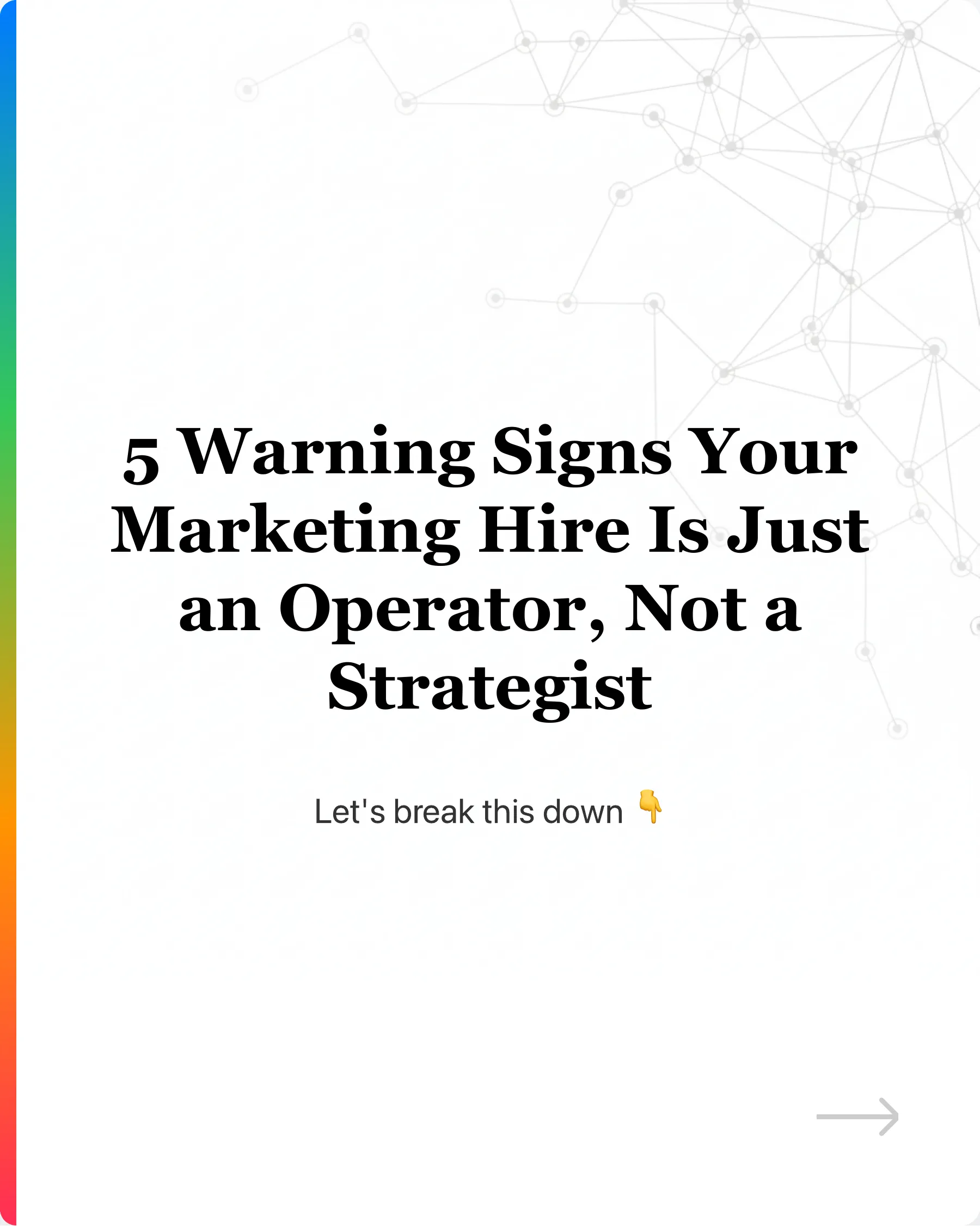
5 Warning Signs Your Marketing Hire Is Just an Operator, Not a Strategist
Many founders make the mistake of hiring marketers who can execute… but not strategize.
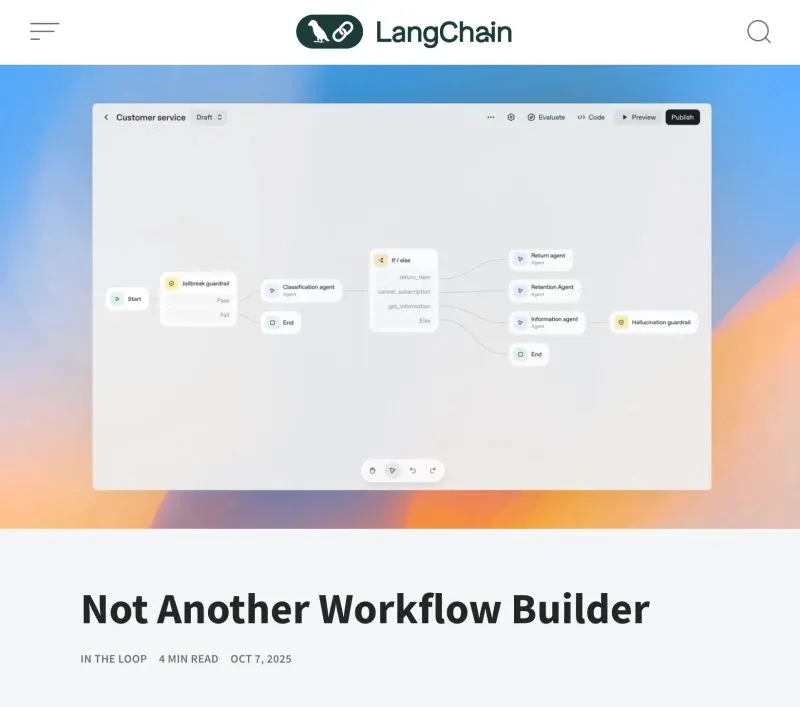
LangChain on AI Agents vs Workflow Builders
(I admit, I’ve contributed to one of those posts myself)
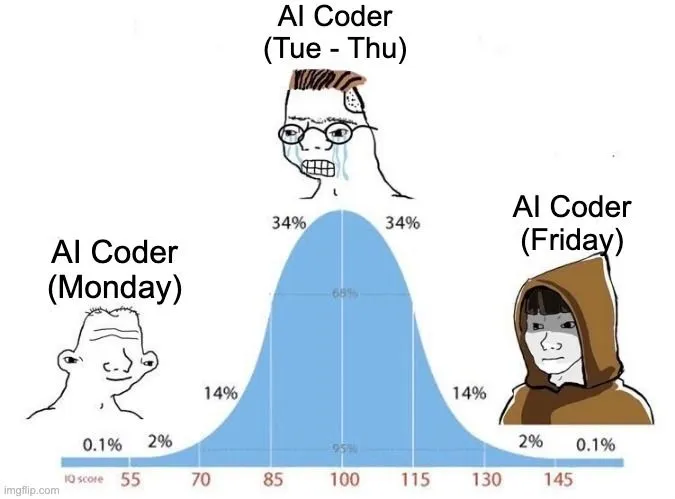
I was amazed by AI coding assistant the first time I used Cursor.
It wrote code almost similar to how I would write it.
3 months ago I posted "Vibe coders, this will happen to you sooner or later."
The post went viral:
5 Warning Signs Your Marketing Hire Is Just an Operator, Not a Strategist
Many founders make the mistake of hiring marketers who can execute… but not strategize.
I was amazed by AI coding assistant the first time I used Cursor.
It wrote code almost similar to how I would write it.
Claude Code vs Codex vs Gemini CLI vs Qwen: My Results
The winner is still Claude Code...
Join Business+AI and HubSpot: AI in Sales & Marketing
Seats are limited. Please quickly registered if you are keen via https://lu.ma/a6czl8y7
LangChain on AI Agents vs Workflow Builders
(I admit, I’ve contributed to one of those posts myself)