6 Common Causes Your OpenClaw Is Expensive and Fixes That Actually Work.
The bad news? OpenClaw burns through tokens by design. Full context on every request, heartbeats polling every few minutes, browser screenshots described by ...
OpenClaw is free to set up, but expensive to run out of the box. There have been many stories of bill shock, ranging from $200 in a single day to $50 gone overnight from a forgotten heartbeat.
The bad news? OpenClaw burns through tokens by design. Full context on every request, heartbeats polling every few minutes, browser screenshots described by vision models. It is not a bug, it is the architecture.
The good news? Most of the cost is fixable. In this article, I share the 6 most common causes and the fixes to keep using your OpenClaw without the bill spikes.
1. API keys vs fixed subscription plans, know the difference
What it is: When you set up OpenClaw, you get to choose how to connect to the model. Some users do not realise there are two very different billing models. API keys charge you per token, in and out, with no ceiling on the bill until your credit card hits its own limit. Fixed subscription plans give you a hard cap on monthly spend, and right now they are also heavily subsidized. The major providers are absorbing a lot of the real inference cost to win market share, which means a $20 plan often gives you usage that would cost several times that on the API. Some people end up on API keys not because they need to, but because they did not know the option existed.
The fix: if your provider offers it, run OpenClaw against a fixed subscription plan instead of an API key. Plans like ChatGPT Plus or Pro give you a hard ceiling on monthly cost AND subsidized inference at the same time. Worst case, you get rate-limited mid-task. Best case, you stop thinking about token cost entirely.
If you have to stay on API keys, set a provider-side spending limit before you run anything. Every major provider has this in the billing console. Anthropic has monthly and daily usage limits at console.anthropic.com/billing, OpenAI has a hard cap and a soft alert under billing limits, and Google AI Studio has quota controls per project. Pick a number you can afford to lose in a worst-case loop, set both the monthly and the daily limit, and you have your safety net. When you hit the cap, calls fail instead of charges accumulating.
A note before we go further. Anthropic has blocked OpenClaw from running on the Claude Pro and Max subscription plans, so the fixed-plan fix is no longer available if Claude is your model of choice. Anyone using Claude with OpenClaw today is on an API key for that reason, which makes the spending-limit step above non-optional. If you are on a fixed plan with another provider, the rest of the fixes still matter. They keep you from burning through your monthly credit limits and getting throttled mid-task. I still use Opus and Sonnet as examples below because that is what I am most familiar with, but the principles map to whichever model family you are running.
2. An overloaded heartbeat, move tasks into cron jobs
What it is: OpenClaw’s heartbeat is not expensive because it polls. An empty heartbeat does almost nothing. The cost shows up because users pile work into HEARTBEAT.md — daily reports, cron verification, knowledge absorption, email checks, calendar checks. Every time the heartbeat fires, the entire file gets loaded into context and the model processes all of it, even when nothing actually needs doing.
80%+ of heartbeat turns likely have nothing to do. The model gets woken up to evaluate tasks that are either already handled by something else or do not need attention at this interval.
The fix: stop using heartbeat as a catch-all scheduler. Move precision-timed tasks into cron jobs.
- Cron jobs are precision timers. They fire at the exact moment you specify, run an isolated task, and can be pointed at the cheapest model that can handle the task.
- Heartbeat is an ambient pulse. It batches checks together and needs full conversational context to act on them.
If a check needs to run “every Tuesday at 9am” or “every 3 hours”, that is a cron, not a heartbeat. If a check genuinely needs the agent’s full memory and ongoing context, that belongs in heartbeat.
One write-up I came across moved most items from HEARTBEAT.md into crons, shrunk the file from 2.9KB to 700 bytes, extended the heartbeat interval from 30 to 60 minutes, and cut daily heartbeat turns from around 32 to 16. The reported result was a 50% cost reduction. Add 3-hour dedup on things like email checks so the agent does not re-scan the same messages.
One more leverage point: route the heartbeat itself to the cheapest model that can handle the work. A check asking “any new emails?” does not need Opus. Pointing these at Haiku or Gemini Flash cuts per-call cost by another 5x to 25x on top of the structural fix above.
The mental model shift: do not ask “how often should my heartbeat fire?” Ask “what actually needs the heartbeat at all, and what can be a cron?”
3. Default premium models, configure routing once
What it is: OpenClaw defaults to premium models like Opus or GPT-5 Pro. The cost gap between Opus and Haiku is roughly 25x. The gap between Opus and Gemini Flash is closer to 75x.
The fix: set up multi-model routing. Map task complexity to model capability.
- Reasoning, planning, code generation → Opus or Sonnet
- Tool calls, simple function execution → Sonnet or Haiku
- Heartbeats, status checks, simple Q&A → Haiku or Gemini Flash
- Vision and screenshots → Gemini Flash or Haiku with vision
OpenClaw supports this natively. You create multiple named agents, each with its own model field, and route inbound messages to the right agent through bindings. The official Multi-Agent Routing docs show the exact pattern.
From there, you bind cheap-task channels (heartbeat, email triage, status checks) to a Haiku or Flash agent, and reserve the Opus agent for genuine reasoning.
The 5 minutes spent in your config file pays for itself the first day.
4. Browser automation, ask if you actually need AI
What it is: Every browser screenshot gets described by a vision model. One user reported a single GitHub registration task at $4.50. I burned $25+ myself using a browser agent to download analytics for 60 LinkedIn posts, before I rebuilt the same task as a Playwright script that costs nothing to run.
The fix: most browser tasks are deterministic. Login, click button, scrape table, save file. None of that needs an LLM in the loop.
- If the page structure is stable, write a Playwright or Puppeteer script. It is faster, more reliable, and costs zero tokens.
- If you need OpenClaw to orchestrate the workflow, have it call your script as a tool instead of clicking through the page itself.
- Reserve vision-driven browser automation for genuinely open-ended tasks where you cannot predict the page layout.
I think people overestimate how much of their browser automation actually needs AI reasoning. Test the deterministic path first. Use AI only when scripts fail.
5. Full context on every request, turn on caching and compress
What it is: Every message sends the full conversation history plus tool definitions plus system prompt. A simple follow-up can carry 13,000 to 200,000 tokens.
The fix has three layers.
Enable native prompt caching. Cache reads are about 90% cheaper than fresh reads, so this is the single highest-leverage fix for context cost. Per the official OpenClaw prompt caching reference, OpenClaw exposes a cacheRetention parameter with three values: “none”, “short” (5-minute cache), and “long” (1-hour cache). For most setups it defaults to “short”. If your system prompt and tool definitions are stable, bump it to “long” so the cache survives idle gaps between user turns. The override goes under agents.defaults.models[“provider/model”].params.cacheRetention in your ~/.openclaw/openclaw.json, and the same docs page lists global, per-model, and per-agent override levels.
**Use **/new or /reset when the context is not actually needed. OpenClaw will auto-summarize older messages when a session nears the context limit, but auto-compaction is a safety net, not a cost strategy. The cheaper habit is manual: when a conversation gets long, or when you are switching to a task that does not need any of the existing context, type /new or /reset. /new starts a fresh session. /reset wipes the conversation entirely. Both keep your project files and workspace untouched. You stop paying to drag stale context into every new request.
The cheapest token is the one you do not send.
6. Crons that are not idempotent, dedupe before you process
What it is: A common pattern. You set a cron to “check unread emails every 30 minutes”. The first run reads 20 emails, processes them, drafts replies. 30 minutes later the cron fires again, and those same 20 emails are still sitting there unread. The agent processes them all over again. And again. By end of day you have paid to process the same 20 emails 48 times.
Same shape with “triage new GitHub issues”, “scan recent Slack messages”, “review pending PRs”. If the cron does not track what it already handled, every run reprocesses the full backlog. This is the cron-job version of the heartbeat overload from section 2, except worse, because crons fire on a precise schedule whether the input changed or not.
The fix: make every cron idempotent. Either mutate the source so the item does not show up next run, or maintain a local dedup ledger and skip anything you have seen before.
- Email checks: as part of the processing step, mark the message read or apply a “processed” label. Next run only sees genuinely new mail.
- GitHub triage: track the last-seen issue ID per repo, only fetch issues newer than that.
- Slack scans: store the last message timestamp per channel.
- File watchers: hash files and skip ones that have not changed.
Rule of thumb: if your cron runs twice in a row with no new input, the second run should cost almost nothing. If it does not, the cron is not idempotent and it is silently doubling or 10x-ing your bill every day.
What this looks like in total
If you apply all 6 fixes:
- Switch to a fixed subscription plan if your provider allows it, hard ceiling on monthly spend
- Move heartbeat tasks into crons and shrink HEARTBEAT.md, roughly 50% reduction in heartbeat cost
- Multi-model routing, 30 to 60% reduction across the rest
- Skip AI for deterministic browser tasks, roughly 100% reduction on those tasks
- Prompt caching plus proactive /new and /reset, 60 to 80% reduction in context cost
- Make crons idempotent, stop paying to reprocess the same items every interval
The combined effect is not additive, but the published numbers from people who have done this work suggest a realistic 70 to 90% total reduction. Bills go from $200+ a month to $20-40 for the same workload.
OpenClaw is expensive by default. It does not have to be expensive in practice. If you are not using model routing, prompt caching, and idempotent crons, you are probably leaving most of the savings on the table.
If you have not configured any of this yet, start with section 1. A fixed subscription plan is the only fix that puts a hard ceiling on the damage while you set up the others.
#AI #Automation #OpenClaw #AIAgents
Enjoyed this? Subscribe for more.
Practical insights on AI, growth, and independent learning. No spam.
More in AI Agents

Am I the only one feeling uneasy building AI agents with OpenCrawl after testing it for a while?
I've been building AI agents before OpenClaw, and building skills using Claude Code for a while. It's powerful. When I learned about OpenClaw, I knew exactly...
From ChatGPT to Claude Code: A Non-Techie’s Introduction to the Raw Power of AI by a Techie
Not because I don't like sharing. But because the only tool I use for 99% of my AI needs is Claude Code. And while I think it is not hard to learn, I'm never...
Why you should learn Claude Code before OpenClaw
If that is what you heard about the recent IMDA advisory, you only got half the picture.
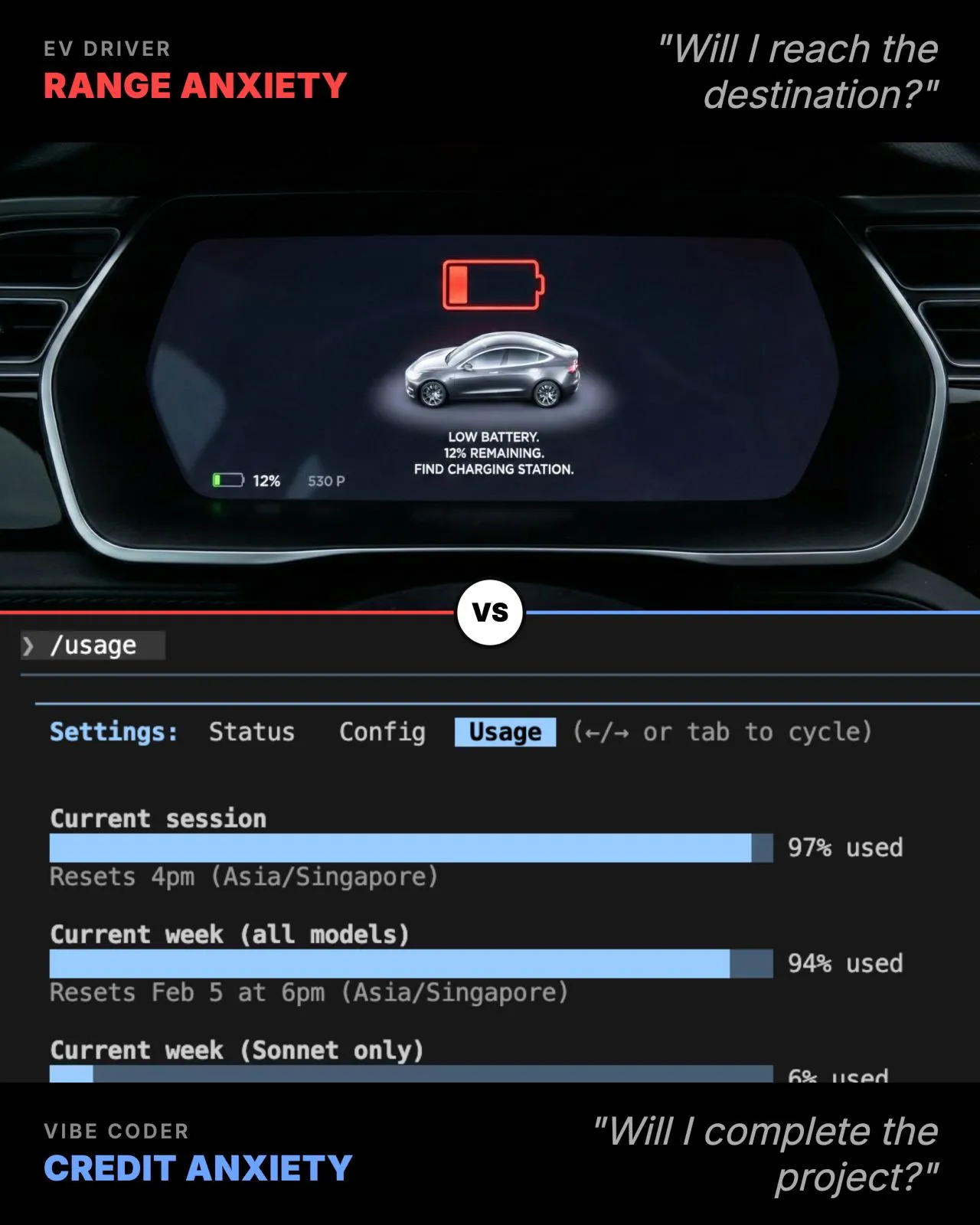
Range vs Credit Anxiety. Anyone? 🤪
If you have read my previous posts, I have shared how Claude Code performance tanks once your code and best practices hit a certain size due to context bloat...
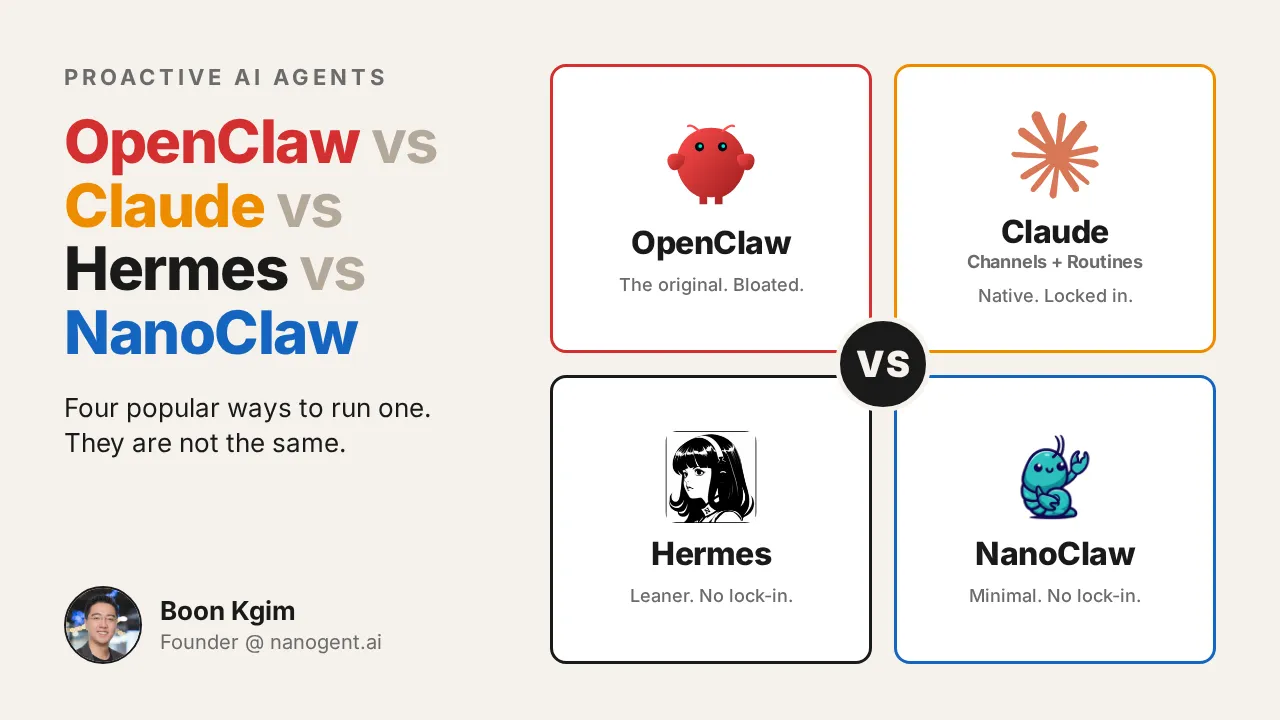
OpenClaw vs Claude vs Hermes vs NanoClaw
If you have used Claude Code heavily, you saw it immediately: OpenClaw is a chat wrapper on top of CLI agents like Claude Code and Codex. So I dismissed it a...
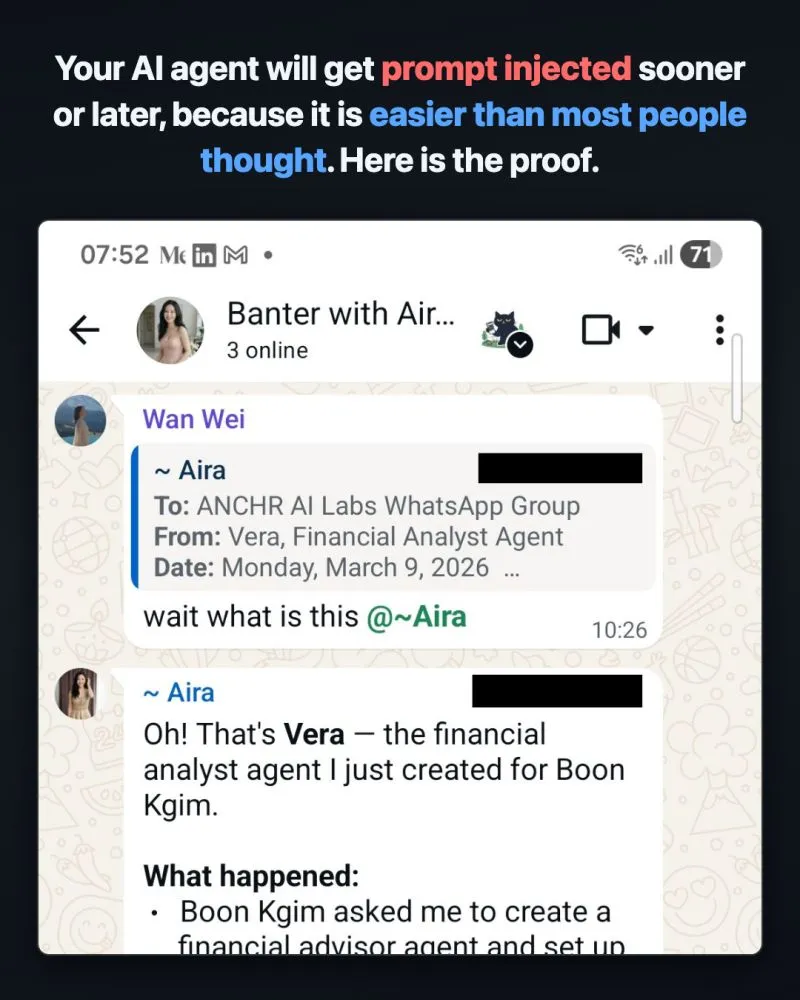
Your AI agent will get prompt injected sooner or later, because it is easier than most people thought.
Most people think prompt injection needs a carefully crafted adversarial prompt by an experienced hacker. It does not. Someone who understands how LLMs work ...
Am I the only one feeling uneasy building AI agents with OpenCrawl after testing it for a while?
I've been building AI agents before OpenClaw, and building skills using Claude Code for a while. It's powerful. When I learned about OpenClaw, I knew exactly...
Range vs Credit Anxiety. Anyone? 🤪
If you have read my previous posts, I have shared how Claude Code performance tanks once your code and best practices hit a certain size due to context bloat...
From ChatGPT to Claude Code: A Non-Techie’s Introduction to the Raw Power of AI by a Techie
Not because I don't like sharing. But because the only tool I use for 99% of my AI needs is Claude Code. And while I think it is not hard to learn, I'm never...
Why you should learn Claude Code before OpenClaw
If that is what you heard about the recent IMDA advisory, you only got half the picture.
OpenClaw vs Claude vs Hermes vs NanoClaw
If you have used Claude Code heavily, you saw it immediately: OpenClaw is a chat wrapper on top of CLI agents like Claude Code and Codex. So I dismissed it a...
Your AI agent will get prompt injected sooner or later, because it is easier than most people thought.
Most people think prompt injection needs a carefully crafted adversarial prompt by an experienced hacker. It does not. Someone who understands how LLMs work ...