AI Agents are not plug-and-play. 5 ways to add useful skills to your AI agents.
Most of them came thinking AI agents are plug-and-play. Set it up, and it becomes extremely helpful immediately.
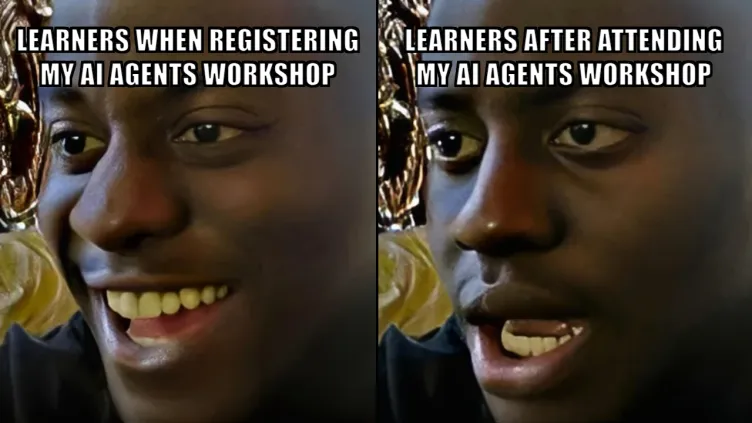
Most learners were disappointed after attending my AI agents workshop.
Most of them came thinking AI agents are plug-and-play. Set it up, and it becomes extremely helpful immediately.
They got disappointed after learning that setup is the easy part. Teaching the AI agent to do the work is the tough part.
The reality is AI agents are not plug-and-play. They are like a super intern - jack of all trades, master of none. And without any context of what your business is doing.
You need to spend time onboarding them. Teaching them skills.
The time you invest teaching your AI agent compounds. A real intern might leave after 6 months. The skill file stays, and every improvement you make is permanent. After a few months, most learners would have at least 2x-ed themselves.
The Apprentice Mental Model
The mental model I use is treating my AI agent as my apprentice. I work with it. I teach it my skills. I tell it what is good and what is bad. I ask it to learn from my feedback by updating its skill file.
A skill is just a plain-text file with instructions. It tells your AI how to perform a specific task. You save it once, and the agent follows it every time. Think of it as onboarding documentation, but for AI.
Over time, the agent gets better. Not because the AI model improved, but because the skill file improved.
But one question keeps coming up in every workshop session.
“If I don’t know how to do certain things, how can I teach it?”
Fair question. And the answer surprised most of them.
You don’t always need to know how to do something to teach your AI agent how to do it.
The 5 Ways
1. Chat then Convert
This is the most natural way. You probably do this already without realizing it.
You work with AI on a task - back and forth, refining the output until it is good. Then you ask the AI: “Create a skill from this conversation.”
The AI extracts the process you just followed and saves it as a reusable skill file.
Best for: When you know how to do it but cannot articulate the workflow. Your knowledge is in your head, not written down. The conversation becomes the documentation.
In my workshop, I used this to create a brand research skill. Instead of writing instructions from scratch, I just did the research with AI. Asked the right questions, refined the output. When I was happy with the result, I told it: “Create a /brand-research skill from what we just did.” After we have the skill, future brand research takes one command, same structured output, any company.
2. Ask AI to Research
This is the one that answers the question: “How do I teach it something I don’t know?”
You don’t teach it. You ask it to learn from the best.
Tell AI: “Research the best practices for [task]. Find what experts recommend. Write a skill that follows those best practices.”
The AI synthesizes expert knowledge and creates a skill based on what it finds. You get a skill that could actually be better than what you would have written yourself.
Best for: When you want better output than what you currently know. When you are entering an unfamiliar domain.
I wanted a copywriting skill but I am not a copywriter. So I asked AI to research proven copywriting frameworks - AIDA, PAS, StoryBrand, SCQA - and create a skill that applies them. The skill now writes better copy than I would have written from scratch. Not because AI is smarter, but because it synthesized the best practices of people who are better than me at copywriting.
3. Write Your Own
The most straightforward method. You are the domain expert. You know exactly how you want the task done.
Type your process in plain English. The AI formats it as a skill.
Best for: When you are the domain expert and can articulate the steps clearly. When you have a specific process that no research will capture because it is uniquely yours.
I have been building software for 19 years. I know exactly how I want to plan a new feature - read the requirements, check against security best practices, check against database design rules, then produce a task list in a specific format. I typed that process out as a skill. Now when I start any new feature, one command runs my entire planning process. Same checks, same order, same quality - every time.
4. Feed It Winners
You have work that already performed well. Blog posts that got shared. Emails that converted. Proposals that closed deals. That is your training data.
Give AI your best samples and ask it to analyse what made them work. Then ask it to create a skill based on the patterns it found.
Best for: When you have proven results but have not codified why they work. When your expertise is embedded in your past output, not in your head.
This is how I built my LinkedIn post writing skill. I gave AI my top 10 performing posts - the ones with the most saves, follows, and engagement. I told it: “Analyse these posts. What patterns do they share? What hooks work? What structures repeat? Now create a skill that follows these patterns.” The skill it produced was better than anything I could have written manually, because it spotted patterns across 10 posts that I would have missed looking at them one by one.
5. Install from Community
You don’t need to build every skill from scratch.
Download a pre-built skill from a colleague, a community hub, or a marketplace. Install it. Use it.
Best for: When you trust someone else’s workflow. When a proven skill already exists and your time is better spent using it than reinventing it.
In my workshop, participants use a presentation skill and an image generation skill that I built. They did not need to understand how these skills work. They just installed them, typed the command, and the skill handled the complexity.
Each method produces the same thing: a plain-text file with instructions. The difference is how you get there.
Skills Get Better Over Time
Creating the skill is step one. Making it good is the real work.
Back to the apprentice model. You show them the job once, they get maybe 60% right. You correct, they improve. After 10 rounds, 85%. After months, good enough that you only review, not rewrite. But you never stop reviewing.
The improvement loop:
- Use it on real work - not a test, a real task
- Edit the output - do not accept the first version, edit it to your liking
- Compare and update - tell AI: “Compare your draft with my final edit. List every change. Update the skill.”
- Feed it winners - when something performs well, tell AI to analyse why and update the skill
- Add what to avoid - when you spot bad patterns, add them to the avoid list
After 50+ cycles, those improvements compound into something a new hire would take months to replicate.
This is based on my own experience. The skills I use today for writing LinkedIn posts, creating presentations, and doing brand research are probably 10x better than the first versions. Not because I rewrote them. Because every cycle added a small improvement, and those improvements compounded.
The Expert Is Still in the Loop
AI agents are an averaging technology producing average output by default. They know a little about everything, a lot about nothing specific.
But an average agent with domain-specific skills outperforms a smart agent with no context every time.
The agent does not replace your expertise. It encodes it. Your skills, your judgment, your sense of what good looks like - all saved in skill files that compound with every cycle.
If you are a founder or marketer still prompting your AI from scratch every session, you are rebuilding context that should already exist. If you have skills but never update them, you are capping your agent at day-one performance.
#AI #AIAgents #Marketing #Productivity #LeanOps
Enjoyed this? Subscribe for more.
Practical insights on AI, growth, and independent learning. No spam.
More in AI Agents
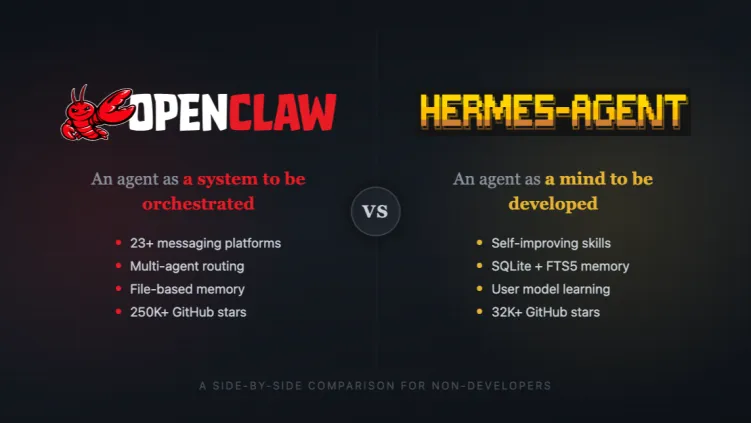
OpenClaw vs Hermes Agent
A learner asked me this after a workshop last week.
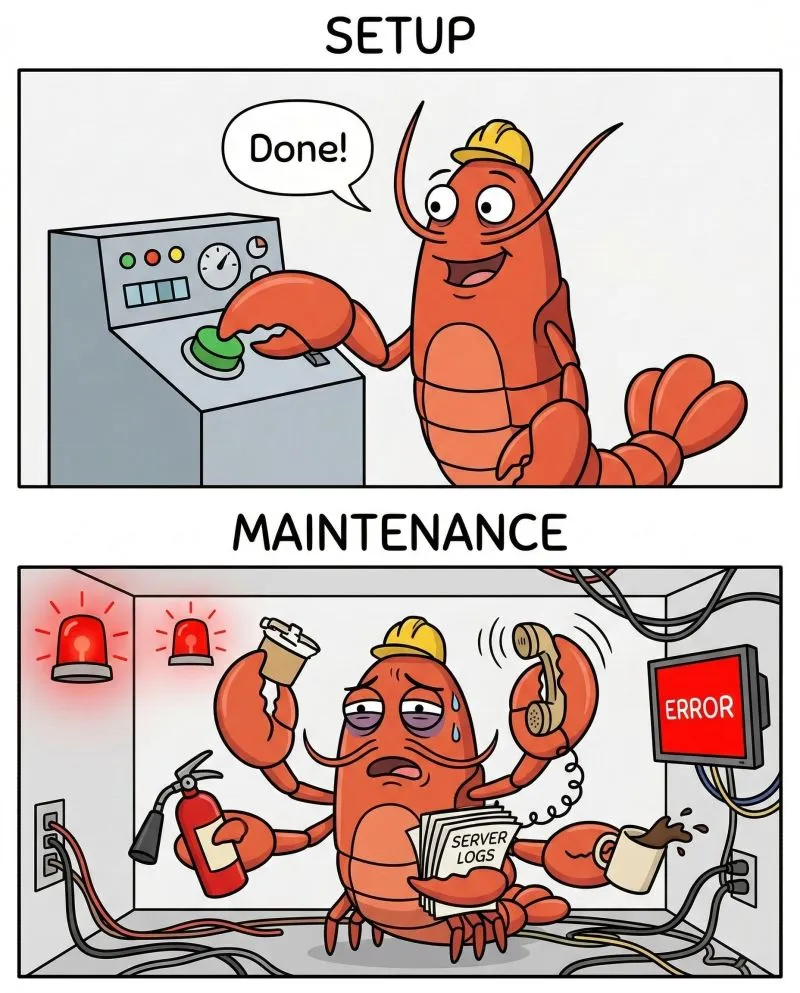
Everyone tells you how easy it is to set up an AI agent with OpenClaw.
Nobody tells you how hard it is to maintain it.
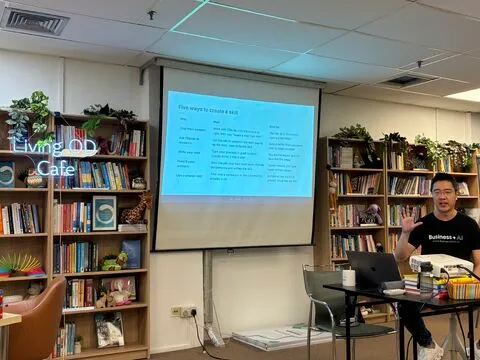
Last Friday, I ran the Foundations of Claude workshop for Sequoia Group, a leadership and OD...
As Sequoians, they believe in going high tech so that they can go high touch. They have been using AI, but they would like to learn how to use it better.
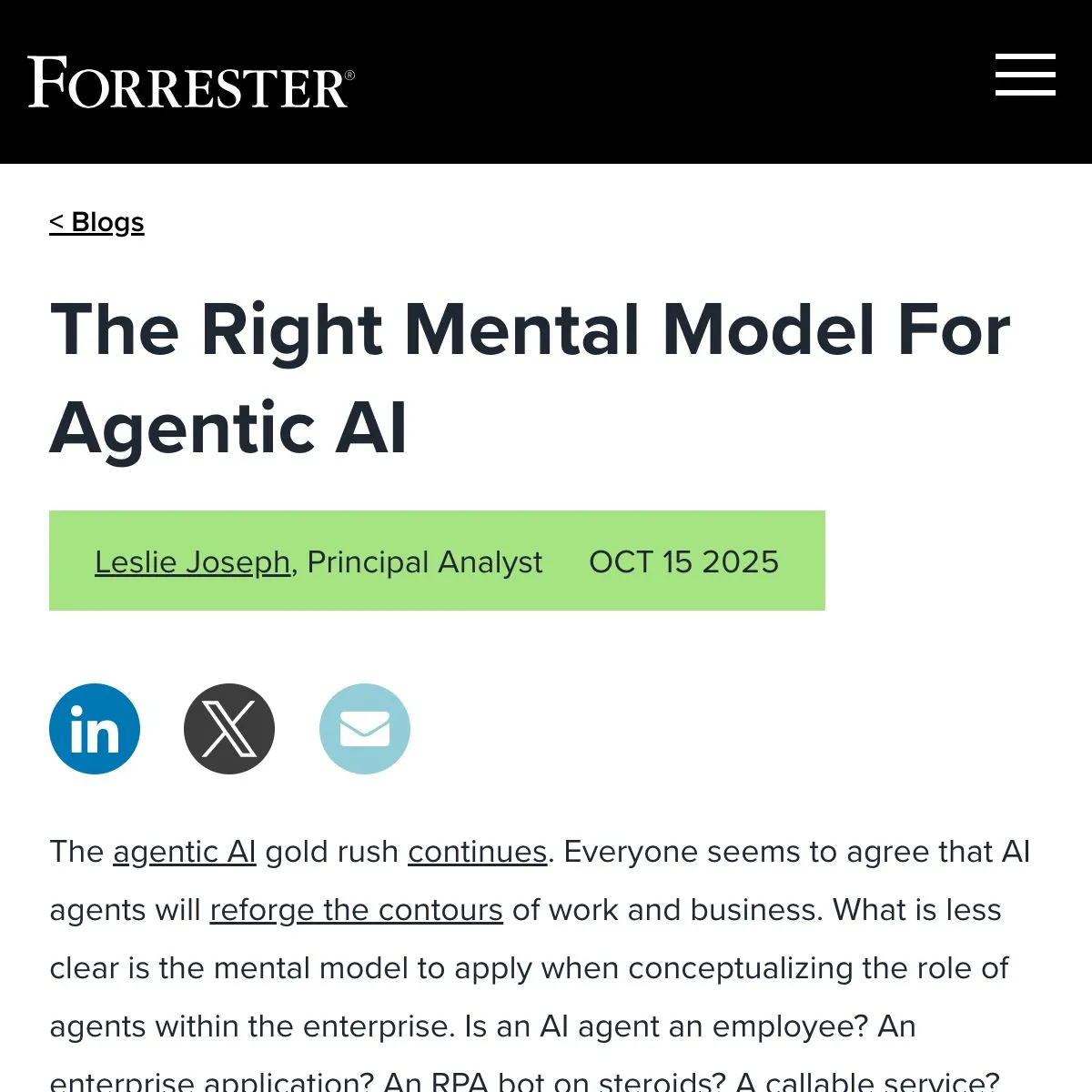
We often think of AI agents as digital employees.
When companies treat agents as “digital employees,” they tend to make two critical mistakes. First, they manage agents like individual workers rather than as...
Most people prompt AI images like users.
Professionals prompt like photographers.
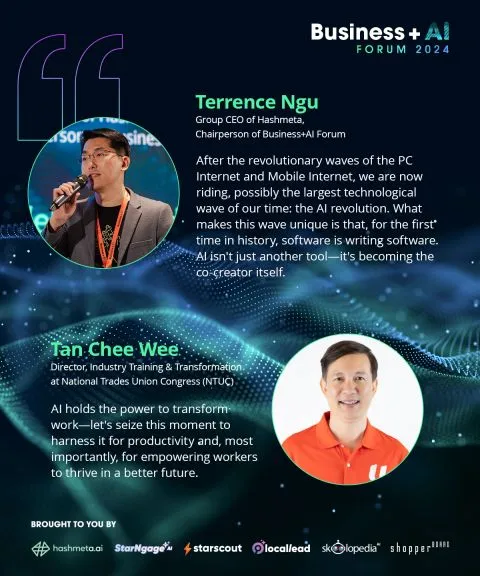
From insight to action: AI is not the future—it’s the now.
At the Business+AI Forum 2024, our speakers shared groundbreaking insights on how AI is transforming industries, creating opportunities, and solving real-wor...
OpenClaw vs Hermes Agent
A learner asked me this after a workshop last week.
Last Friday, I ran the Foundations of Claude workshop for Sequoia Group, a leadership and OD...
As Sequoians, they believe in going high tech so that they can go high touch. They have been using AI, but they would like to learn how to use it better.
Most people prompt AI images like users.
Professionals prompt like photographers.
From insight to action: AI is not the future—it’s the now.
At the Business+AI Forum 2024, our speakers shared groundbreaking insights on how AI is transforming industries, creating opportunities, and solving real-wor...
Everyone tells you how easy it is to set up an AI agent with OpenClaw.
Nobody tells you how hard it is to maintain it.
We often think of AI agents as digital employees.
When companies treat agents as “digital employees,” they tend to make two critical mistakes. First, they manage agents like individual workers rather than as...