One of my biggest AI productivity unlocks this year is the extensive use of agent skills.
In this post, I share my insights after building around 75 skills over 5 months. Coding and non-coding. LinkedIn posts, cover images, carousels, presentation...
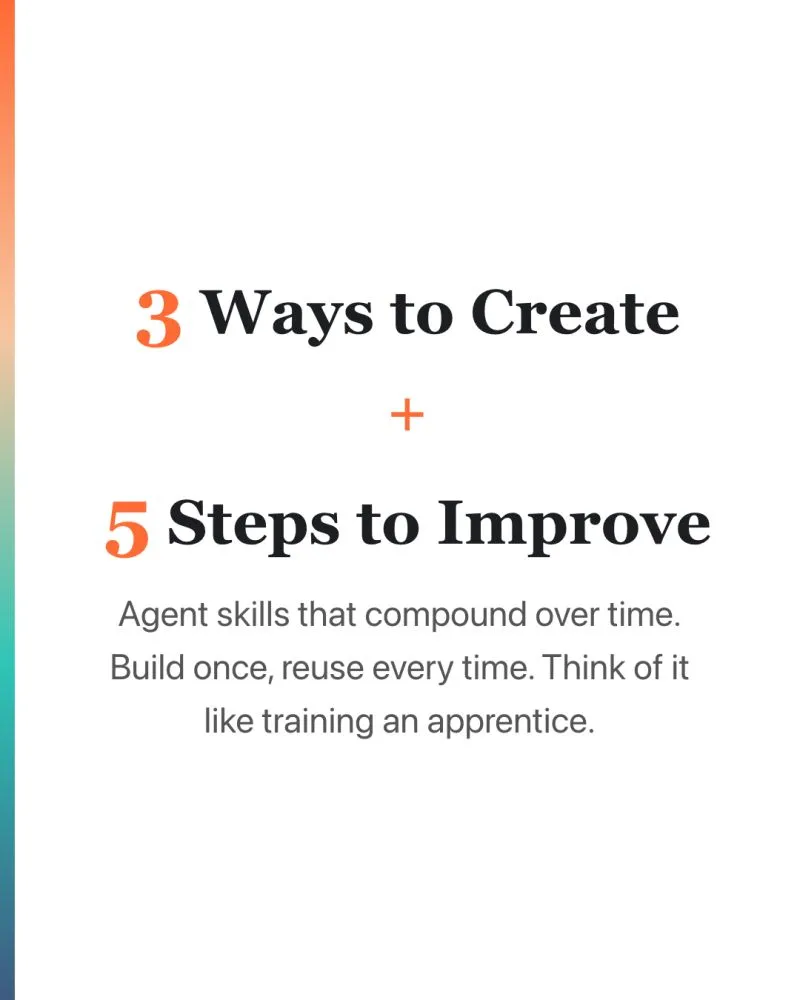
In this post, I share my insights after building around 75 skills over 5 months. Coding and non-coding. LinkedIn posts, cover images, carousels, presentations, proposals, marketing briefs, SEO audits, project setup, deployment planning, best-practice reviews.
A skill is a markdown file with your instructions inside. Saved once, reused every time. You run it with a /command like /linkedin-post or /seo-audit. It’s an open standard. A plain text file that works with any AI coding tool - Claude Code, Codex, Gemini CLI. If you switch tools tomorrow, your skills come with you.
—
3 ways to create a skill:
-
Chat first, then convert Work with AI the normal way. Give feedback until the output is good. Then tell it to create a skill from the conversation. Your best session becomes reusable.
-
Ask AI to research and create Tell AI to research best practices for a task and write the skill. It does the research and writes the instructions for you.
-
Write your own process Type out your step-by-step process in plain English. Your expertise, your rules, your quality bar. Ask AI to format it as a skill file.
—
Building a skill is not a one-time thing.
Think of it like training an apprentice. You show them the job once, they get maybe 60% right. You correct, they improve. After 10 rounds, 85%. After months, good enough that you only review, not rewrite. But you never stop reviewing.
Skills work the same way. My /linkedin-post skill has gone through 50+ revision cycles. It still needs my edits every time. But the starting point gets closer to my voice each round.
—
5 steps to improve skills over time:
-
Use the skill on real work Not a test. Real tasks, real stakes. That’s how you know if the skill actually works.
-
Edit the output Don’t accept the first version. Edit to your liking. Keep the original draft so you have both versions for comparison.
-
Compare and update Ask AI to diff its output against your final edit. “List every change I made. Update the skill so next time it gets closer.” This is where compounding happens.
-
Feed it winners When something performs well, feed it back as a reference. “This post got the most engagement. Analyze why. Update the skill.”
-
Add what to avoid When you spot bad patterns, add them to the skill. Telling AI what NOT to do is just as important as telling it what to do.
—
Repeat for every piece of work. Each cycle is a small improvement. After 50+ cycles, those improvements compound into something a new person would take months to replicate.
The skill is never done. Just like an apprentice never stops learning.
I wrote a deeper guide on skills and Claude Code for non-techies: https://lnkd.in/gHfpq8k5
#AI #AgentSkills #ClaudeCode
Enjoyed this? Subscribe for more.
Practical insights on AI, growth, and independent learning. No spam.
More in AI Agents
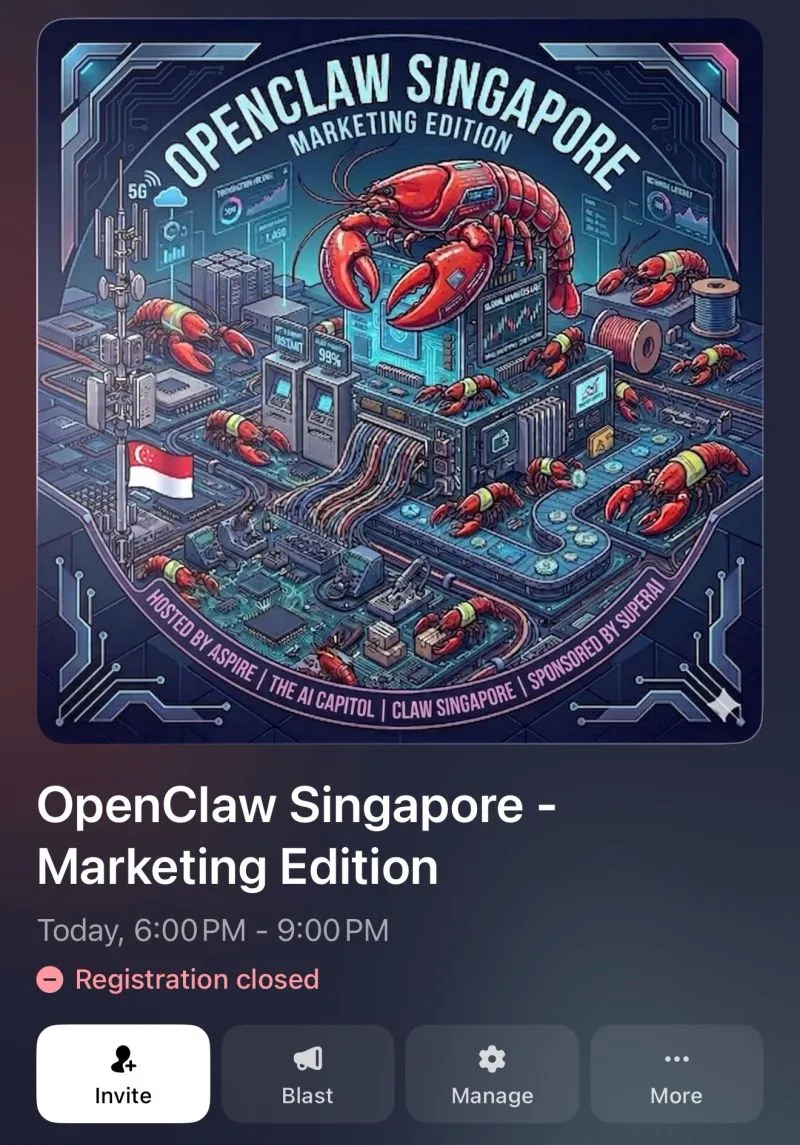
I will be speaking about RIP CMS: How AI agents like OpenClaw could transform the way we create and...
See you guys there if you manage to get a ticket.
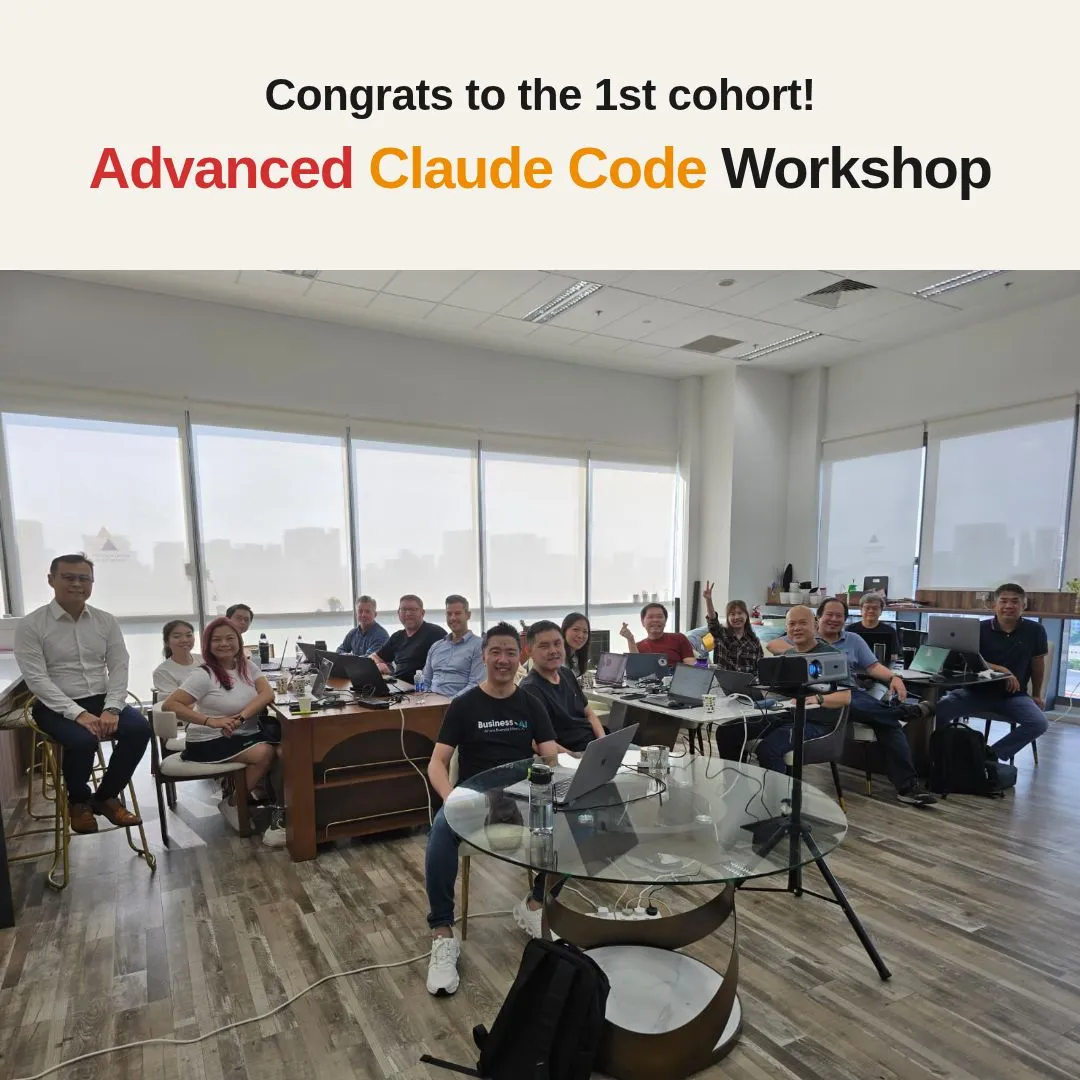
Congrats to the brave adventurers of the 1st cohort for completing my full-day Advanced Claude Code...
I'm grateful to welcome many alumni of my Claude Code foundations workshop returning for the 2nd course.
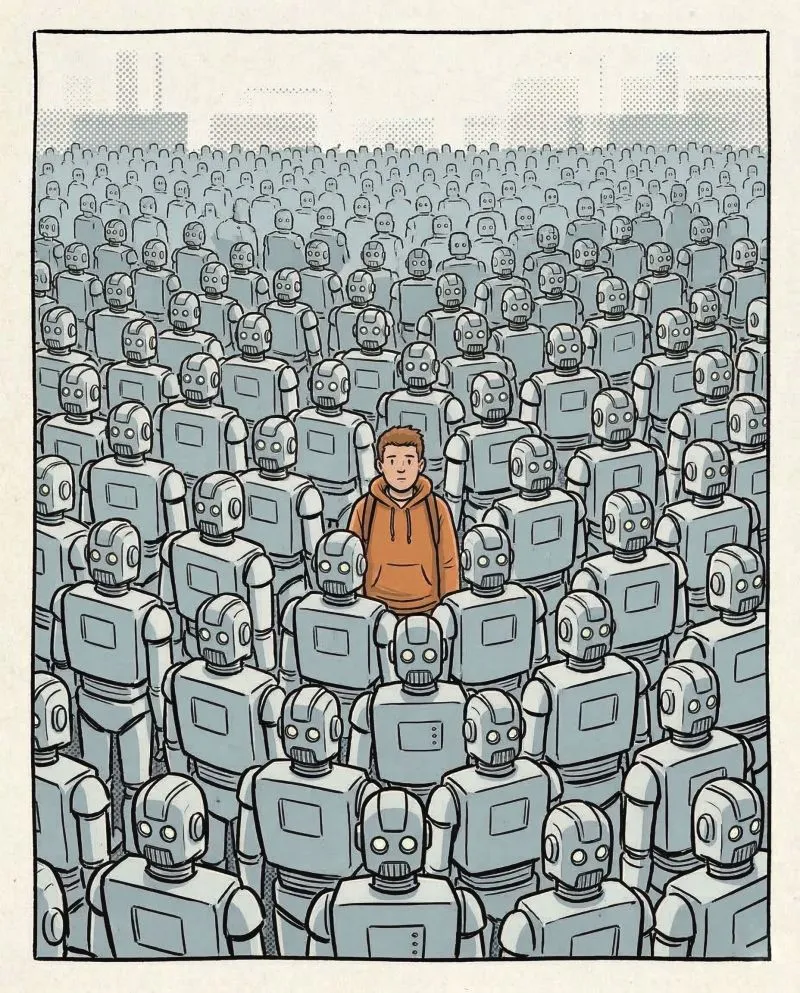
Human will be the differentiation when everyone produces the same things with AI agents with the same skills.
Since the virality of OpenClaw educated the market about agent skills, I have seen a lot of LinkedIn posts sharing 5,678 skills covering many things that pre...
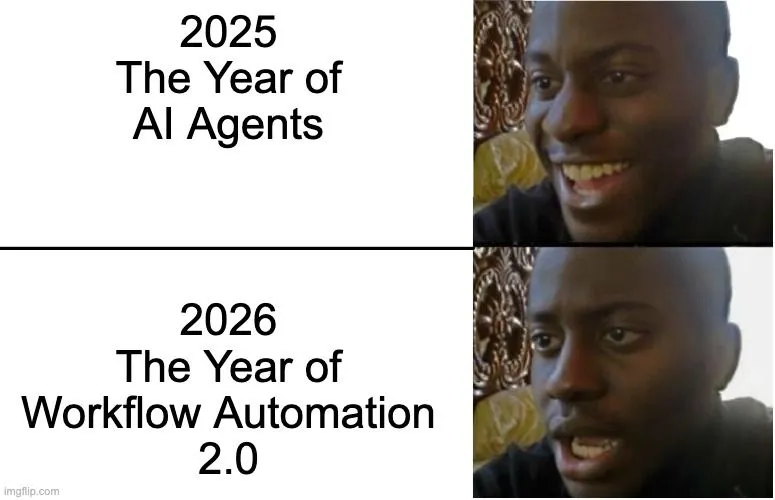
We were promised autonomous AI agents. But got Workflow Automation 2.0 instead.
2025: The Year of AI Agents 😄
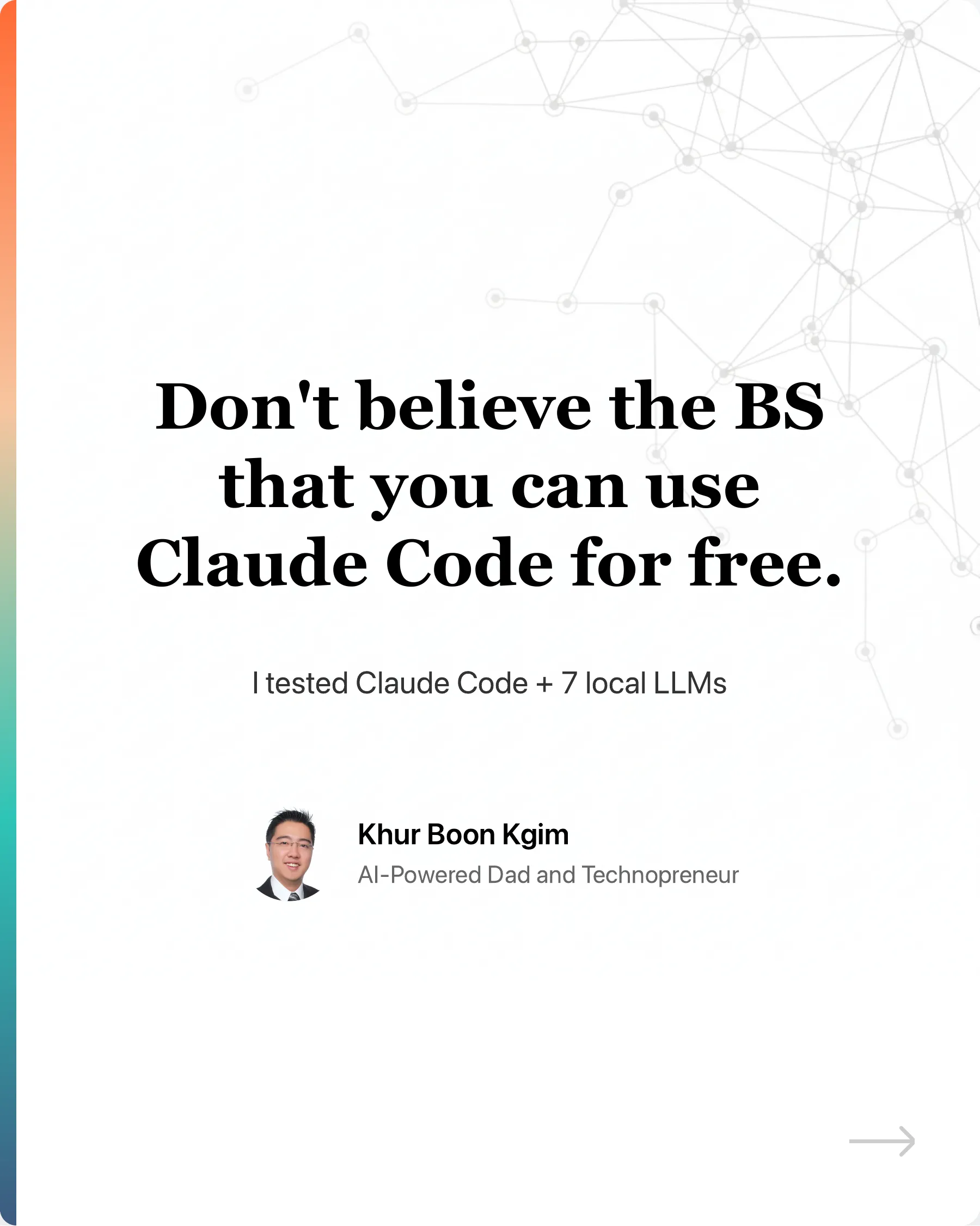
Don't believe the BS that you can use Claude Code for free.
Ollama recently made their API compatible with Claude Code. Many creators quickly jumped on the opportunity to farm engagement with the hook: "You can now u...
"Wait, you used to do THAT manually?"
I've been building software for 19 years. Something that would take me 2 months now takes 1 week.
I will be speaking about RIP CMS: How AI agents like OpenClaw could transform the way we create and...
See you guys there if you manage to get a ticket.
We were promised autonomous AI agents. But got Workflow Automation 2.0 instead.
2025: The Year of AI Agents 😄
Don't believe the BS that you can use Claude Code for free.
Ollama recently made their API compatible with Claude Code. Many creators quickly jumped on the opportunity to farm engagement with the hook: "You can now u...
Congrats to the brave adventurers of the 1st cohort for completing my full-day Advanced Claude Code...
I'm grateful to welcome many alumni of my Claude Code foundations workshop returning for the 2nd course.
Human will be the differentiation when everyone produces the same things with AI agents with the same skills.
Since the virality of OpenClaw educated the market about agent skills, I have seen a lot of LinkedIn posts sharing 5,678 skills covering many things that pre...
"Wait, you used to do THAT manually?"
I've been building software for 19 years. Something that would take me 2 months now takes 1 week.