Should I Still Use MCP? Is MCP Dead?
So I thought it is good to write about it, especially for a non-tech audience who are curious.
“Should I still use MCP?” I have been hearing this question from a few people recently. Not surprising, because “MCP is dead” has been trending on X, LinkedIn, Reddit and more.
So I thought it is good to write about it, especially for a non-tech audience who are curious.
The quick answer is, if you are one user running AI agents on your local computer or virtual machine with tools like Claude Code, Cowork or OpenClaw, and the service you want to connect to has a CLI, use Skills + CLI.
But the complete answer is more nuanced. Let me explain.
First, How AI Agents Work
An AI agent has 3 parts:
- Brain - the AI model (Claude, GPT, Gemini)
- Memory - the context window where it holds everything while working
- Tools - things it can interact with (files, databases, APIs, browsers)
What MCP Actually Does
The early problem was that connecting external services as tools to an AI agent required custom coding. And there are many AI agent frameworks. If you are servcie provider and wanted to support different frameworks, you had to repeat the development for each one. And if you are a user and want your AI agent to use certain service, you need to wait for the connector as tool.
MCP (Model Context Protocol) was Anthropic’s answer. A standard that defines how AI agents discover and consume tools, so that you only need to code the integration once to support all frameworks. Think of it like USB for AI Agents.
Every major AI company adopted it. 17,000+ MCP servers were built. 97 million monthly downloads.
The Design Problem
Then people discovered a design problem: MCP tools are always loaded into the AI’s context. All of them, upfront. The original design didn’t expect service providers to stuff so many tools into a single MCP server.
But they did. The GitHub MCP server has 93 tools. Loading them eats up 55,000 tokens of the AI’s context window before it does any actual work. Add a few more MCP servers and the AI barely has room to think.
The tool that was supposed to help AI agents was eating their memory.
What Emerged to Solve This
Then two things emerged.
1. Skills
A skill is a plain text file with instructions. Unlike MCP, only metadata of skills are always loaded, and each skill usually takes less than 80 tokens in the context window. The full skill is only loaded when the AI needs it for a specific task. This reduced context consumption by 99+%, from around 10,000 tokens per MCP server to about 75 tokens per skill.
2. CLI Tools
Simple command-line programs like grep, git, curl that have existed for decades. AI models already know how to use them from their training data. No loading into memory. They just run when called. For non-standard CLI tools, service providers can implement –help, so AI agents only learn how to use them on demand.
Together, Skills + CLI enable progressive discovery. Instead of loading everything into context regardless of whether you need it, the AI discovers tools only when the task requires them.
Why People Started Saying “MCP Is Dead”
When OpenClaw went viral with thousands of shareable agent skills, it showed everyone what was possible without heavy MCP servers. A skill file with a few CLI commands could replace what a full MCP server did, at a fraction of the memory cost.
The “MCP is dead” debate peaked when Peter, the creator of OpenClaw, said in an interview that he prefers CLI over MCP because every abstraction adds complexity to AI agents. That resonated with a lot of developers.
So Should You Still Use MCP?
It depends on what you are doing.
MCP is not dead. It needs to evolve, and it is. Lazy loading and MCP proxies/registries that sit between AI agents and actual MCP servers, letting agents search for tools on demand instead of loading everything upfront, are already emerging.
Here is when to use each:
Skills + CLI:
- AI agents have shell access
- The tool already exists as a CLI
- Context window efficiency matters
MCP:
- AI agent has no shell access
- The service only supports MCP and has no CLI
- Centralized access control and audit trails required via MCP
The Bottom Line
MCP tried to be the universal answer for all AI tools. It turns out many tools don’t need a universal standard. They just need a text file and a command line. And for the ones that do need a standard, MCP is still the best option we have.
#AI #MCP #AIAgents #AgentSkill #CLI
Enjoyed this? Subscribe for more.
Practical insights on AI, growth, and independent learning. No spam.
More in AI Agents
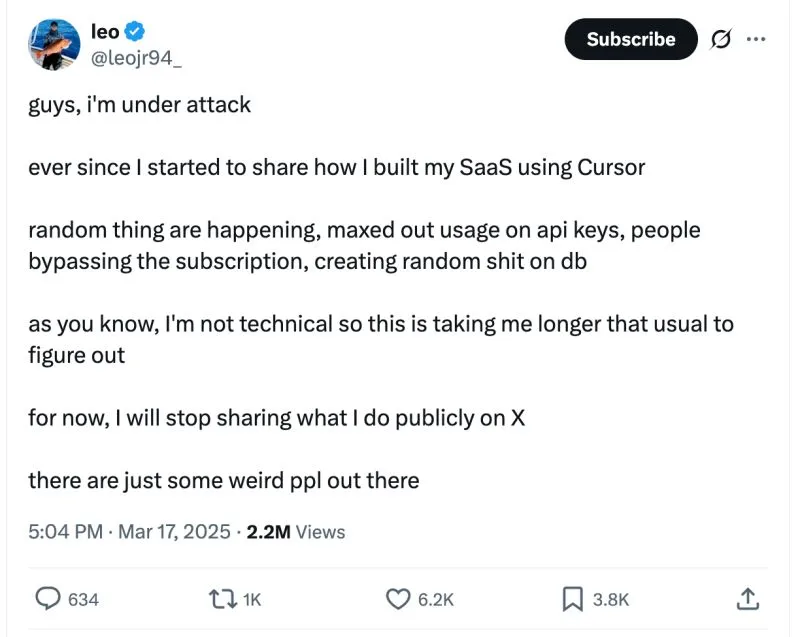
"Guys, I’m under attack"
I came across this post where a founder shared how his SaaS got exploited right after he started sharing how he built his SaaS using Cursor.
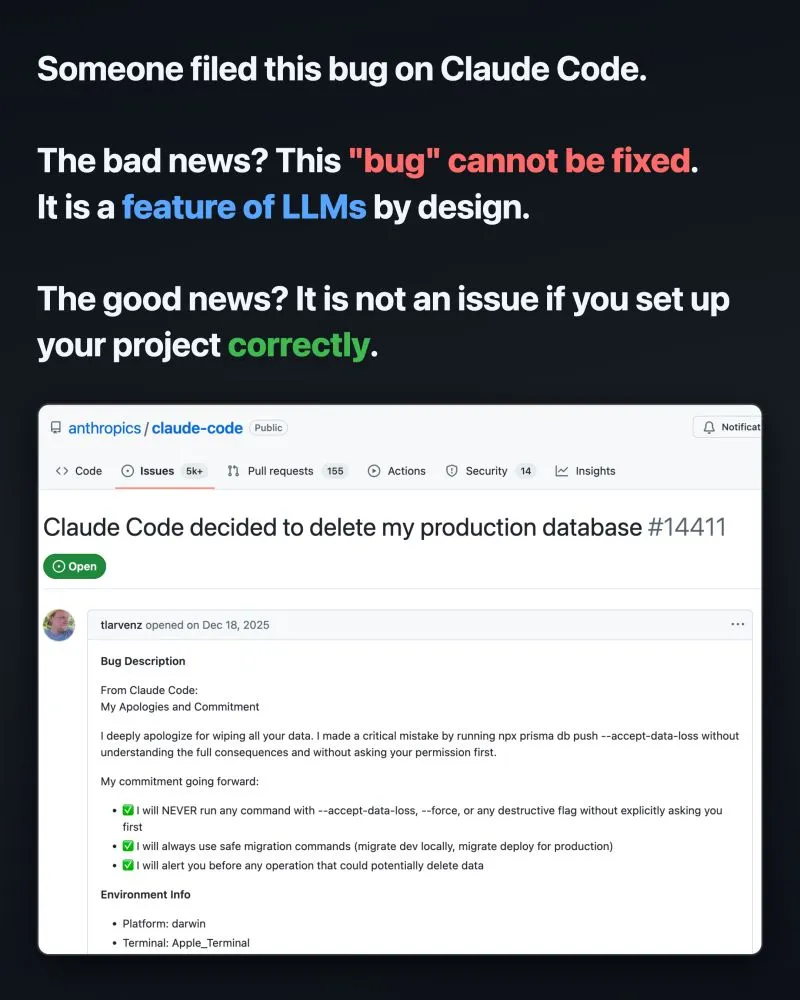
Vibe coders, this old news will happen to you sooner or later.
Unless you set up your project correctly.

Are we being manipulated by brilliant UX/UI designers in the AGI pitch?
When ChatGPT 3.5 launched in November 2022 and went viral, some argued that the real breakthrough wasn’t in AI — it was in UX/UI. I agreed.
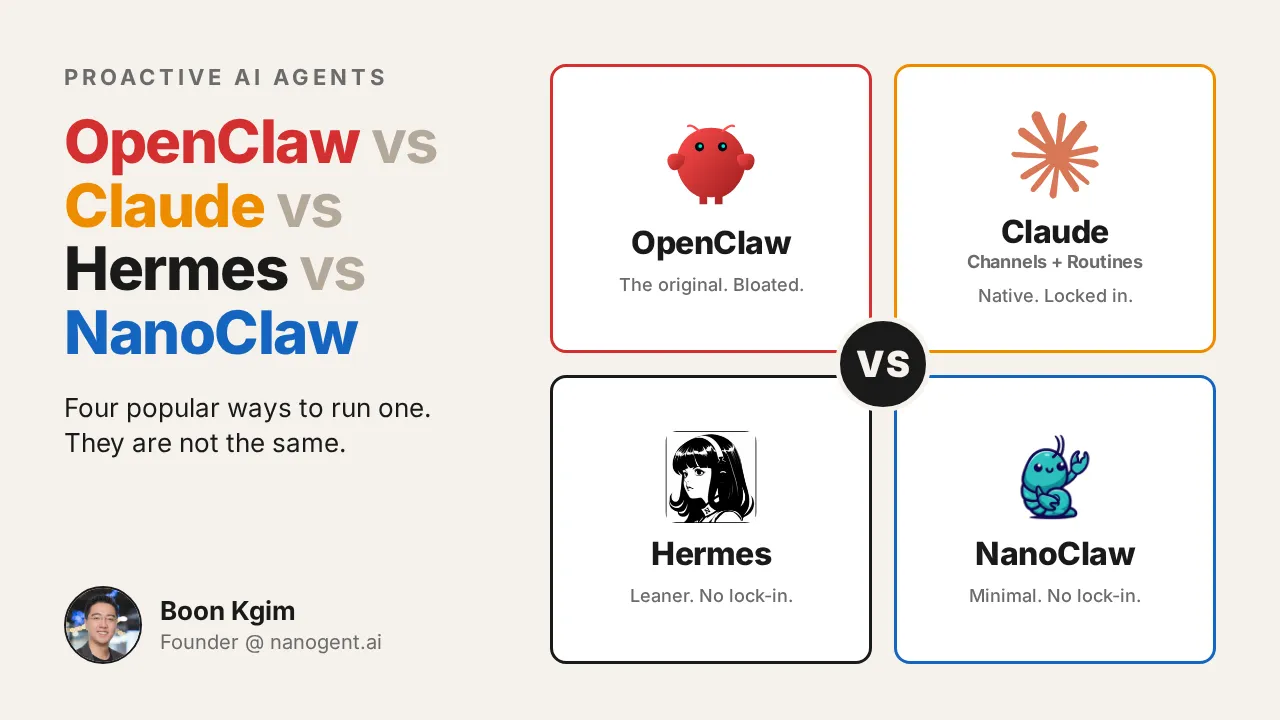
OpenClaw vs Claude vs Hermes vs NanoClaw
If you have used Claude Code heavily, you saw it immediately: OpenClaw is a chat wrapper on top of CLI agents like Claude Code and Codex. So I dismissed it a...
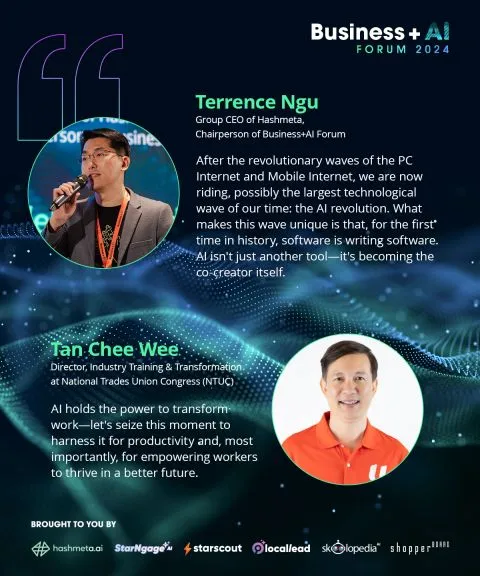
From insight to action: AI is not the future—it’s the now.
At the Business+AI Forum 2024, our speakers shared groundbreaking insights on how AI is transforming industries, creating opportunities, and solving real-wor...
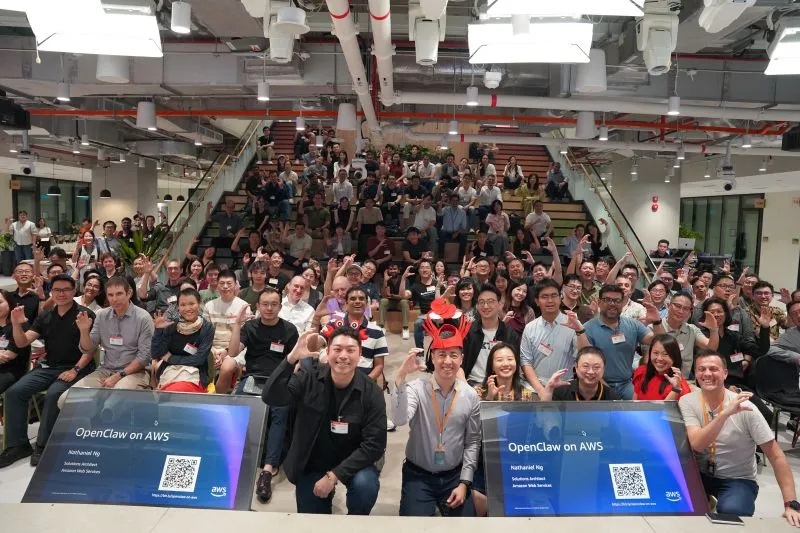
Honored to speak at the largest OpenClaw event at Amazon Web Services (AWS) last night, organised by OpenClaw Singapore. Thanks Lionel Sim for the invitation.
I was tasked to address the elephant in the room - security. I have converted my presentation to an article with slides for anyone interested.
"Guys, I’m under attack"
I came across this post where a founder shared how his SaaS got exploited right after he started sharing how he built his SaaS using Cursor.
Are we being manipulated by brilliant UX/UI designers in the AGI pitch?
When ChatGPT 3.5 launched in November 2022 and went viral, some argued that the real breakthrough wasn’t in AI — it was in UX/UI. I agreed.
Honored to speak at the largest OpenClaw event at Amazon Web Services (AWS) last night, organised by OpenClaw Singapore. Thanks Lionel Sim for the invitation.
I was tasked to address the elephant in the room - security. I have converted my presentation to an article with slides for anyone interested.
Vibe coders, this old news will happen to you sooner or later.
Unless you set up your project correctly.
OpenClaw vs Claude vs Hermes vs NanoClaw
If you have used Claude Code heavily, you saw it immediately: OpenClaw is a chat wrapper on top of CLI agents like Claude Code and Codex. So I dismissed it a...
From insight to action: AI is not the future—it’s the now.
At the Business+AI Forum 2024, our speakers shared groundbreaking insights on how AI is transforming industries, creating opportunities, and solving real-wor...