Recently, I ran a Claude Code foundations workshop for non-developers.
What I realised: the knowledge gap between developers and non-developers can be quite wide. Things I thought were obvious were not obvious to some learners.
What I realised: the knowledge gap between developers and non-developers can be quite wide. Things I thought were obvious were not obvious to some learners.
One example: the UI of an IDE.
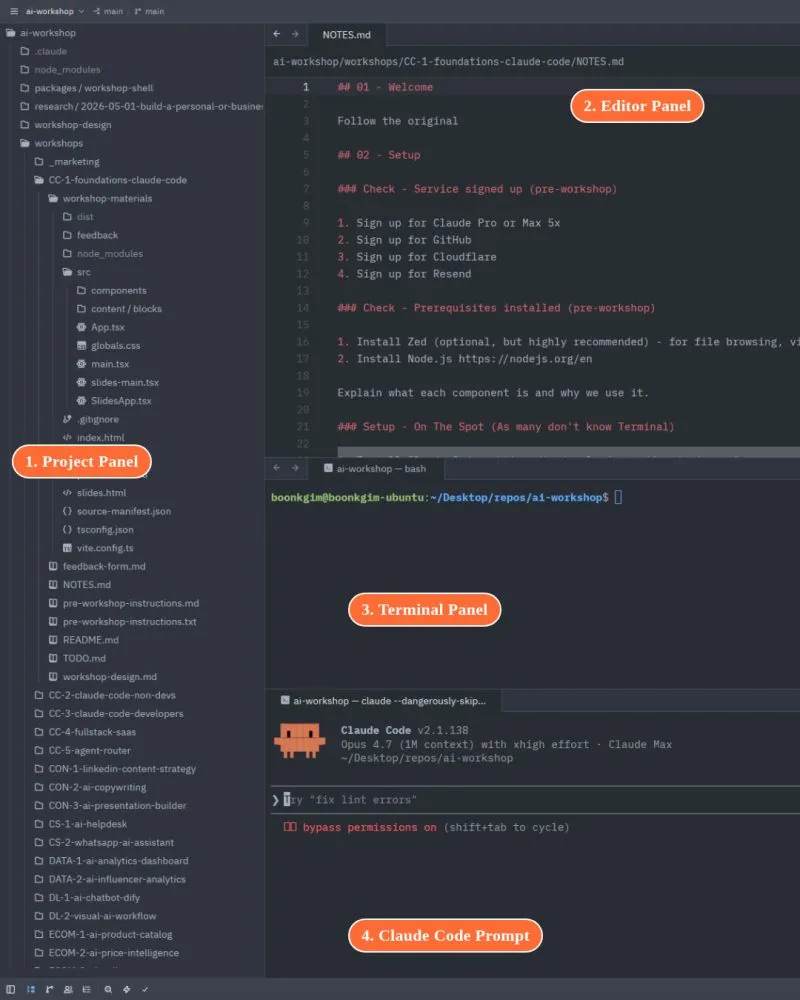
In the workshop, I used Zed. The benefit of an IDE is you get a file browser, editor, viewer, and terminal in one app. But to a non-developer, the same UI can be confusing.
I thought it would be good to write a post to walk through the 4 panels before starting.
—
- Project Panel (the file browser)
On the left. It shows the files and subfolders in your project folder in a hierarchy. Many non-developers are not used to this tree view of folders.
In most non-developer apps, you open a file. In an IDE, you open a project folder. The tree view allows you to see what files and subfolders are in the folder.
Double-click any file to open it in the Editor Panel.
—
- Editor Panel (where you edit files)
Top right. This is where you read and edit a file.
Unlike most non-developer editors, your edits are not autosaved. You must press Cmd+S (macOS) or Ctrl+S (Windows) to save regularly.
—
- Terminal Panel (where you run commands)
Middle right when first opened, before launching Claude Code. This is where you run various commands.
We will not use the Terminal directly most of the time. Usually we just open it to launch claude, or use it when Claude needs our help to run a command with admin permissions, or a command that needs interaction.
—
- Terminal Panel after Claude Code is launched (the prompt box)
Bottom right. This is where you prompt Claude Code to do things.
Watch carefully for the difference between this and the Terminal Panel above. The prompt box is bordered top and bottom. The plain terminal is not.
I have seen a few learners paste their prompt into the terminal above instead of the prompt box. The two look almost identical.
—
For developers, all of this feels too obvious to walk through. But that is the curse of knowledge.
As a seasoned developer conducting workshops for non-developers, I have to constantly observe the knowledge gap to deliver my workshop effectively.
If you are a non-developer, hope this helps you.
If you are a non-developer wanting to learn the foundations of Claude Code, check out my workshop at https://lnkd.in/e9r8kScw. The next run is on 21st May.
#ClaudeCode #AI #VibeCoding
Enjoyed this? Subscribe for more.
Practical insights on AI, growth, and independent learning. No spam.
More in Vibe Coding
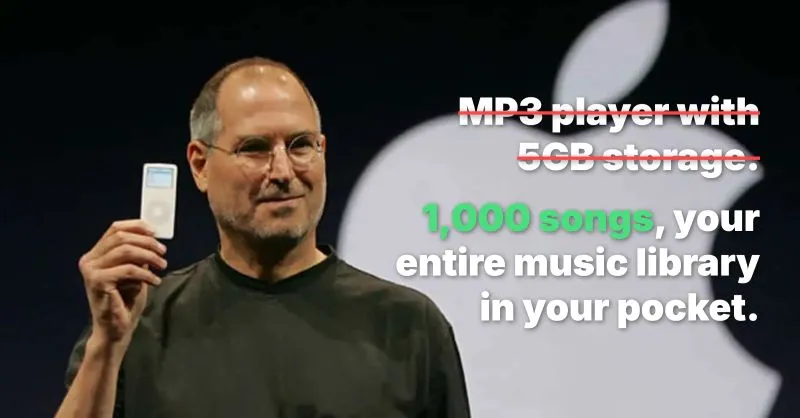
One of the most common copywriting mistakes junior marketers make:
Selling features, not benefits.

The votes are in for Cohort 3.
Congrats to Francis Lee ., the winner of the portable monitor from my Foundations of Claude Code workshop.
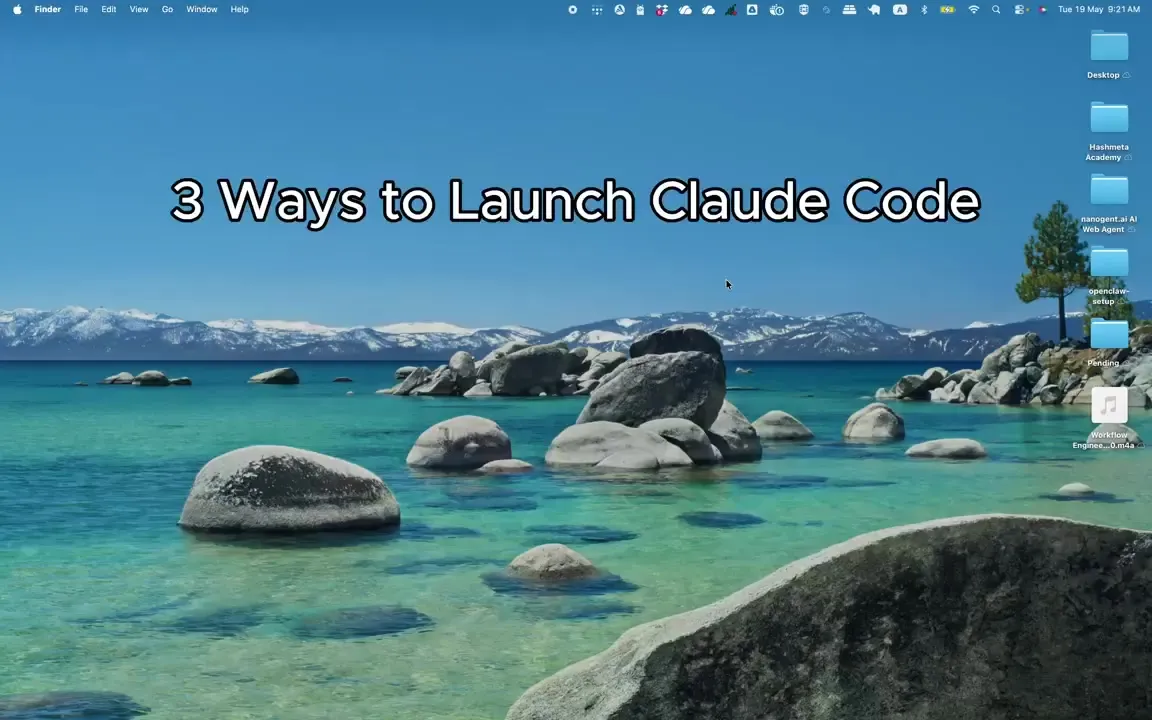
"Why is my Claude Code different from his Claude Code, even though both of us are using VS Code?"
This is one of the questions I get from my Claude Code workshop for non-techies.
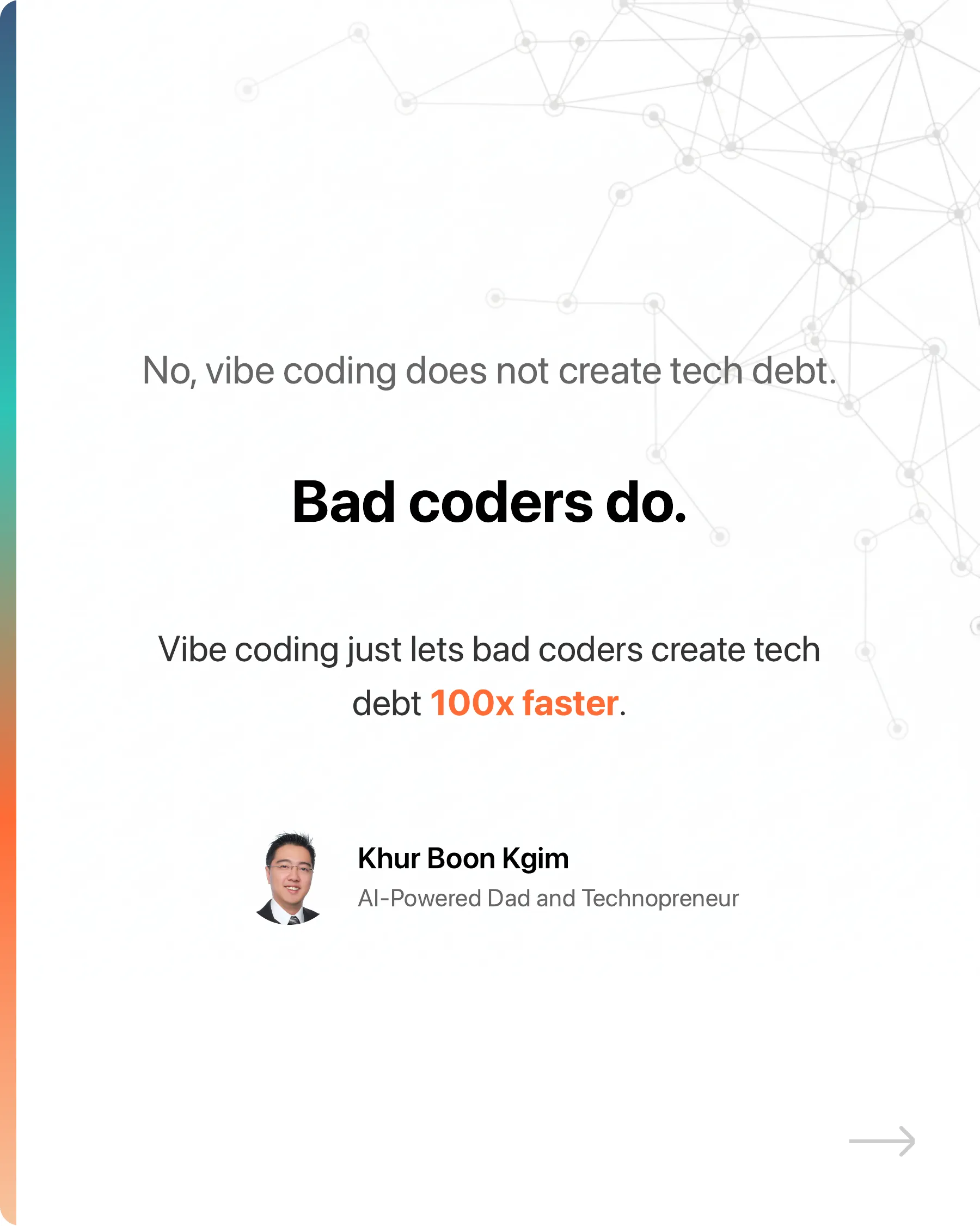
No, vibe coding does not create tech debt.
Bad coders do.
The votes are in for Cohort 4.
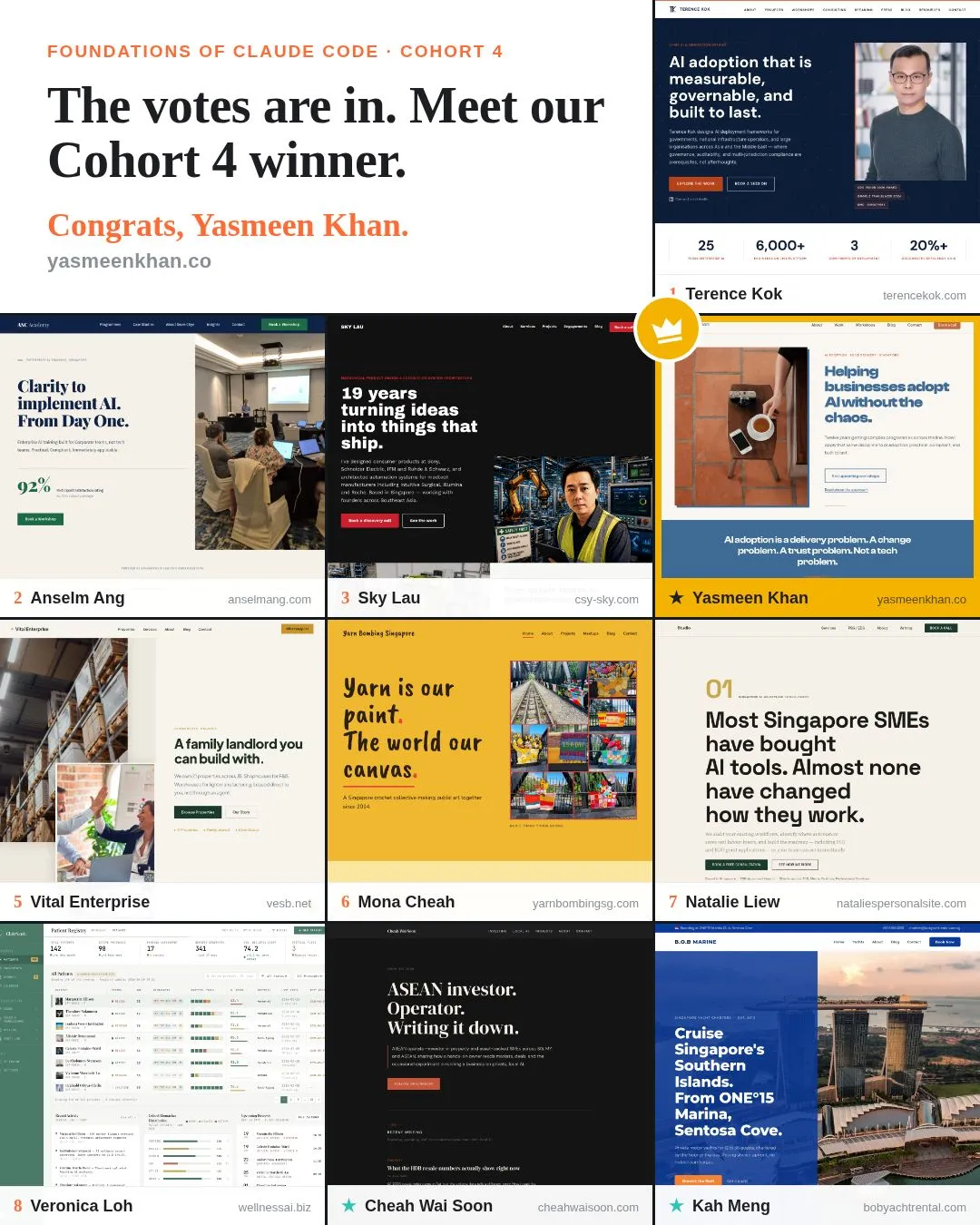
Congrats to Yasmeen Khan, the winner of the portable monitor from my Foundations of Claude Code workshop.
💡 Little-known hack to get the most out of Cursor for FREE
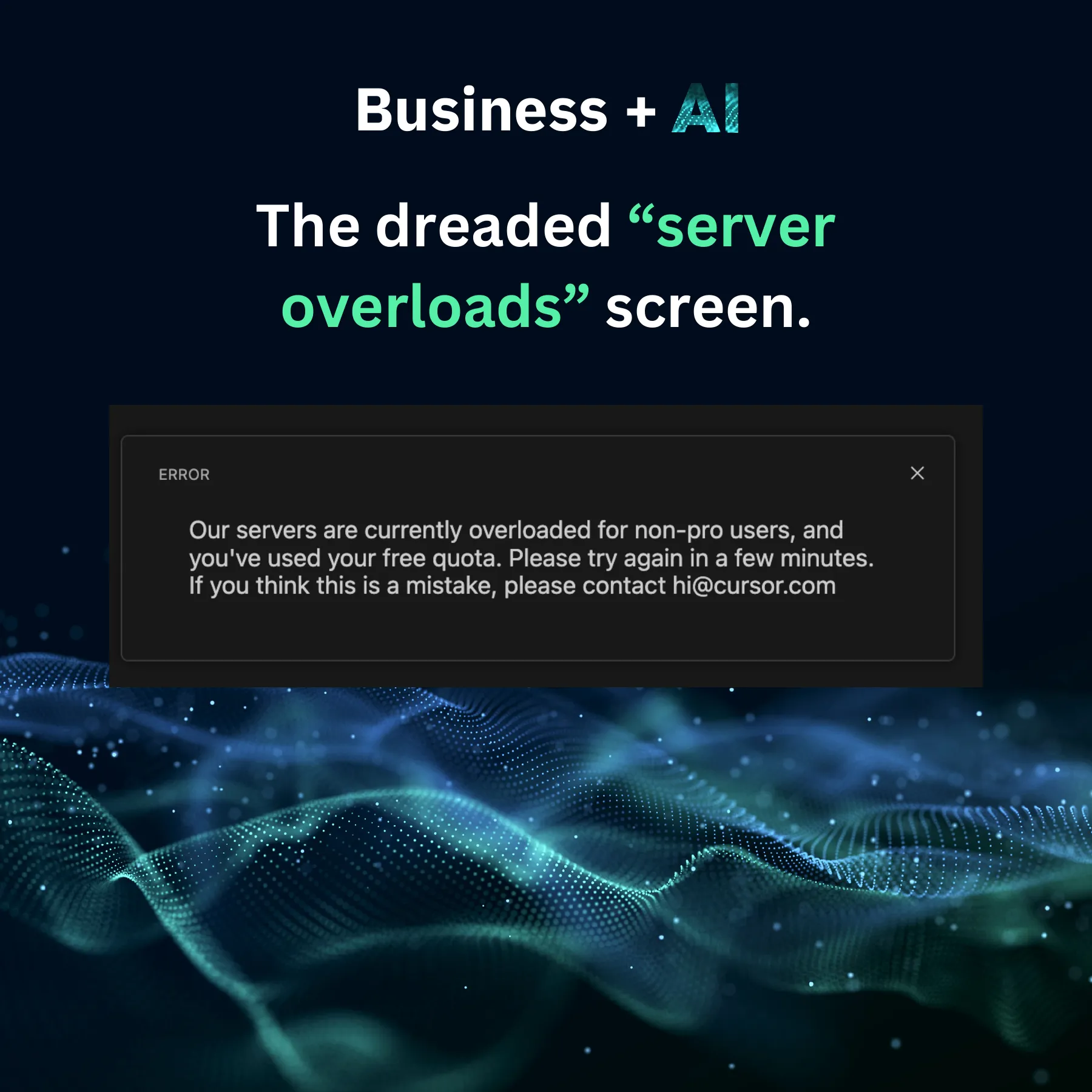
If you're using Cursor on the free plan, you will eventually hit the dreaded "servers overload" screen.
One of the most common copywriting mistakes junior marketers make:
Selling features, not benefits.
"Why is my Claude Code different from his Claude Code, even though both of us are using VS Code?"
This is one of the questions I get from my Claude Code workshop for non-techies.
The votes are in for Cohort 4.
Congrats to Yasmeen Khan, the winner of the portable monitor from my Foundations of Claude Code workshop.
The votes are in for Cohort 3.
Congrats to Francis Lee ., the winner of the portable monitor from my Foundations of Claude Code workshop.
No, vibe coding does not create tech debt.
Bad coders do.
💡 Little-known hack to get the most out of Cursor for FREE
If you're using Cursor on the free plan, you will eventually hit the dreaded "servers overload" screen.