Subagents Are the Most Underrated Feature of Claude Code
In my Foundations of Claude Code workshop last week, one of the learners, Kie Chuan Tan, shared that one of his highlights was watching 5 subagents run in pa...
In my Foundations of Claude Code workshop last week, one of the learners, Kie Chuan Tan, shared that one of his highlights was watching 5 subagents run in parallel. We had asked Claude Code to propose 5 design directions for the website, then spawned one subagent per direction to produce a design-system.md and a mock.html for each.
Most non-techies do not know this feature exists. Most developers who do, only use it for parallel execution. That is barely 20% of what subagents are for.
Back then, I picked Claude Code over Codex and Gemini CLI when I started vibe coding as it was the only one supporting subagents. Today, it is still one of the reasons stopping me from switching to lighter harnesses like Pi Coding Agent.
This article walks through the 3 ways I use subagents in my daily work, including the 2 agentic patterns that I now run on every non-trivial task.
What is a Subagent
A subagent is a separate Claude Code agent launched from your main session, with its own fresh context window. It does the work you give it in parallel with the main agent. You could instruct it to write the output to a file, then return a short summary to the main agent. This prevents the subagent’s reasoning from filling up the main agent’s context window.
That last sentence is the most important point.
Each subagent starts with a clean slate, does focused work, hands back a path, and goes away. The main agent stays light. Your context window does not bloat with every step of every task. This structural property is what makes subagents powerful, not the parallelism. Keep this in mind as you read.
Use 1: Parallel Execution
Spawn one subagent per independent unit of work. They run at the same time, each in fresh context.
Best for: anything that fans out.
- Generate 5 hero section variations
- Research 10 competitor sites
- Refactor 3 modules at once
- Run separate test suites in parallel
- Test the same feature against 4 personas
Why: a single agent doing all of this sequentially is slow and bleeds quality late in the run. 5 subagents in parallel finish in roughly the same time as one, with each one as sharp as the first prompt.
How: tell Claude Code “for each X, use one subagent to do Y.” That is it.
The 5 designs example from Cohort 1 takes about 15 minutes end to end. The same work, run sequentially in a single agent, would take an hour and the 4th and 5th designs would be visibly weaker than the 1st.
Parallelism is the most obvious win. It is also the easiest one to discover on your own. The next two are not.
Use 2: Prevent Context Bloat and Context Anxiety
I once asked Claude Code to write lesson content for 18 grammar topics in one run. It came up with a plan. Ran them one by one. Then reported all 18 done. I checked. Only 4 were actually written. The other 14 were stubbed as “Pending…”.
This is context anxiety. As the context fills up, the agent rushes to finish, takes shortcuts, and reports completion prematurely. It is not lying. It is degrading under load.
Anthropic’s own engineering team has written about this in their Harness Design for Long-Running Apps blog post, where they observed agents starting to cut corners as the context window fills up.
I retried the same task with one subagent per topic. All 18 finished, first try. Same model. The prompt was different this time. It followed the same parallel pattern as Use 1 above.
The fix was structural. Each subagent only saw the context it needed for its one topic. The orchestrator never had to hold 18 topics worth of content at once. Decay and anxiety both disappeared.
A Note Before You Read On
If you are new to Claude Code, Use 1 and Use 2 are the foundations you need. They are what I cover in my Foundations of Claude Code workshop.
If you are interested in learning more foundational knowledge of Claude Code and AI agents, join my next workshop on 21st May, 1:30pm to 5:30pm. It is designed for non-techies. You walk out with a live website on a real URL and a stronger foundation to take the next steps.
Details: boonkgim.com/workshops/foundations-claude-code
If you are already comfortable with Claude Code and want the advanced patterns I use on every non-trivial task, read on.
Use 3: Implement Higher-Order Agentic Patterns
The two uses above are tactical. The third one is structural. Once you start composing subagents into patterns, Claude Code stops being a smarter autocomplete and starts behaving like an engineering team you can spin up on demand.
These are the 2 patterns I now run on every non-trivial task.
I wrote about this in this article: Lessons I Learned Coding 10 Apps with Claude Code.
Pattern 1: Generator + Evaluator (Reflection Loop)
The intuitive way to improve AI output is to ask it to review itself. Generate something, then ask “is this good?”
Anthropic’s team tried this. The agent “confidently praised output even when quality was mediocre.” Self-evaluation is a known failure mode of LLMs, especially on subjective tasks where there is no clear right or wrong answer. The same probabilistic machine that produced the work also produced the praise.
The fix is to separate the generator and the evaluator into 2 subagents, putting both in fresh context.
How the pattern works:
- The orchestrator (your main agent) loads a checklist or best-practice file once.
- It spawns a Generator subagent. The generator follows the checklist to produce output files.
- It spawns an Evaluator subagent. The evaluator loads the same checklist, reads the generator’s output files, and writes a review file marking each rule as pass or fail.
- If any rule fails, the orchestrator loops. The generator revises, the evaluator reviews again.
- The loop exits only when every rule passes.
Three rules make this pattern work in practice:
- The orchestrator owns the loop. Not the generator. Not the evaluator. A skill outside the loop holds the control flow.
- Each subagent starts with fresh context. The evaluator has never seen the generator’s internal reasoning. That is the point. The same degraded context that produced the bug cannot reliably catch it.
- Every handoff is on disk. Output files from the generator. Review files from the evaluator, one per round. Nothing flows inline through the orchestrator.
Best for: any task for which you can write a list of dos and don’ts as best practice. Writing, design, marketing copy, UX choices, code.
I wrote a full breakdown of the reflection pattern, including Anthropic’s research behind it, here: How to Push AI Output Quality Using the Generator-Evaluator Pattern.
Pattern 2: Thin Orchestrator + Specialised Workers
The reflection loop handles inconsistent output. The orchestrator pattern handles complex tasks that cannot fit in one context window at all.
How the pattern works:
The orchestrator is your main thread. It holds the big picture and the order of things. It does not do the work. It coordinates.
The workers are subagents with specialised skills. Each worker runs in fresh context, well below the wall. When a worker finishes, it does not return a thousand lines of inline text to the orchestrator. It writes files and returns a path.
The orchestrator reads only a short summary and the file path. It passes file paths between workers, not file contents.
Four rules:
- Orchestrator decides scope, dependencies, and order. The big picture. For example, you cannot plan the API before having the DB schema.
- Orchestrator coordinates. Workers do the details. The main agent is thin on purpose. Emphasis on thin.
- Every handoff is on disk, summarised in YAML frontmatter at the top of each file. The orchestrator reads only the frontmatter, never the body. Roughly 50 lines of inline output in the orchestrator at any time, the rest on disk.
- Orchestrator context is the scarce resource. Protect it. If you let worker output flow through the orchestrator inline, you hit the context wall in one or two steps.
Best for: anything that has multiple stages or large outputs. Software implementation plans, system designs, multi-section content, anything that would otherwise blow your context past 150k tokens.
A real example. When I run /plan-implementation with a PRD, the orchestrator does not write the plan itself. It launches one subagent per dependency layer (DB, API, code, frontend, testing). Each layer subagent itself runs an internal Generator + Evaluator loop on its scope. Outputs are written to .artifacts/plan/{run-number}/ as files. The orchestrator reads only YAML frontmatter summaries: verdict, violation counts, file path. Nothing else.
That is Pattern 2 on the outside and Pattern 1 on the inside. The orchestrator’s context stays below 50% the entire run. The output plan can be hundreds of tasks long, and no single subagent ever exceeds its own context limit.
This is the pattern that took me from “Claude Code is helpful for small fixes” to “Claude Code can plan and ship a real feature end to end.”
What Both Patterns Reveal
Both patterns reduce to the same insight: orchestration is more valuable than the model.
Once you internalise that, the rest of agentic design becomes obvious. You stop trying to make one giant prompt do everything. You start designing the org chart of subagents that should do it instead.
The 4 skills you actually need to master are:
- How to split a task into subagents, so no single run bloats.
- How to load the right context into each subagent, using skills or CLAUDE.md files.
- How to orchestrate those subagents from your main agent, without the main agent doing the work itself.
- How to pass context between agents as file artifacts, not inline.
Learn these 4. The rest is details.
True for Claude Code. True for any agentic tool that comes after.
If You Have Not Tried Subagents Yet
If you are vibe coding only with a single chat in a single terminal, subagents are probably the biggest jump in productivity you have not made yet.
Start with parallel execution this week. Find one task that fans out across 3 to 5 inputs and ask Claude Code to use subagents for it. The pattern clicks fast once you see it work.
Then move to the orchestrator pattern. The reflection loop is the last pattern to add, because it has the most moving parts and the most setup.
If you are still earlier in the journey, join my Foundations of Claude Code workshop. The next cohort is on 21st May, 1:30pm to 5:30pm at the Hashmeta Group office.
#ClaudeCode #AI #AIAgents #SoftwareEngineering #Productivity
Enjoyed this? Subscribe for more.
Practical insights on AI, growth, and independent learning. No spam.
More in Vibe Coding
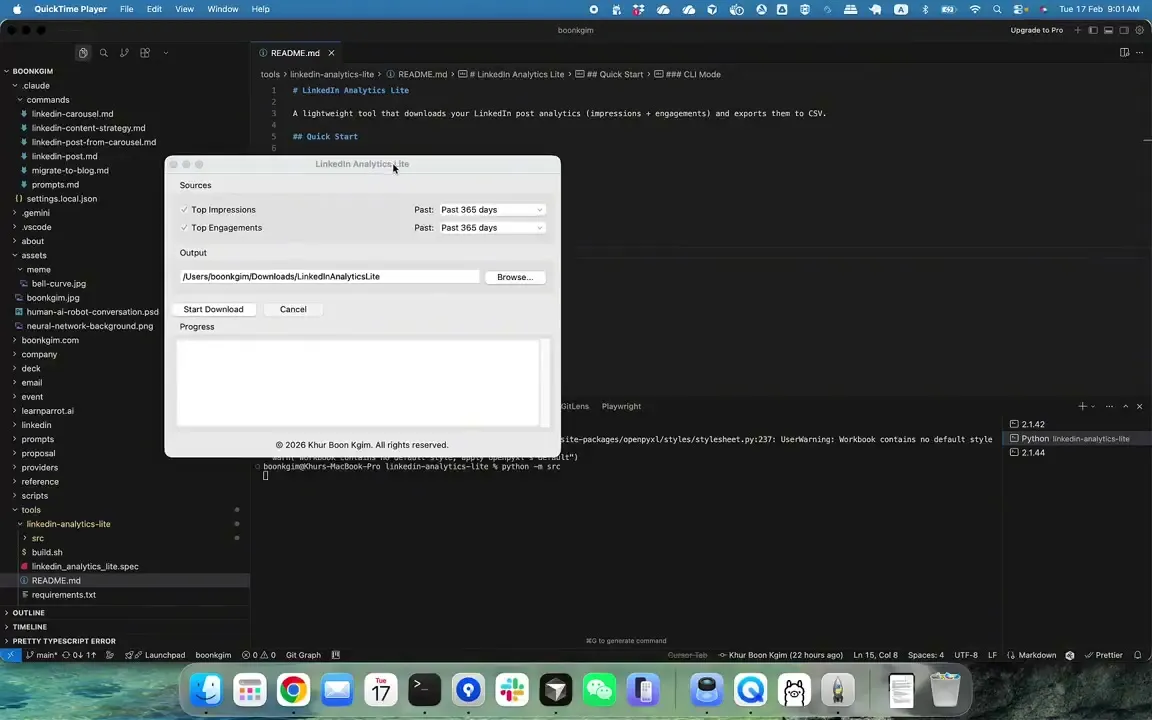
Not every automation needs an AI agent. After burning $25+ with a browser agent just to download analytics of my top LinkedIn posts, I decided to build a simple automation tool that costs nothing to run.
--
One of my biggest AI productivity unlocks this year is the extensive use of agent skills.
In this post, I share my insights after building around 75 skills over 5 months. Coding and non-coding. LinkedIn posts, cover images, carousels, presentation...
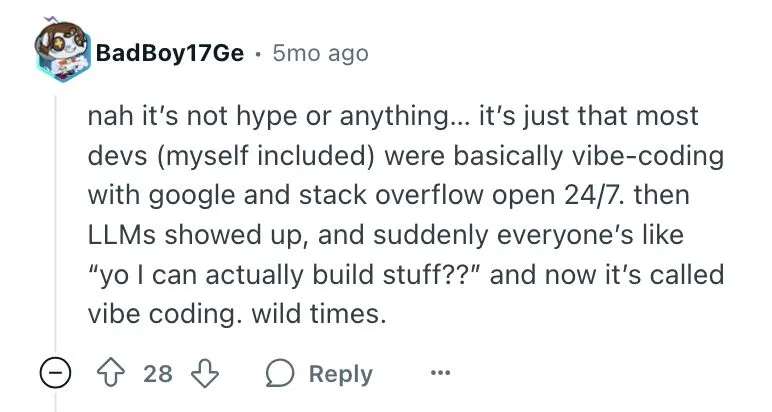
Vibe coding has been around longer than we think...
I once asked a developer to explain his code when it broke due to edge cases. He told me he didn't know because he copied it from Google. At least he was hon...
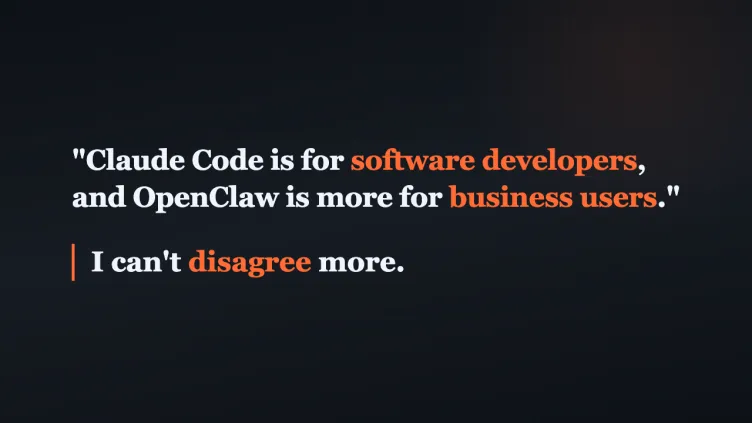
Claude Code is for software developers, and OpenClaw is more for business users.
A learner said this to another learner during a recent workshop. I think this is the most common and most dangerous misconception about these two tools.
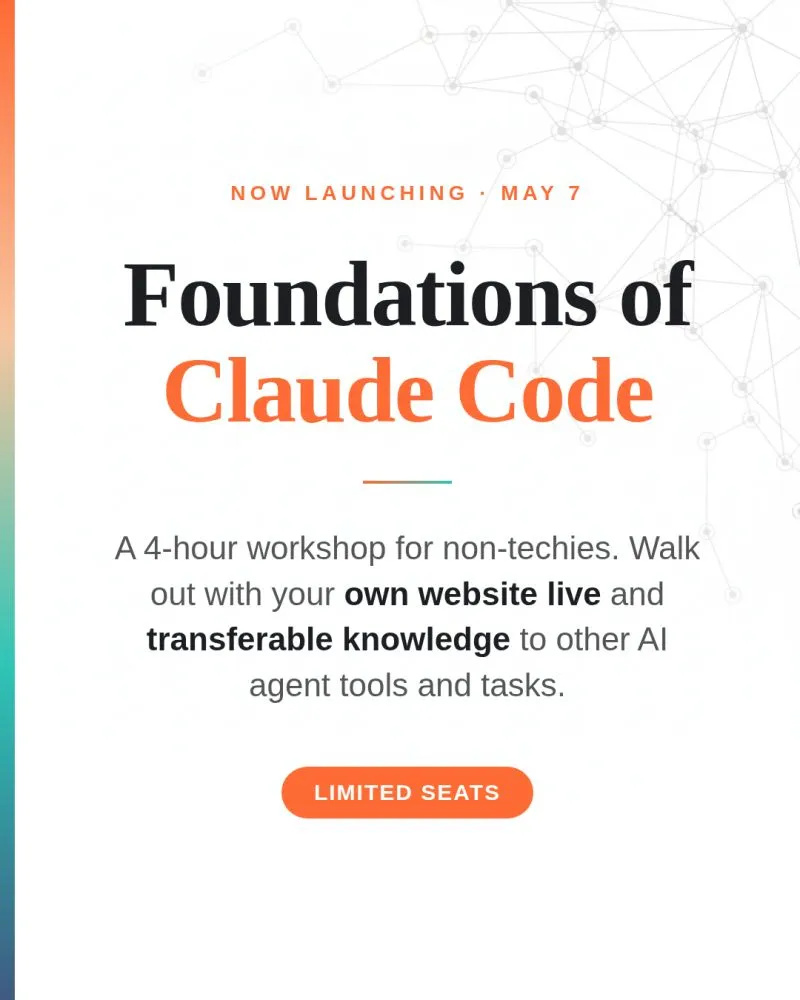
Wan Wei, Soh "begged" me to teach this course.
Today, I am launching Foundations of Claude Code, a 4-hour course on May 7, for non-techies who want to learn Claude Code properly and walk out with their ow...
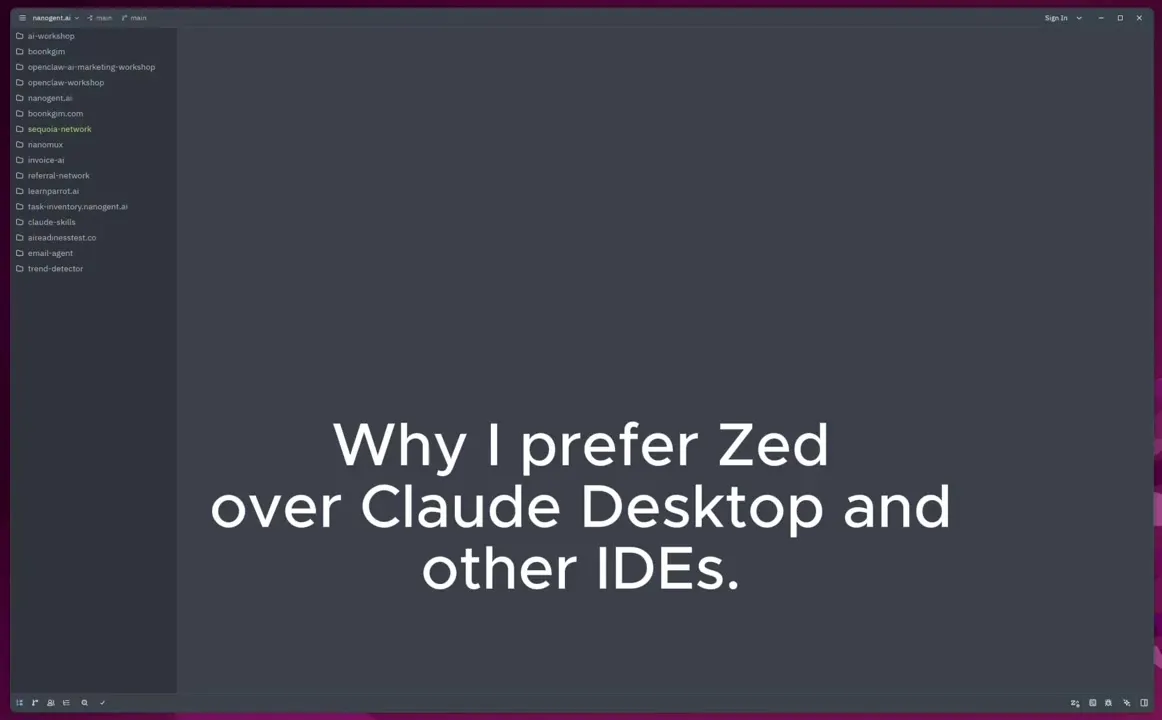
Very often, people ask me why I prefer to use Claude Code in Zed over Claude Desktop and other IDEs.
The short answer: there are things I can do on Zed that I can't do on Claude Desktop and other IDEs.
Not every automation needs an AI agent. After burning $25+ with a browser agent just to download analytics of my top LinkedIn posts, I decided to build a simple automation tool that costs nothing to run.
--
Vibe coding has been around longer than we think...
I once asked a developer to explain his code when it broke due to edge cases. He told me he didn't know because he copied it from Google. At least he was hon...
Wan Wei, Soh "begged" me to teach this course.
Today, I am launching Foundations of Claude Code, a 4-hour course on May 7, for non-techies who want to learn Claude Code properly and walk out with their ow...
One of my biggest AI productivity unlocks this year is the extensive use of agent skills.
In this post, I share my insights after building around 75 skills over 5 months. Coding and non-coding. LinkedIn posts, cover images, carousels, presentation...
Claude Code is for software developers, and OpenClaw is more for business users.
A learner said this to another learner during a recent workshop. I think this is the most common and most dangerous misconception about these two tools.
Very often, people ask me why I prefer to use Claude Code in Zed over Claude Desktop and other IDEs.
The short answer: there are things I can do on Zed that I can't do on Claude Desktop and other IDEs.