After running 5 workshops for non-techies and "forcing" them to use Terminal / PowerShell, I have a...
1. Trying to use the mouse.
- Trying to use the mouse.
Terminal is keyboard-only: arrow keys to move, Enter to confirm. (Recent Claude Code updates added mouse support.)
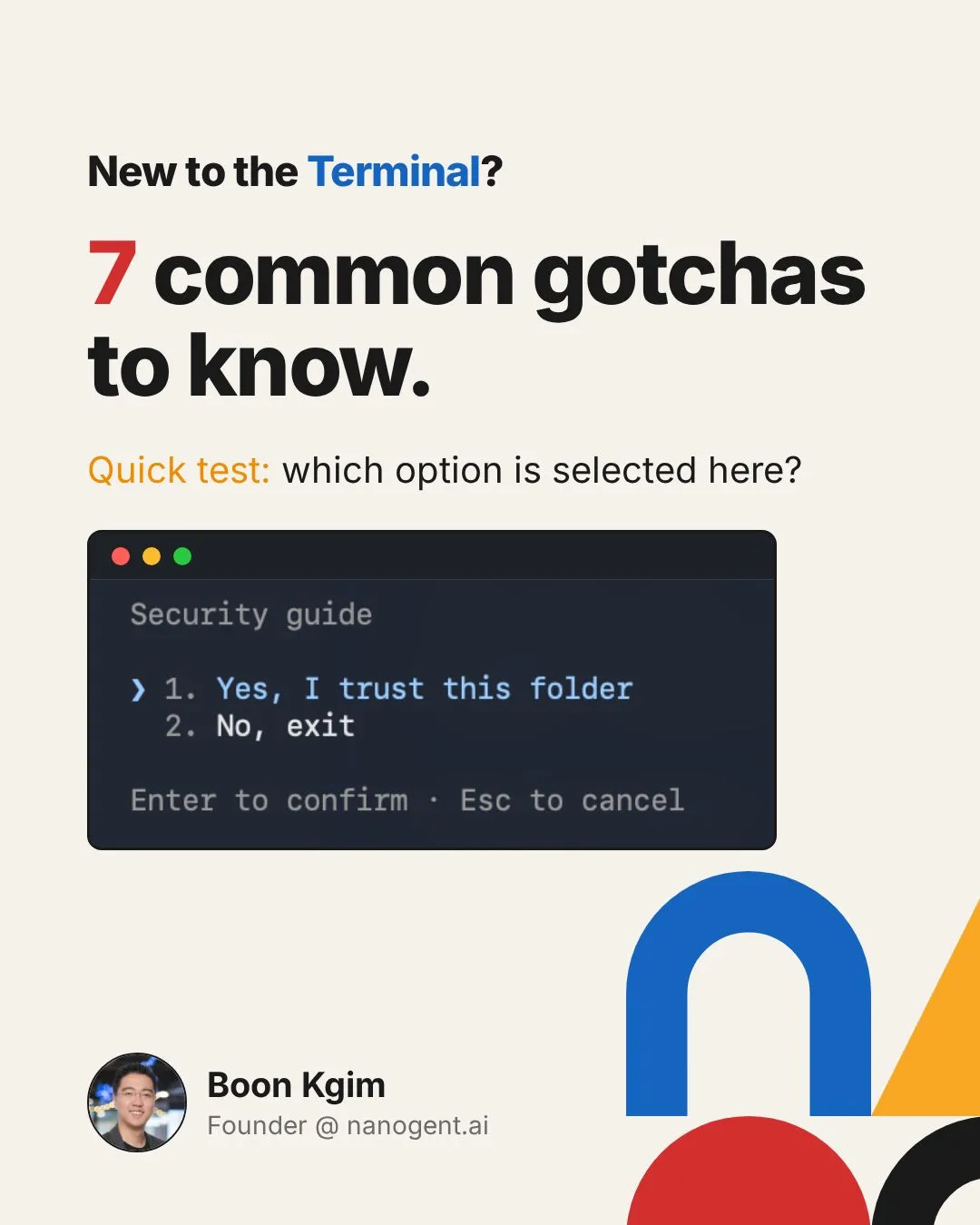
- Misreading the colours.
See the screenshot. Some thought the bright white line was the selected option. The selected one is the highlighted line marked with the arrow.
- Not knowing how to toggle a checkbox.
It is usually the space bar, not Enter.
- Typing a password on macOS and thinking something broke when seeing no response.
The screen stays blank as you type. It is a security feature, not a freeze. Keep typing and press Enter.
- Not knowing that commands are case sensitive.
“Claude” is not the same as “claude”.
- Missing a space or one of the double dashes.
Typed “claude—version” or “claude -version”. One character off and the command fails.
- Expecting every command to give a response.
Some commands do the work without printing anything, like echoing to a file. No output usually means it worked.
Once you understand these, you will be able to use Terminal more effectively.
Why learn Terminal now?
Claude Code or any AI agent on Terminal is one of the most powerful AI agents you can run. And the barrier of entry is a lot lower now. You no longer need to know the various commands, because Claude Code can run most of them for you. You just need to know the command to launch Claude Code or Codex. The rest of the experience is still chatting.
If you are a non-techie who wants to learn to use Claude Code in the Terminal, I run a Foundations of Claude Code workshop.
Details: https://lnkd.in/e9r8kScw
If you are already familiar with Claude Code in the Terminal, I run an Advanced Claude Code workshop to deep dive into context engineering, skills and workflow patterns to run big and long-running tasks (a.k.a. Loop Engineering).
Details: https://lnkd.in/eR6WPQnC
#AI #ClaudeCode #VibeCoding #AIAgents #BuildInPublic
Tap to expand
Enjoyed this? Subscribe for more.
Practical insights on AI, growth, and independent learning. No spam.
More in Vibe Coding

Wan Wei, Soh "begged" me to teach this course.
Today, I am launching Foundations of Claude Code, a 4-hour course on May 7, for non-techies who want to learn Claude Code properly and walk out with their ow...
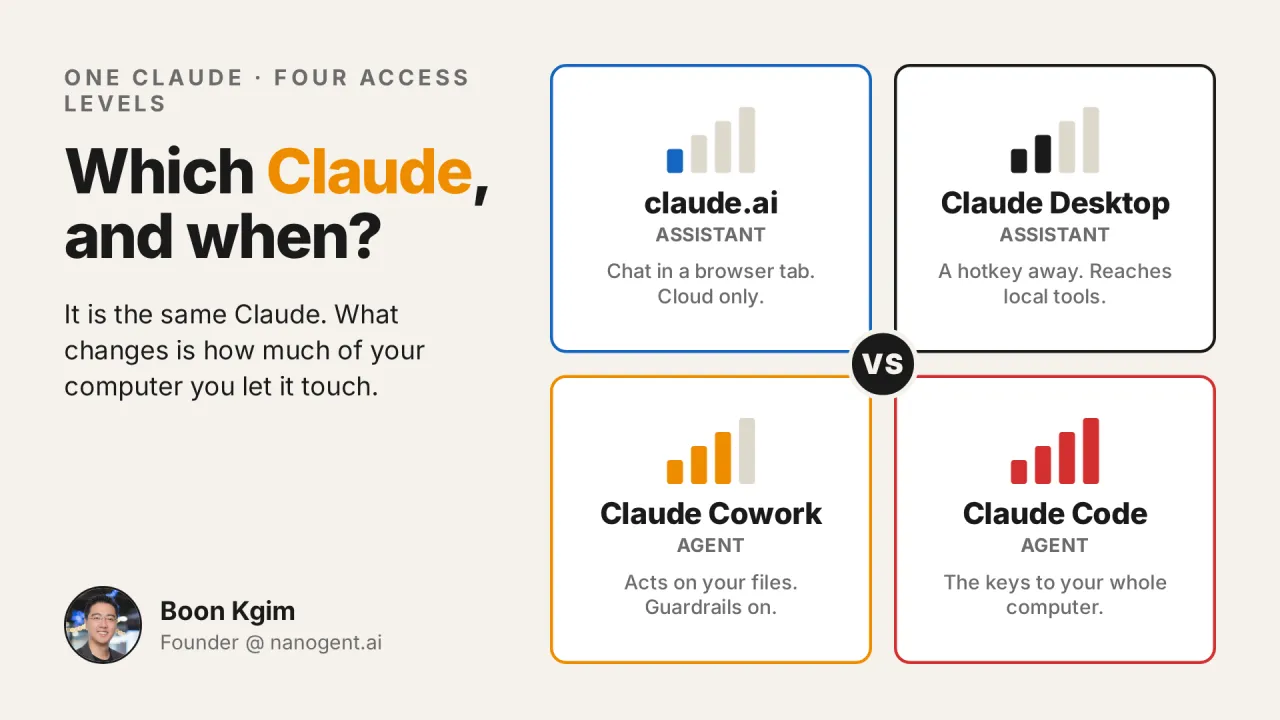
Claude.ai, Claude Desktop, Cowork, or Claude Code: which one should you use, and when? And why is Claude Code not only for coding?
I get this question a lot, in workshops, in my DMs, and in offline conversations.

The votes are in.
I'm happy to announce the two winners of the portable monitor:
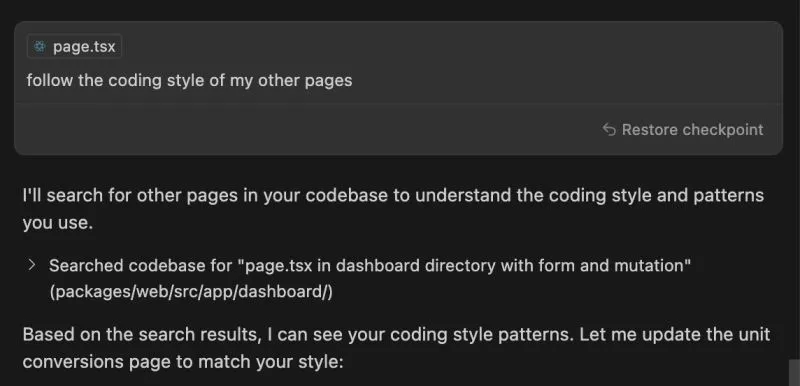
Has Cursor Gotten Worse Over the Last 4 Months?
When I first started using Cursor, I was blown away. With a single prompt, it generated clean, multi-file codes that mirrored exactly how I would have writte...
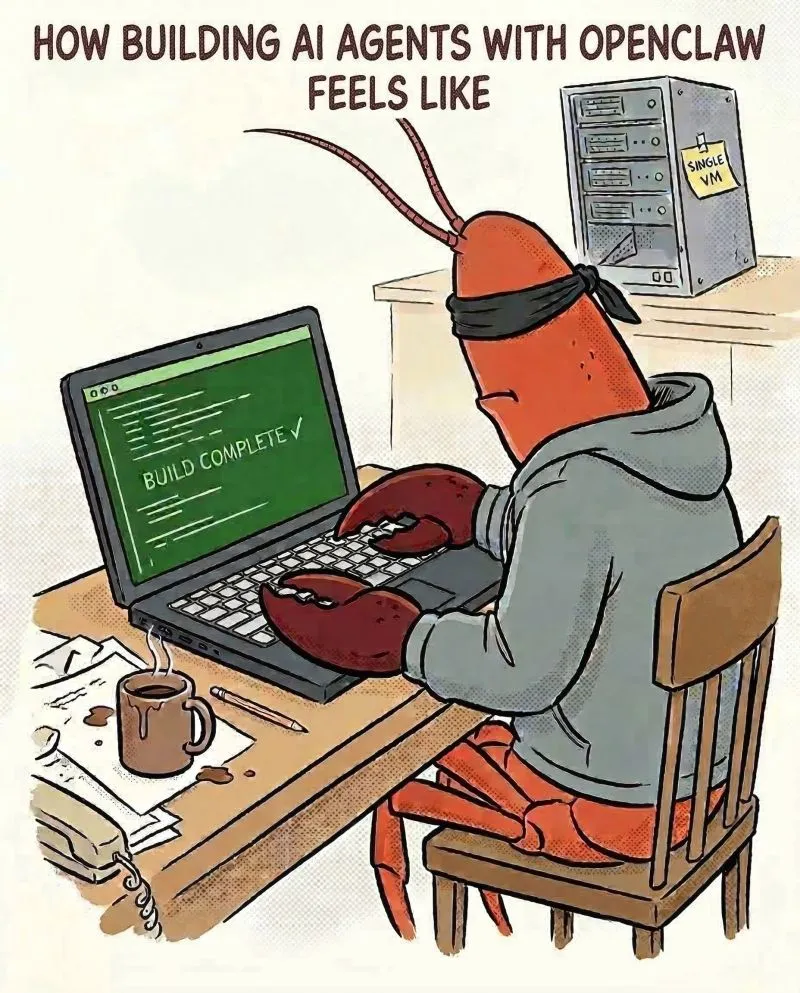
Am I the only one feeling uneasy building AI agents with OpenCrawl after testing it for a while?
I've been building AI agents before OpenClaw, and building skills using Claude Code for a while. It's powerful. When I learned about OpenClaw, I knew exactly...
One of my biggest AI productivity unlocks this year is the extensive use of agent skills.
In this post, I share my insights after building around 75 skills over 5 months. Coding and non-coding. LinkedIn posts, cover images, carousels, presentation...
Wan Wei, Soh "begged" me to teach this course.
Today, I am launching Foundations of Claude Code, a 4-hour course on May 7, for non-techies who want to learn Claude Code properly and walk out with their ow...
Has Cursor Gotten Worse Over the Last 4 Months?
When I first started using Cursor, I was blown away. With a single prompt, it generated clean, multi-file codes that mirrored exactly how I would have writte...
Am I the only one feeling uneasy building AI agents with OpenCrawl after testing it for a while?
I've been building AI agents before OpenClaw, and building skills using Claude Code for a while. It's powerful. When I learned about OpenClaw, I knew exactly...
Claude.ai, Claude Desktop, Cowork, or Claude Code: which one should you use, and when? And why is Claude Code not only for coding?
I get this question a lot, in workshops, in my DMs, and in offline conversations.
The votes are in.
I'm happy to announce the two winners of the portable monitor:
One of my biggest AI productivity unlocks this year is the extensive use of agent skills.
In this post, I share my insights after building around 75 skills over 5 months. Coding and non-coding. LinkedIn posts, cover images, carousels, presentation...