Claude Code can code nice UI. But nice UI doesn't mean good UI.
Manual UI testing is becoming one of my biggest bottlenecks when coding with AI now.
Tap a slide to expand
Manual UI testing is becoming one of my biggest bottlenecks when coding with AI now.
For any new feature, I find myself usually spending 80% of time doing manual UI testing.
These are two common issues I see:
- LLM sometimes makes poor judgment of what UI component to use.
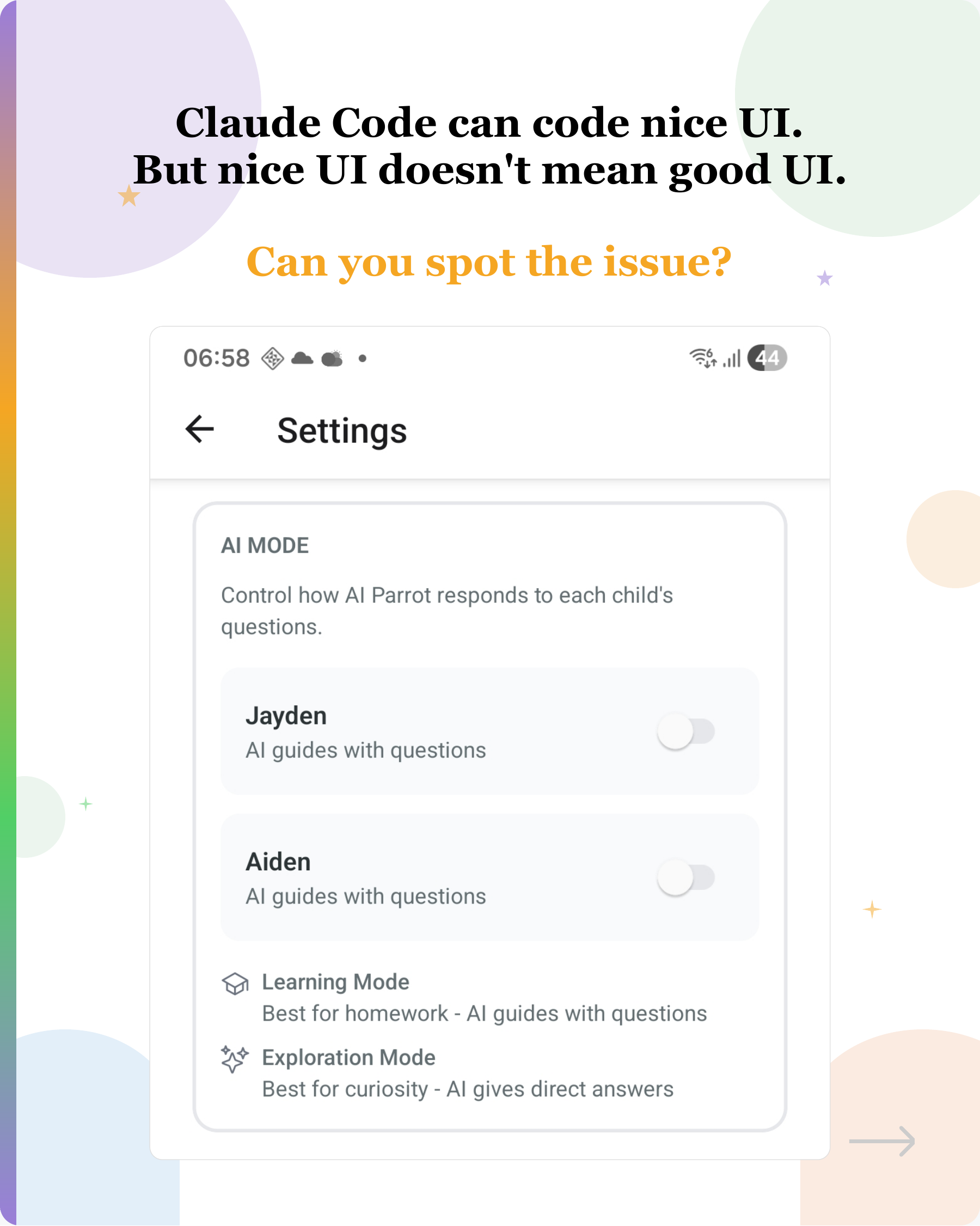
When I asked Claude Code to add a feature to allow users to toggle the AI mode, image 1 is what it coded. It used an on/off switch for a choice between two modes. It looks decent, but ambiguous. What does ON mean? Turn ON Learning Mode or Explore Mode?
One way to solve this is probably giving it best practices on how to choose components as a skill?
- LLM can’t see layout issue.
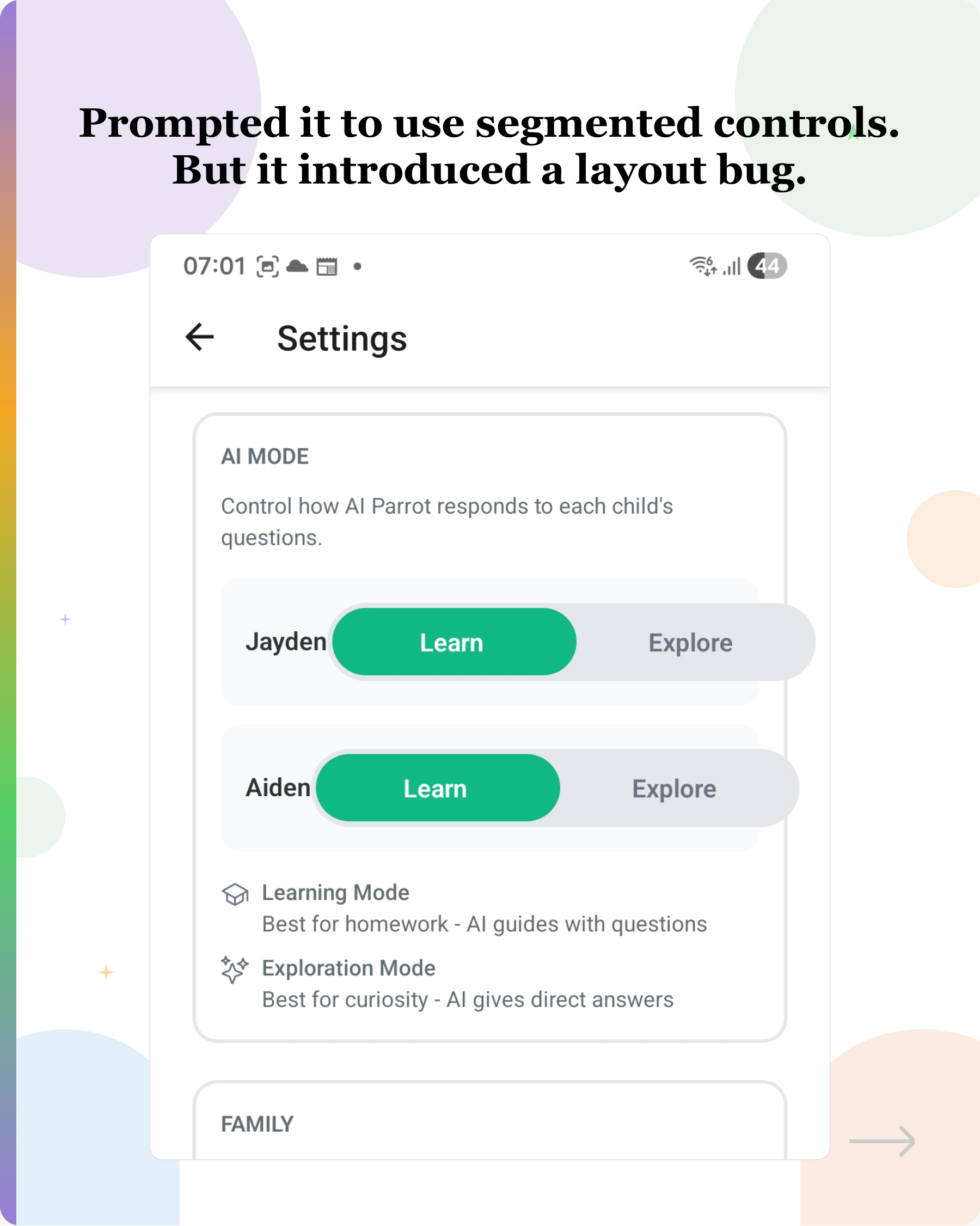
After prompting it about the ambiguity, I asked it to use a segmented control. But it introduced a layout issue.
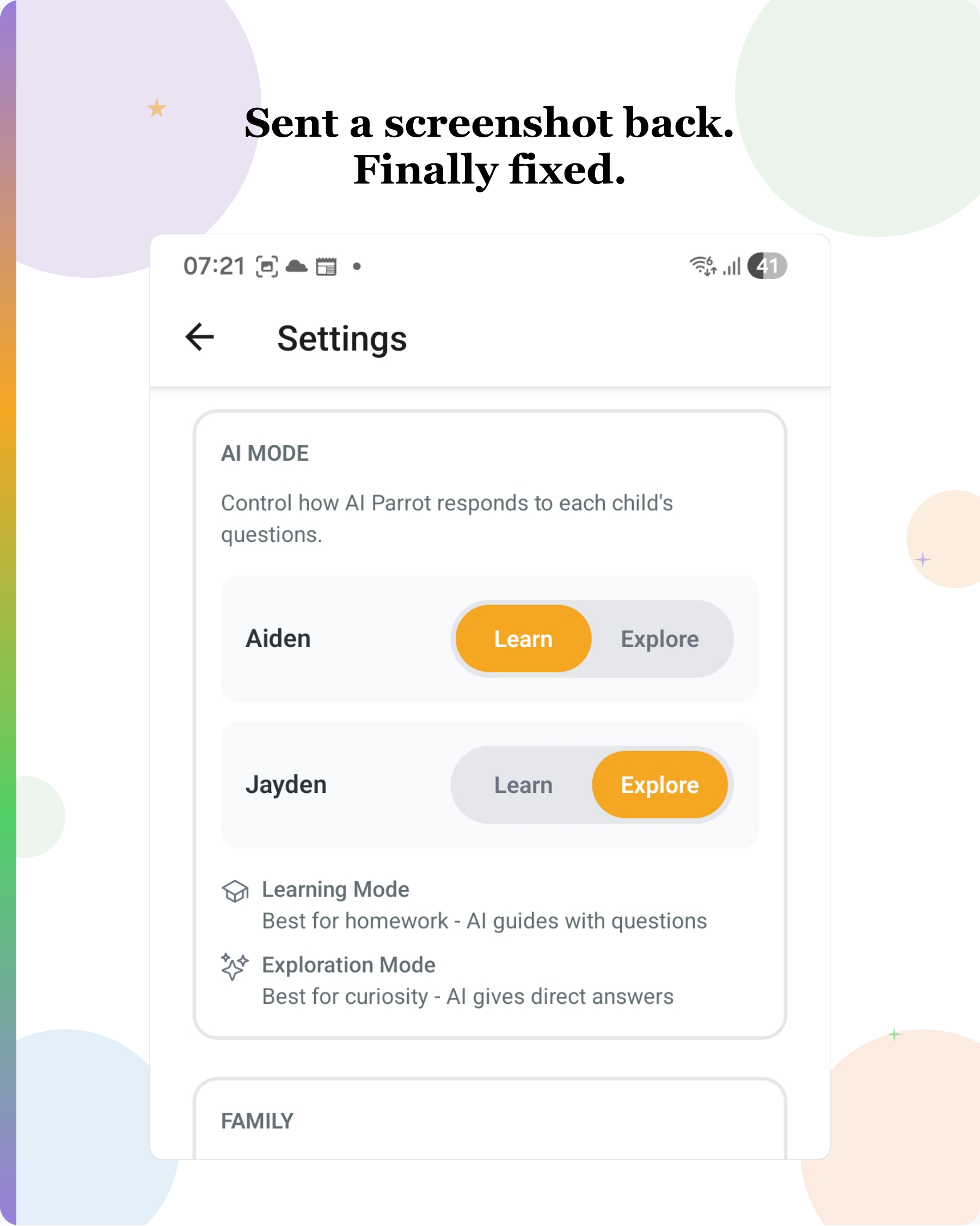
It took additional prompt to finally get it fixed.
—
This invites a question.
If the LLM could see what it coded, could it catch these obvious issues on its own?
This is something I just started to explore. Does anyone know of a solution that lets Claude Code (or similar tools) see its own UI output for a mobile app during the agentic loop?
Would love to hear how others handle this.
#AI #CodingWithAI #ClaudeCode #UITesting #UXDesign #DeveloperExperience #LLM
Enjoyed this? Subscribe for more.
Practical insights on AI, growth, and independent learning. No spam.
More in Vibe Coding
LangChain on AI Agents vs Workflow Builders
(I admit, I’ve contributed to one of those posts myself)
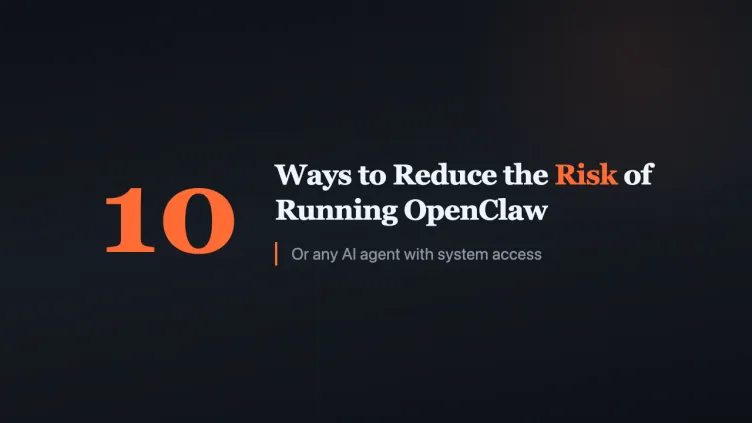
10 Ways to Reduce the Risk of Running OpenClaw (or Any AI Agent)
The safe answer comes from Peter Steinberger, OpenClaw's creator himself. He said OpenClaw is designed as a personal assistant - one user to one or many agen...
AI can't replace 100% of a human's job.
i.e., once a certain task can be automated with AI agents or workflows, we can scale it with minimal additional cost.
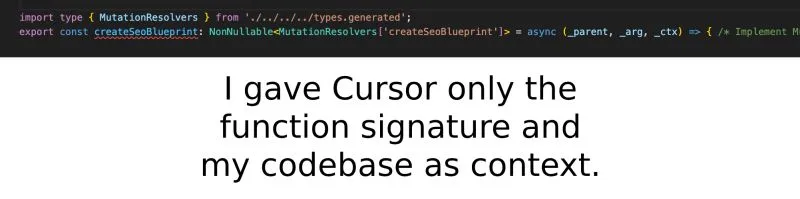
Can AI really write production-quality code?
Here's a chance to peek how it is used in an actual project.
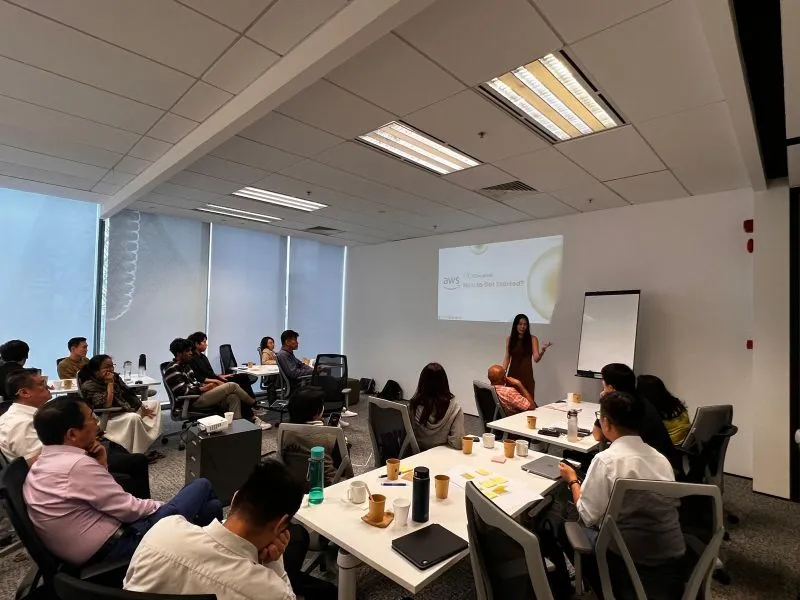
GenAI Design Thinking Workshop
Helping participants break down their business processes to identify opportunities for adopting agentic AI workflows using the 5I framework.

AI trap: treating polished as correct.
Before AI, a polished report was a sign someone put in extra effort. Now it can be a sign they skipped it.
LangChain on AI Agents vs Workflow Builders
(I admit, I’ve contributed to one of those posts myself)
Can AI really write production-quality code?
Here's a chance to peek how it is used in an actual project.
GenAI Design Thinking Workshop
Helping participants break down their business processes to identify opportunities for adopting agentic AI workflows using the 5I framework.
10 Ways to Reduce the Risk of Running OpenClaw (or Any AI Agent)
The safe answer comes from Peter Steinberger, OpenClaw's creator himself. He said OpenClaw is designed as a personal assistant - one user to one or many agen...
AI can't replace 100% of a human's job.
i.e., once a certain task can be automated with AI agents or workflows, we can scale it with minimal additional cost.
AI trap: treating polished as correct.
Before AI, a polished report was a sign someone put in extra effort. Now it can be a sign they skipped it.