Claude Code's auto memory makes your project less portable.
What is auto memory?
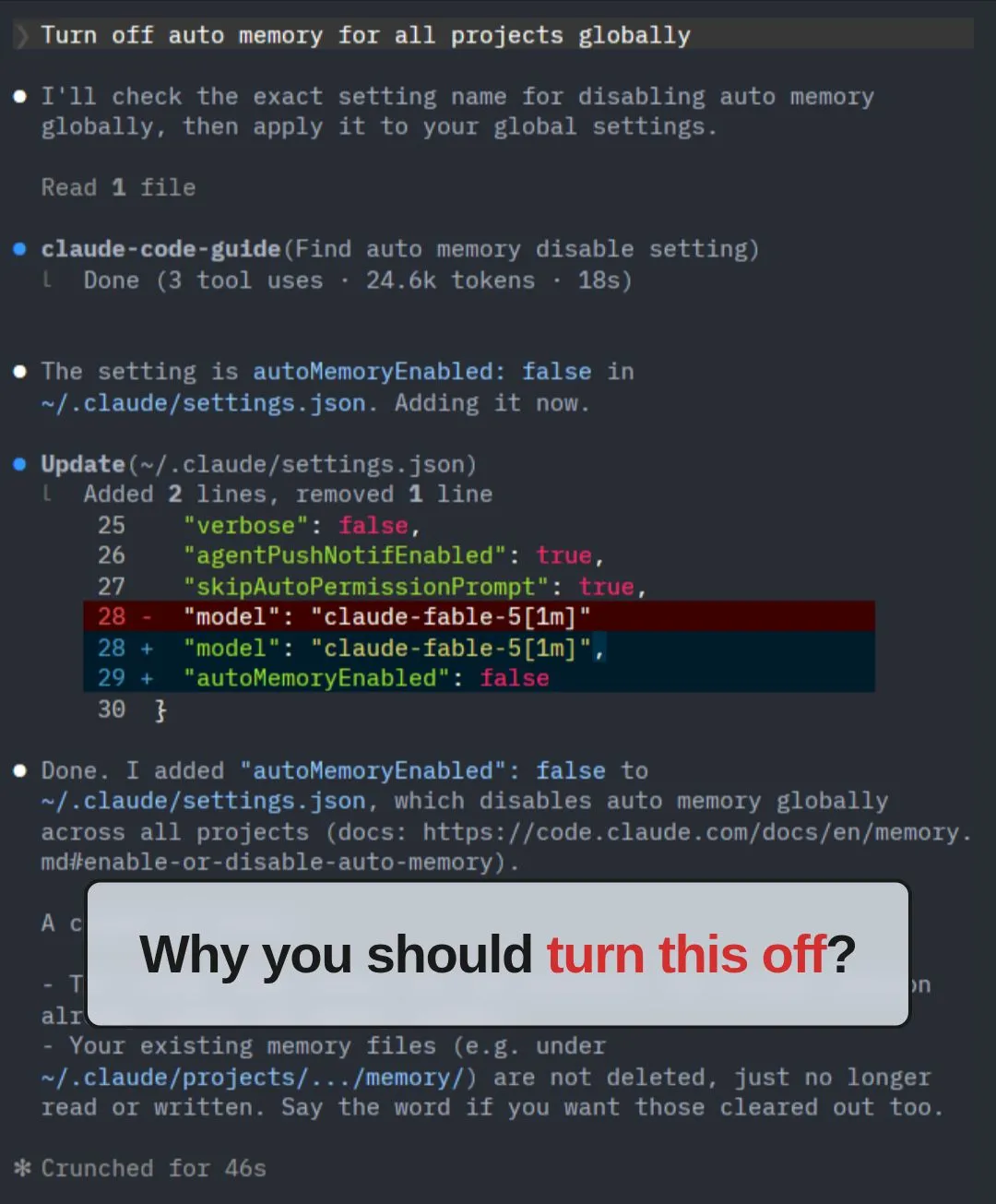
What is auto memory?
Around Feb 2026, Anthropic shipped auto memory to Claude Code. With it, Claude Code auto “remembers” your preferences and noteworthy info by writing notes into your home folder, at ~/.claude/projects/<project>/memory/.
The problem: those notes live outside your project folder.
Claude Code was designed to work within a project folder. An important best practice, and one I follow on every project: keep the project folder self-contained, version control it with Git, and push it to GitHub.
Two main benefits of this practice:
-
Your project is portable across machines. You can clone it on any machine, or work on it with Claude Code web, without loss of context.
-
Your project is portable across AI providers. When Claude Code is down, or you decide to switch, you can move to another provider such as Codex without loss of context.
With auto memory on, some important context is no longer self-contained in the project folder. When you change machines or switch AI providers, that context does not follow the project, and you will see drift in performance.
How to switch it off?
Add this to ~/.claude/settings.json:
{ “autoMemoryEnabled”: false }
Or prompt Claude Code to do it for you:
“Turn off auto memory for all projects globally.”
Two things to take note of:
-
The setting is per user, per machine. If you work across multiple machines, you need to do it on each one.
-
If you have already accumulated a lot of auto memory, chat with Claude Code to port those memories into your project’s CLAUDE.md before turning it off.
#AI #ClaudeCode #VibeCoding #AIAgents #BuildInPublic
If you are a non-techie who wants to learn to use Claude Code in the Terminal, I run a Foundations of Claude Code workshop.
Details: https://lnkd.in/e9r8kScw
If you are already familiar with Claude Code in the Terminal, I run an Advanced Claude Code workshop to deep dive into context engineering, skills and workflow patterns to run big and long-running tasks (a.k.a. Loop Engineering).
Details: https://lnkd.in/eR6WPQnC
Enjoyed this? Subscribe for more.
Practical insights on AI, growth, and independent learning. No spam.
More in Vibe Coding
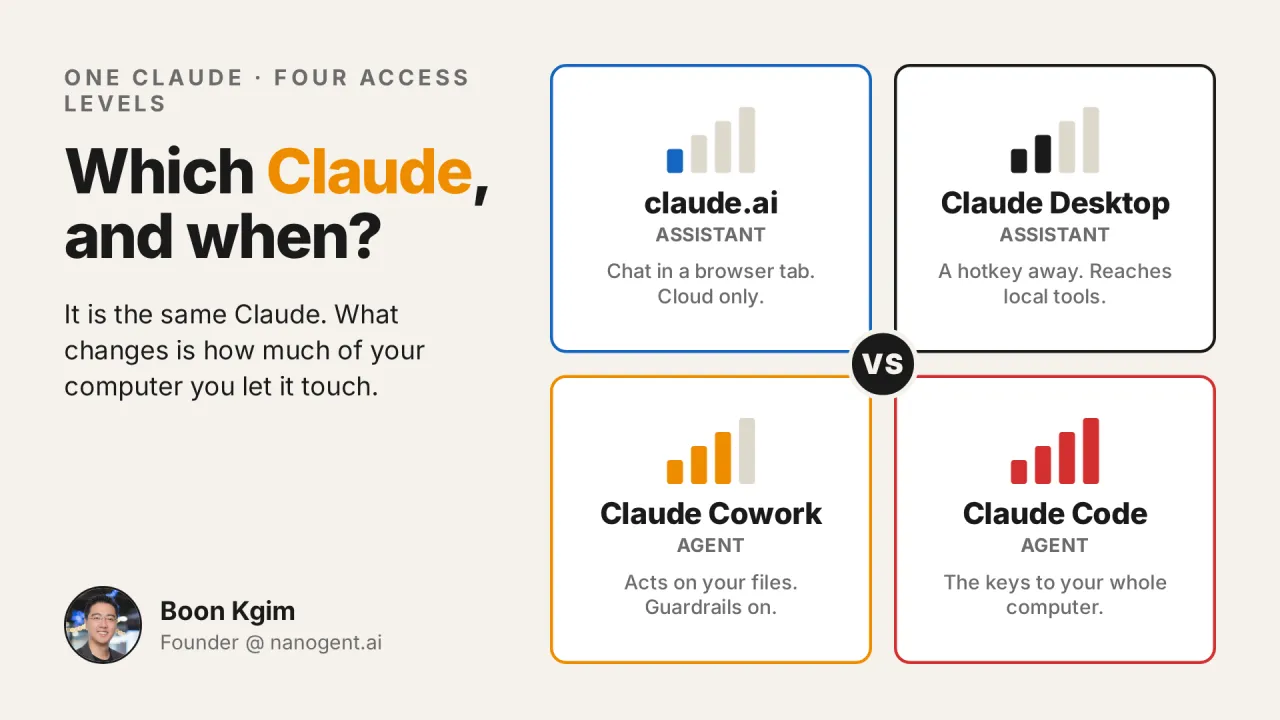
Claude.ai, Claude Desktop, Cowork, or Claude Code: which one should you use, and when? And why is Claude Code not only for coding?
I get this question a lot, in workshops, in my DMs, and in offline conversations.
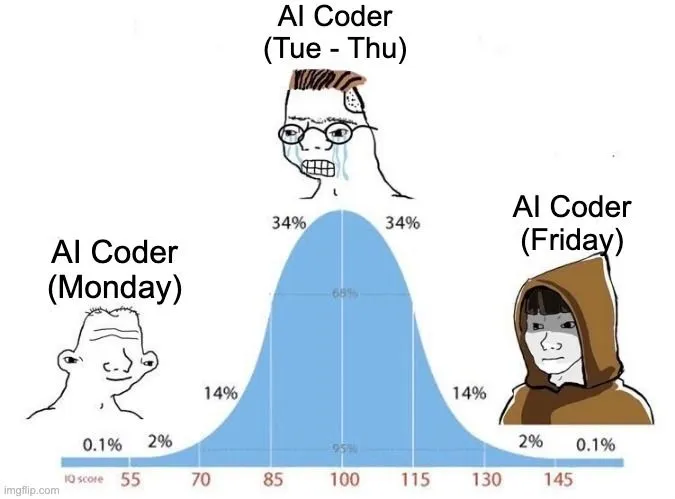
I was amazed by AI coding assistant the first time I used Cursor.
It wrote code almost similar to how I would write it.
I finally went down the rabbit hole.
After resisting for months, I subscribed to Claude Max 20x.
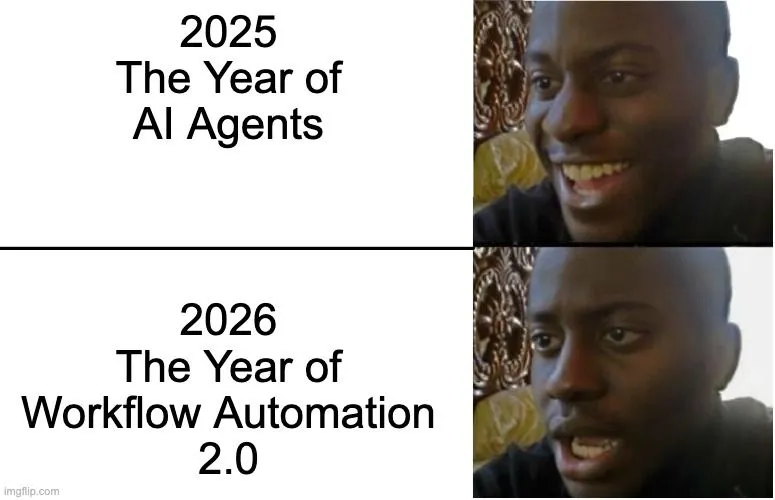
We were promised autonomous AI agents. But got Workflow Automation 2.0 instead.
2025: The Year of AI Agents 😄
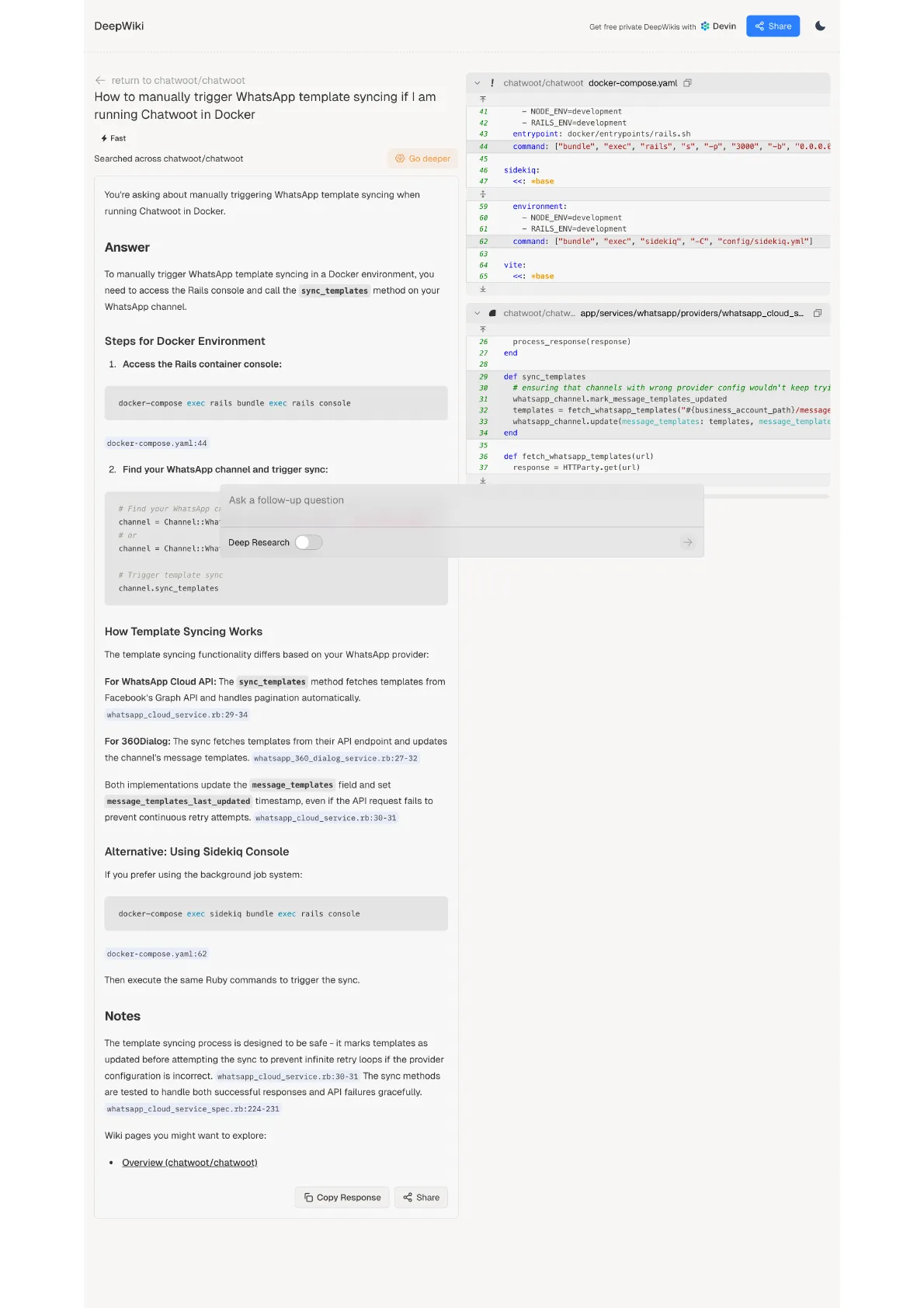
DeepWiki: AI-Generated Docs for Any GitHub Repo
If you're using open-source software, one of the most common problems is outdated or poor documentation.
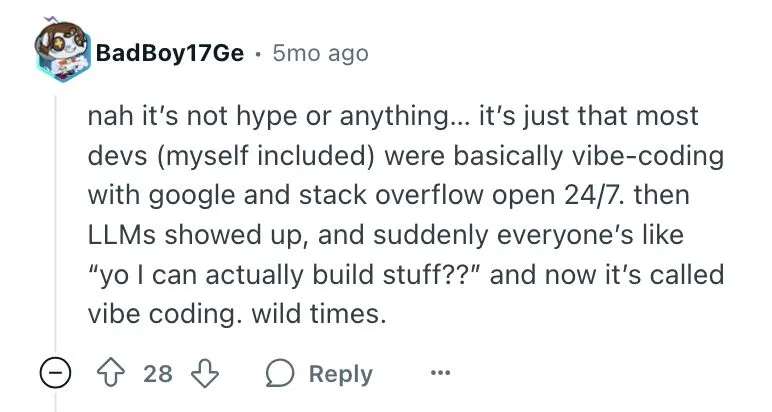
Vibe coding has been around longer than we think...
I once asked a developer to explain his code when it broke due to edge cases. He told me he didn't know because he copied it from Google. At least he was hon...
Claude.ai, Claude Desktop, Cowork, or Claude Code: which one should you use, and when? And why is Claude Code not only for coding?
I get this question a lot, in workshops, in my DMs, and in offline conversations.
We were promised autonomous AI agents. But got Workflow Automation 2.0 instead.
2025: The Year of AI Agents 😄
Vibe coding has been around longer than we think...
I once asked a developer to explain his code when it broke due to edge cases. He told me he didn't know because he copied it from Google. At least he was hon...
I was amazed by AI coding assistant the first time I used Cursor.
It wrote code almost similar to how I would write it.
I finally went down the rabbit hole.
After resisting for months, I subscribed to Claude Max 20x.
DeepWiki: AI-Generated Docs for Any GitHub Repo
If you're using open-source software, one of the most common problems is outdated or poor documentation.