Once in a while, I've heard of someone losing his Claude Cowork chat history after an update.
It has happened to one of my workshop alumni, Kelvin Lee, too. Read his post at https://lnkd.in/gitnMqde
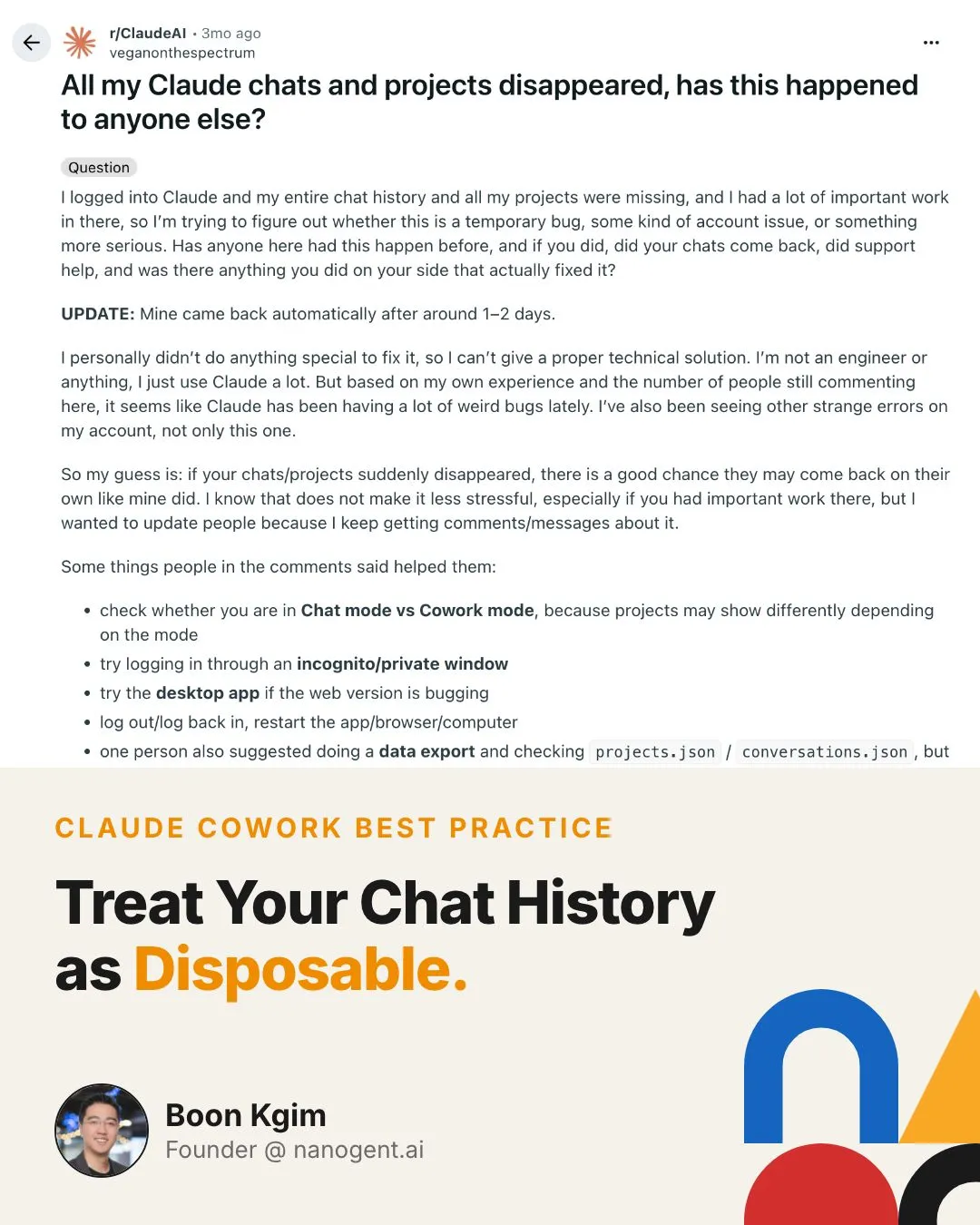
It has happened to one of my workshop alumni, Kelvin Lee, too. Read his post at https://lnkd.in/gitnMqde
And most people don’t realize why, or what to do about it.
Claude Cowork is built around working with local files.
No data is retained on Anthropic’s servers.
Claude Chat is the opposite. It keeps your conversation history on Anthropic’s servers, accessible from any device.
Switch machines? Lost.
Update goes wrong? Lost.
Treat the chat as disposable.
Three habits to build:
- Save context as files in your project folder
-
Anything you want remembered across sessions? Write it to a file.
-
Files are your persistent memory.
- Use /clear often
-
Build the habit of clearing between tasks.
-
Treat each session as disposable. Losing it stops being a problem.
- Back up your project folders often
-
Use Git version control and push to GitHub, OR
-
Sync to a cloud drive.
- If it disappears, don’t panic
-
The data is likely still on your machine under ~/.claude/projects/ (one subfolder per project, each containing .jsonl session files).
-
Make a backup first. Then ask Claude Code to help you check and fix it.
If you use Claude Cowork: the chat was never meant to be permanent. The files were.
If you want to learn the best practices of using Claude Code (transferable to Cowork), I run a Foundations of Claude Code workshop.
Details: https://lnkd.in/e9r8kScw
#AI #ClaudeCode #VibeCoding #BuildInPublic #SoftwareEngineering
Enjoyed this? Subscribe for more.
Practical insights on AI, growth, and independent learning. No spam.
More in Vibe Coding
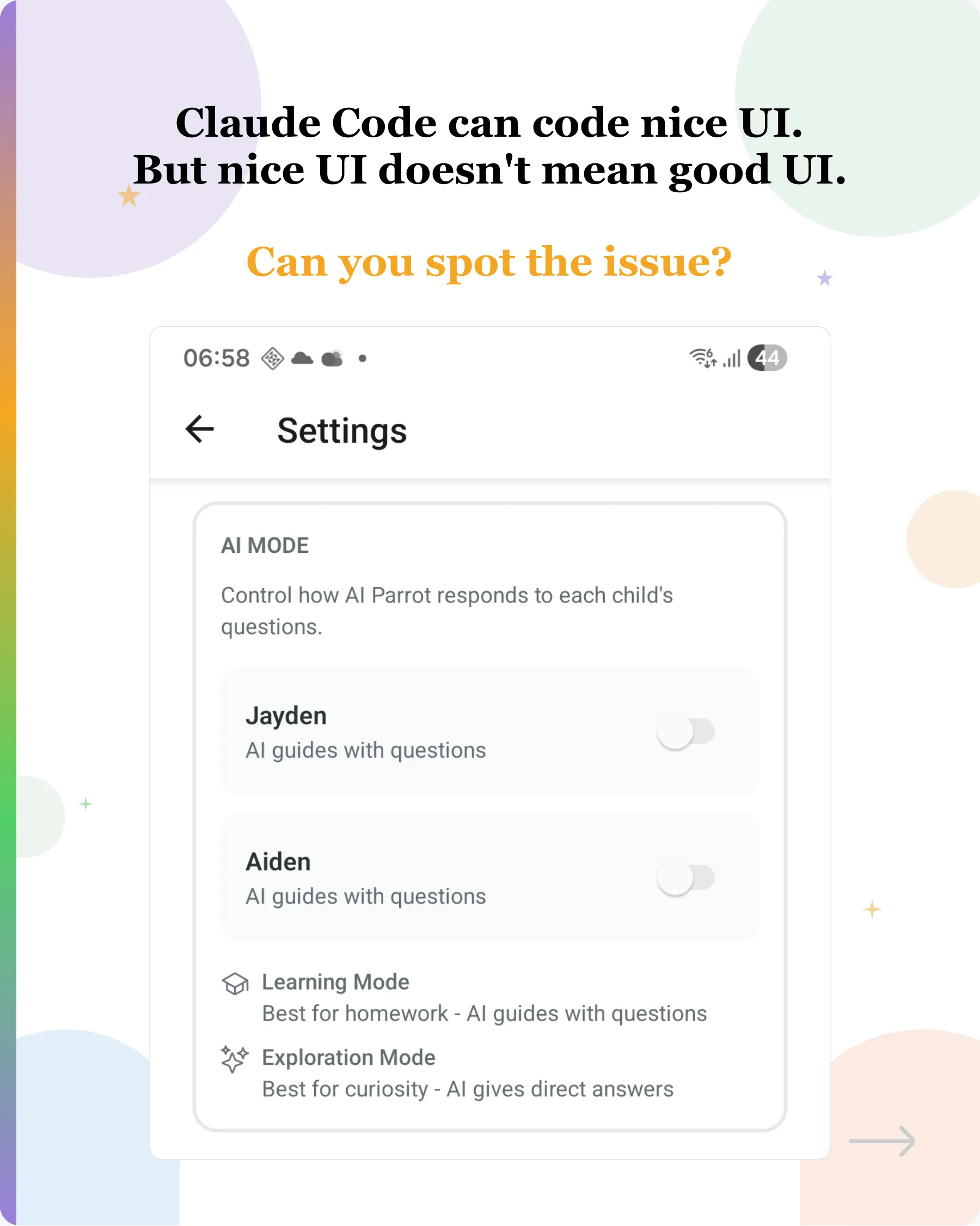
Claude Code can code nice UI. But nice UI doesn't mean good UI.
Manual UI testing is becoming one of my biggest bottlenecks when coding with AI now.
Hot Take: Vibe Coding Won't Replace Software Engineers
Here, I share my journey from a strong believer to a skeptic.
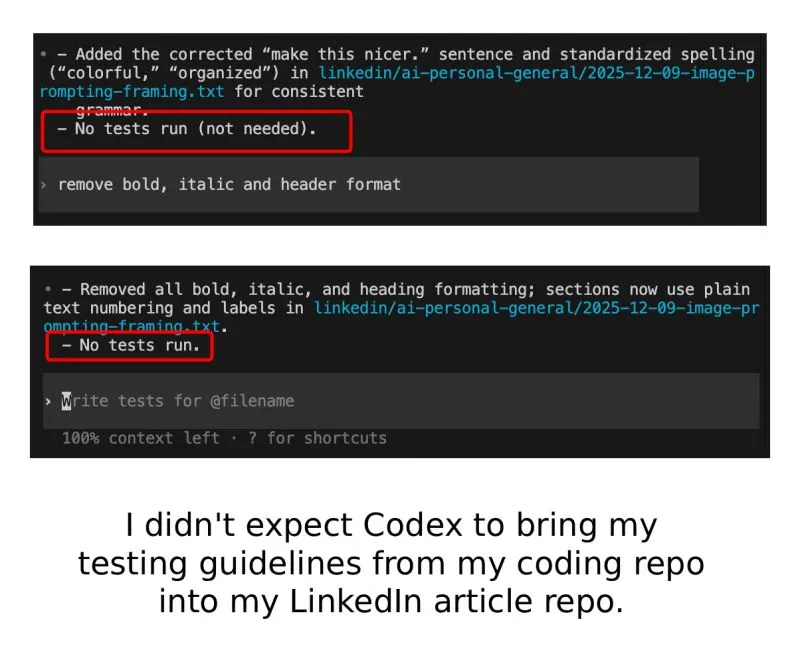
Claude Code and OpenAI Codex Do Track You
Recently, after hitting my Claude Code Max limit, I switched over to OpenAI Codex to continue my work.
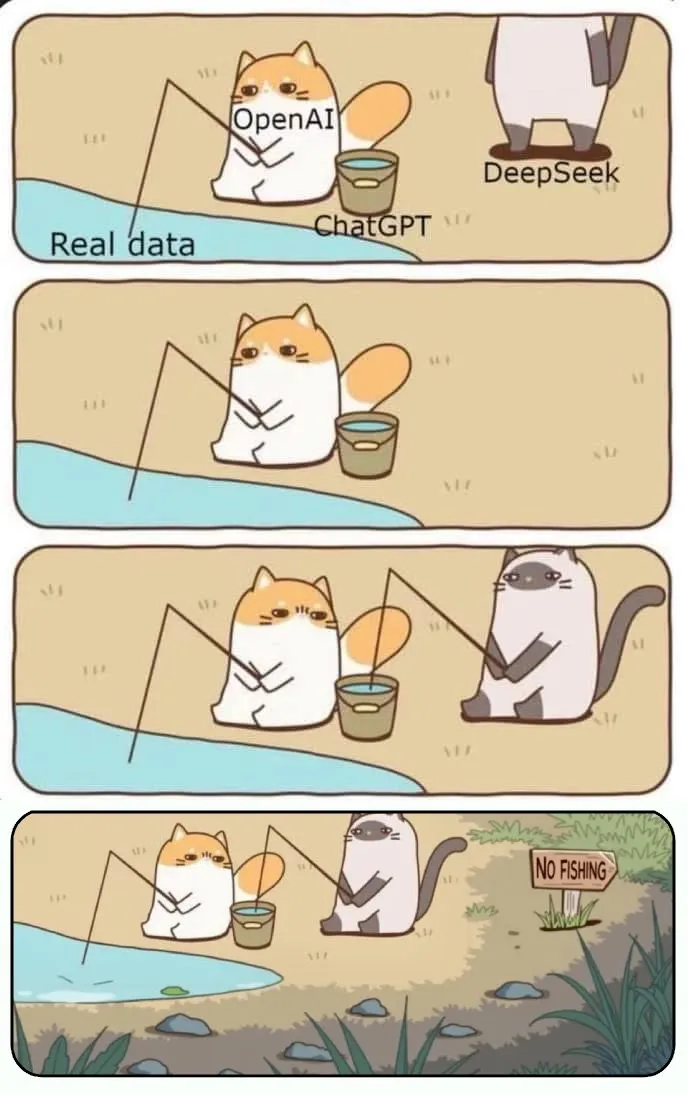
What Publishers Think About AI Image Generation
I couldn’t find the original source of the meme—happy to credit the author if anyone knows the source.
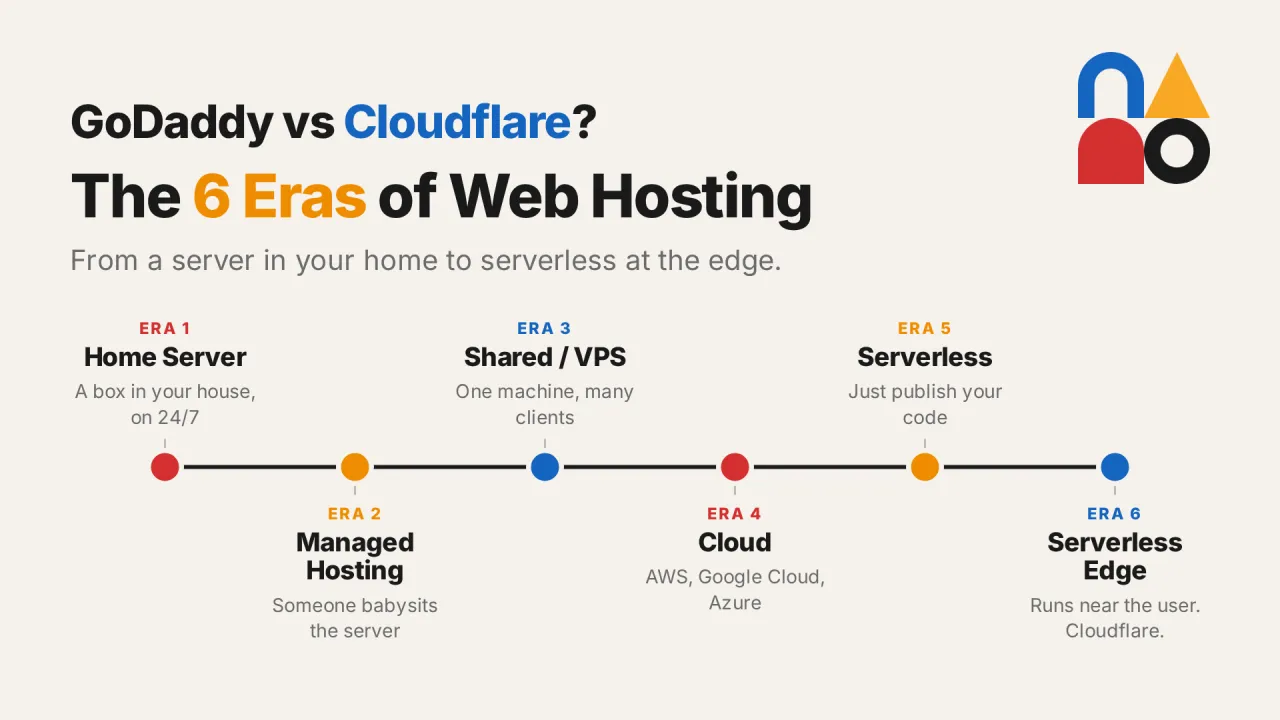
Is Cloudflare better than GoDaddy? What is edge computing?
"To host the site I built, I can buy from Cloudflare and they host it for me right? Is it better than GoDaddy?"
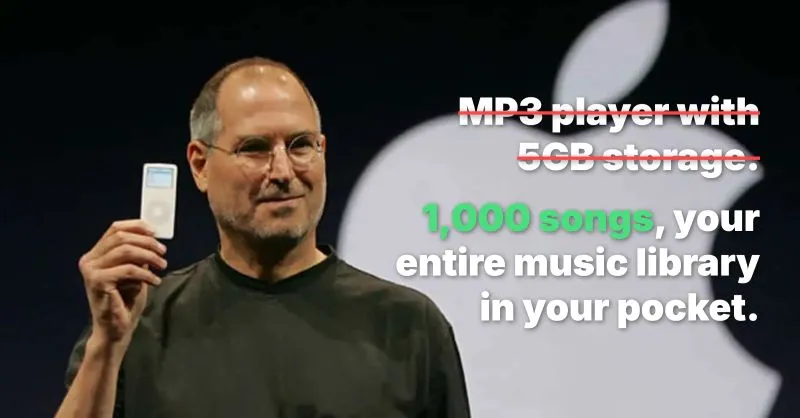
One of the most common copywriting mistakes junior marketers make:
Selling features, not benefits.
Claude Code can code nice UI. But nice UI doesn't mean good UI.
Manual UI testing is becoming one of my biggest bottlenecks when coding with AI now.
What Publishers Think About AI Image Generation
I couldn’t find the original source of the meme—happy to credit the author if anyone knows the source.
Hot Take: Vibe Coding Won't Replace Software Engineers
Here, I share my journey from a strong believer to a skeptic.
Claude Code and OpenAI Codex Do Track You
Recently, after hitting my Claude Code Max limit, I switched over to OpenAI Codex to continue my work.
Is Cloudflare better than GoDaddy? What is edge computing?
"To host the site I built, I can buy from Cloudflare and they host it for me right? Is it better than GoDaddy?"
One of the most common copywriting mistakes junior marketers make:
Selling features, not benefits.