Very often, people ask me why I prefer to use Claude Code in Zed over Claude Desktop and other IDEs.
The short answer: there are things I can do on Zed that I can't do on Claude Desktop and other IDEs.
The short answer: there are things I can do on Zed that I can’t do on Claude Desktop and other IDEs.
The long answer? Here are some examples.
—
- Claude Code in the CLI is cleaner and less buggy.
This one is not specific to Zed, but about Claude Code in the CLI vs Claude Desktop. I have seen learners report bugs in Claude Desktop that go away when they switch to the CLI.
—
- Multiple folders in one project panel.
On Zed, I can add multiple folders to the project panel. This allows me to share context from one project to another. When working in my AI workshop project, I can ask Claude Code to refer to my LinkedIn project. In my LinkedIn project, I can drag in the PRD of my other projects to write a post about those projects.
This feature is available in most IDEs too.
—
- Arrange multiple panels in a grid by drag and drop.
On Zed, I can arrange multiple panels in a grid just by drag and drop, both terminal and editor panels. Together with (2), this allows me to run Claude Code sessions on multiple projects concurrently.
This is the one that keeps me on Zed over Claude Desktop and other IDEs.
—
If you work on one project at a time, Claude Desktop is probably enough. The moment you run Claude Code across multiple projects concurrently, an editor like Zed pays off.
#AI #ClaudeCode #VibeCoding #AIAgents #BuildInPublic
If you are a non-techie who wants to learn Claude Code from a practitioner, I run a Foundations of Claude Code workshop.
Details: https://lnkd.in/e9r8kScw
If you are already familiar with Claude Code in the Terminal, my next Advanced Claude Code workshop is on 24 Jul, 10am to 6pm. We deep dive into context engineering, skills and workflow patterns to run big and long-running tasks (a.k.a. Loop Engineering).
Details: https://lnkd.in/eR6WPQnC
Enjoyed this? Subscribe for more.
Practical insights on AI, growth, and independent learning. No spam.
More in Vibe Coding

Two Choices for Handling Tech Debt in Vibe Coding
· Go full vibe: ignore tech debt, and when things inevitably break, spend a week fixing it.
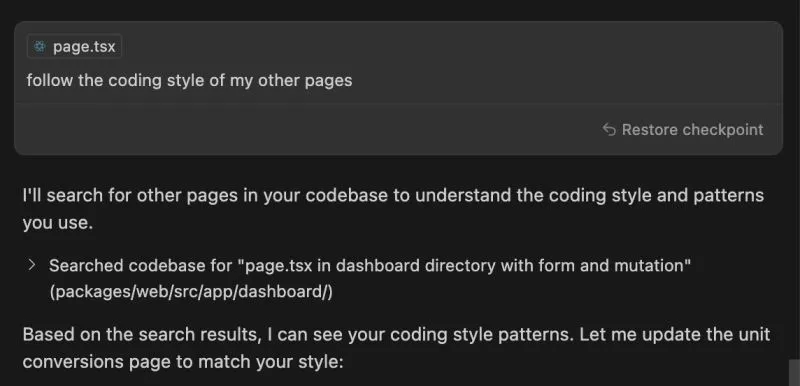
Has Cursor Gotten Worse Over the Last 4 Months?
When I first started using Cursor, I was blown away. With a single prompt, it generated clean, multi-file codes that mirrored exactly how I would have writte...

Congrats to Cohort 3 of my Foundations of Claude Code for "surviving" the workshop.
After 3 rounds of iteration, the workshop runs much smoother now. But this cohort still threw up a few surprises.
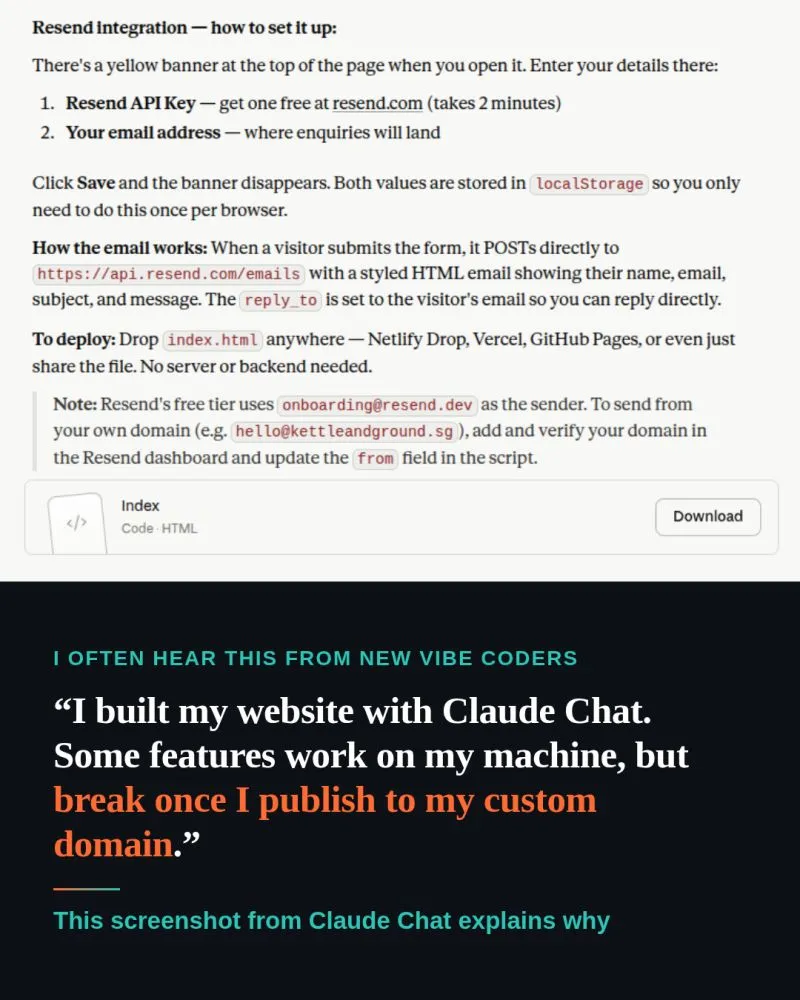
"I can build my website in Claude Chat, when would I need Claude Code?"
This is one of the most common Claude Chat vs Claude Code questions I hear in my workshops.
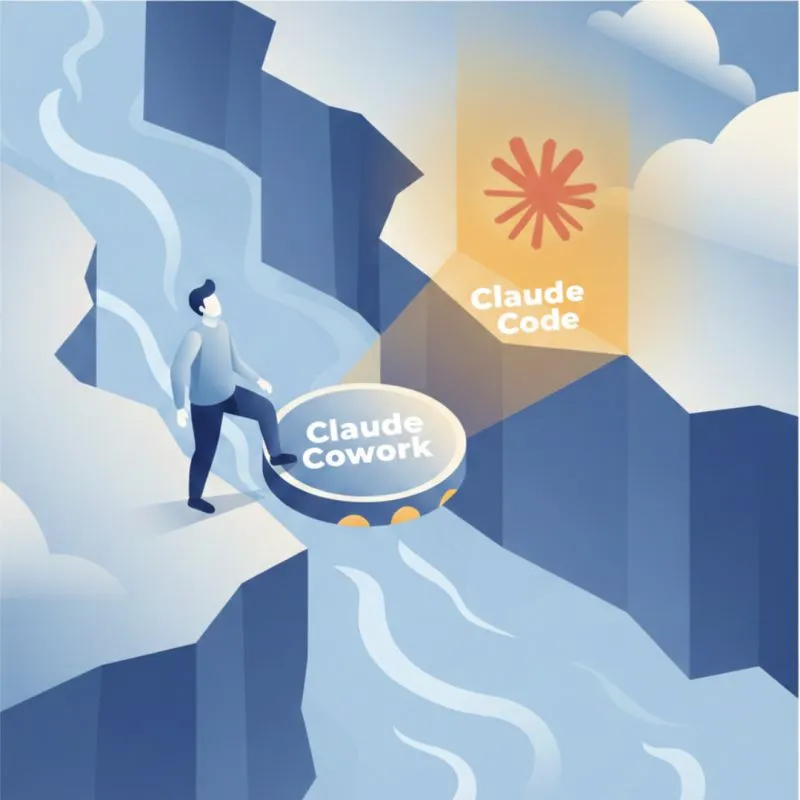
UX/UI and naming matter more than capability for adoption.
Recently, everyone on LinkedIn is talking about learning Claude after the demo of Claude Cowork.

We tested ChatGPT 5’s front-end coding capability so you don’t have to.
The verdict? Not impressed.
Two Choices for Handling Tech Debt in Vibe Coding
· Go full vibe: ignore tech debt, and when things inevitably break, spend a week fixing it.
"I can build my website in Claude Chat, when would I need Claude Code?"
This is one of the most common Claude Chat vs Claude Code questions I hear in my workshops.
We tested ChatGPT 5’s front-end coding capability so you don’t have to.
The verdict? Not impressed.
Has Cursor Gotten Worse Over the Last 4 Months?
When I first started using Cursor, I was blown away. With a single prompt, it generated clean, multi-file codes that mirrored exactly how I would have writte...
Congrats to Cohort 3 of my Foundations of Claude Code for "surviving" the workshop.
After 3 rounds of iteration, the workshop runs much smoother now. But this cohort still threw up a few surprises.
UX/UI and naming matter more than capability for adoption.
Recently, everyone on LinkedIn is talking about learning Claude after the demo of Claude Cowork.