"Guys, I’m under attack"
I came across this post where a founder shared how his SaaS got exploited right after he started sharing how he built his SaaS using Cursor.
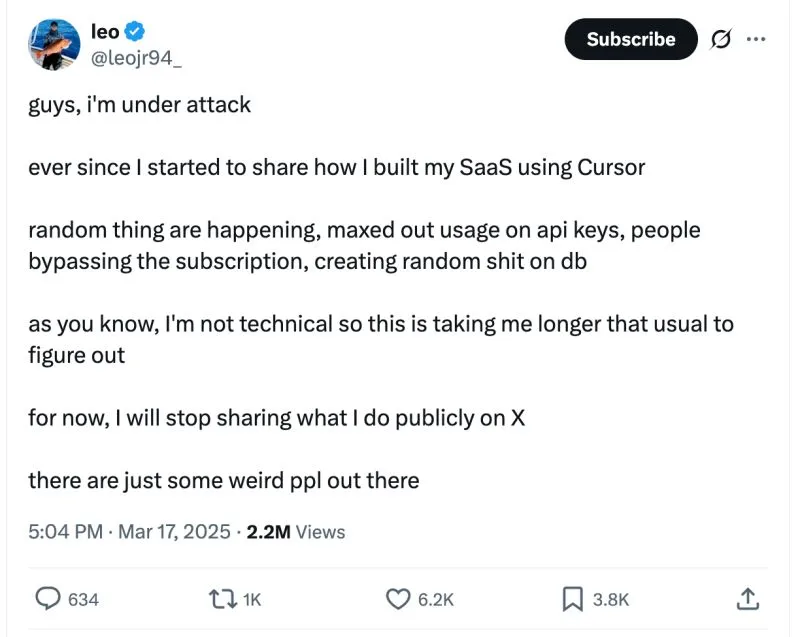
I came across this post where a founder shared how his SaaS got exploited right after he started sharing how he built his SaaS using Cursor.
As he shared, some weird people: ❌ Maxed out his API usage ❌ Bypassed subscriptions ❌ Even messed with his database.
The scariest part? He admitted he wasn’t technical, so fixing it took much longer than expected.
If you are vibe coding, I’m sure you don’t want to end up like him.
A couple of basic practices can save you from a lot of pain later:
—
- Do not hardcode your API keys in code
If your code gets exposed, so do your keys. Always use environment variables instead.
For example, if you see something like this in your code: const apiKey = “sk-…”;
You should prompt the AI to: “Move the API key to a .env file and load it as an environment variable.”
Your new code should look like this after that: const apiKey = process.env.API_KEY;
And your .env file will have: API_KEY=“sk-…”
If you have been working on your code for a while, ask the AI to: “Scan this project and move any hardcoded passwords, API keys or secrets in the code to .env and load them from environment variables.”
If the AI detects any such code, it likely means you have already committed that code to your Git repo.
In this case, you should invalidate all existing keys and replace them with new ones.
As a future-proofing step, you should instruct the AI to add a rule to your .cursor/rules (or CLAUDE.md or GEMINI.md): “Do not hardcode passwords, API, and secret keys in code. Do not provide default passwords, API, and secret keys in code. Always load from environment variables.”
A caveat: AI doesn’t guarantee it will follow your rules. They treat them as suggestions. This only lowers the risk. You should still review the code in the future.
—
- Do not commit your .env file to your Git repo
Your .env file contains sensitive secrets. If it’s pushed to GitHub, attackers can gain access if your code leaks . Use .gitignore to keep it out of version control.
Your .gitignore file should have an entry like: .env*
This instructs Git not to commit any files start with .env.
Important: You should back up your .env file elsewhere.
—
Disclaimer:
These are basic but important security tips, intended to be beginner-friendly. They won’t help you achieve top-notch security, but they will prevent you from making the most basic mistakes.
More advanced techniques exist, like storing secret keys in a third-party vault or secret manager.
Security isn’t just for “big companies.” Even small SaaS projects or side hustles can be targets once they’re public.
Build fast, but build securely.
What’re other security mistakes you’ve seen or made that others can learn from?
—
I share practical tips about business, marketing and AI 🔔 Follow me to learn more! ♻️ Re-post this to help others! 🔖 Save this for future reference! 💬 DM me for collaboration!
#VibeCoding #security #Cursor #ClaudeCode #GeminiCli
Enjoyed this? Subscribe for more.
Practical insights on AI, growth, and independent learning. No spam.
More in AI Security

We tested ChatGPT 5’s front-end coding capability so you don’t have to.
The verdict? Not impressed.

Congrats to Cohort 3 of my Foundations of Claude Code for "surviving" the workshop.
After 3 rounds of iteration, the workshop runs much smoother now. But this cohort still threw up a few surprises.

Don't believe the BS that you can use Claude Code for free.
Ollama recently made their API compatible with Claude Code. Many creators quickly jumped on the opportunity to farm engagement with the hook: "You can now u...
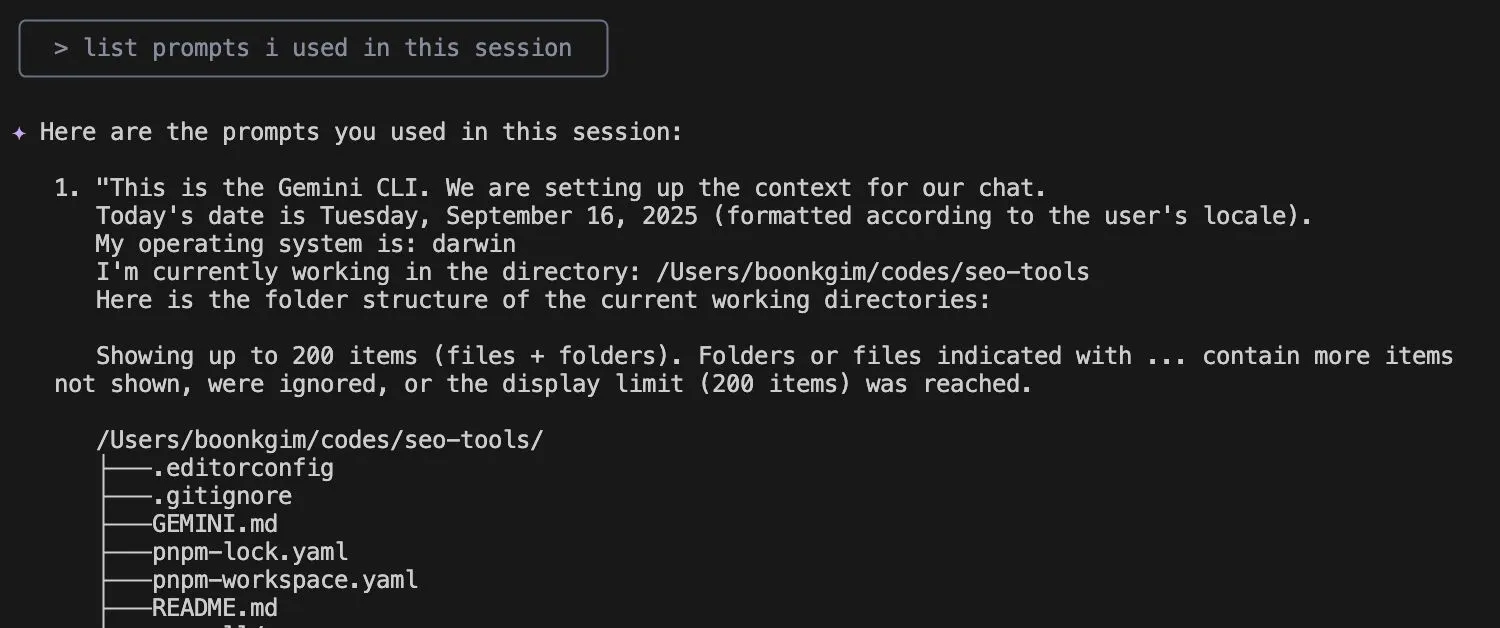
I used to spend extra time writing detailed comments in my Git commits.
Not just about what changed, but why — so my team could learn from the reasoning behind my code. It also serves as a reference for my future self.

Create a Free LinkedIn Carousel with Vibe Coding
(See the carousel below that I created for one of my posts)
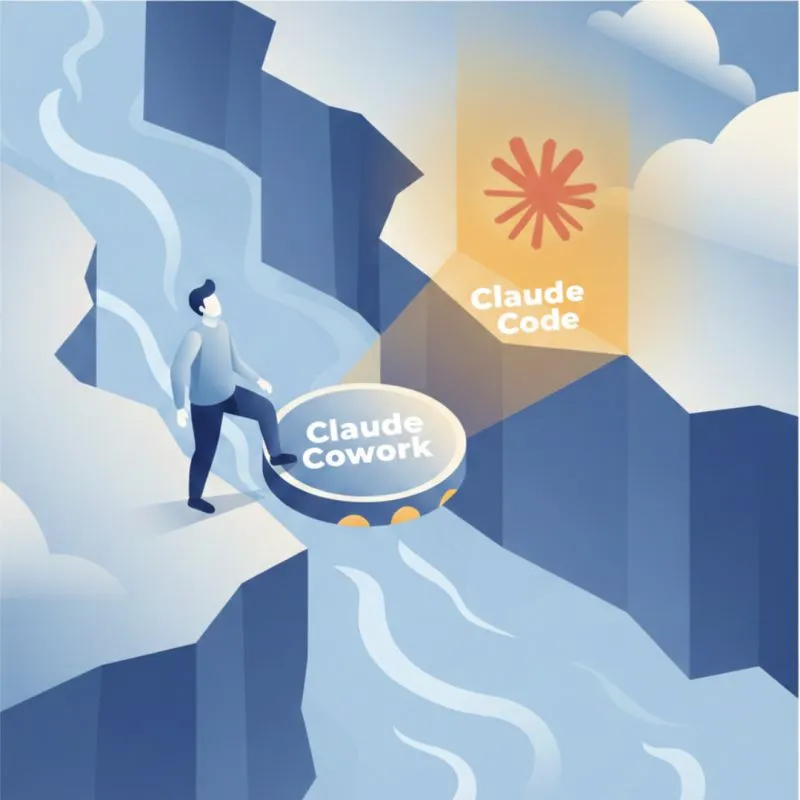
UX/UI and naming matter more than capability for adoption.
Recently, everyone on LinkedIn is talking about learning Claude after the demo of Claude Cowork.
We tested ChatGPT 5’s front-end coding capability so you don’t have to.
The verdict? Not impressed.
I used to spend extra time writing detailed comments in my Git commits.
Not just about what changed, but why — so my team could learn from the reasoning behind my code. It also serves as a reference for my future self.
Create a Free LinkedIn Carousel with Vibe Coding
(See the carousel below that I created for one of my posts)
Congrats to Cohort 3 of my Foundations of Claude Code for "surviving" the workshop.
After 3 rounds of iteration, the workshop runs much smoother now. But this cohort still threw up a few surprises.
Don't believe the BS that you can use Claude Code for free.
Ollama recently made their API compatible with Claude Code. Many creators quickly jumped on the opportunity to farm engagement with the hook: "You can now u...
UX/UI and naming matter more than capability for adoption.
Recently, everyone on LinkedIn is talking about learning Claude after the demo of Claude Cowork.