How to connect Claude Code to Telegram the official way after Anthropic banned OpenClaw.
Recently, some learners asked me how I connected my Claude Code to Telegram after Anthropic banned OpenClaw.
Recently, some learners asked me how I connected my Claude Code to Telegram after Anthropic banned OpenClaw.
The quick answer: use channels, a feature that Anthropic launched in response to OpenClaw. It is currently in research preview, with Telegram as one of the supported plugins. The setup takes about 5 minutes.
(Latest update: from June 15, Anthropic is giving paid subscribers limited Agent SDK credits to work with third-party harnesses again — $20/$100/$200 per month for Pro/Max 5x/Max 20x, no rollover. Read the official Anthropic Help Center article. But Claude Code consumes API credits at roughly 10x the rate of the fixed-price subscription, so the credits will not stretch far.)
This article is the long answer covering two things:
- The step-by-step instructions to connect Claude Code to Telegram using Anthropic’s official Telegram plugin.
- The bigger picture. Channels is one of three ways to control Claude Code remotely. The other two are dispatch and remote control. They are not competing. Some power users use all three.
Let me share the setup first, then zoom out.
Prefer hands-on with me? If you’d rather learn the foundations of Claude Code in a guided workshop than figure it out on your own, my next one is on May 21, 1:30pm to 5:30pm. Designed for non-techies.
https://boonkgim.com/workshops/foundations-claude-code/
Connect Claude Code to Telegram in 5 minutes
Prerequisites
- Claude Code v2.1.80 or later
- Authenticated with claude.ai or a Claude Console API key (channels are not available on Amazon Bedrock, Google Vertex AI, or Microsoft Foundry)
- Bun** installed.** The official plugin is a server.ts that runs under Bun, so without it the channel silently fails to start and your DMs sit in Telegram’s queue forever. Install with curl -fsSL https://bun.sh/install | bash, restart your terminal, then confirm with bun —version. Skipping this is the single most common reason “I DM’d my bot and nothing happened.”
- If you are on a Team or Enterprise plan, your admin must enable channels first
Step 1: Create a Telegram bot
Open BotFather in Telegram. Send /newbot. Give it a display name and a unique username ending in bot. BotFather replies with a token that looks like 123456789:AAHfiqksKZ8… Copy the whole thing, leading number and colon included.
Step 2: Install the plugin in Claude Code
In a Claude Code session, run:
/plugin install telegram@claude-plugins-official
Then:
/reload-plugins
If Claude Code says the plugin is not found, run /plugin marketplace update claude-plugins-official to refresh, or /plugin marketplace add anthropics/claude-plugins-official if you have not added it before.
Step 3: Configure the bot token
Run the configure command with your token:
/telegram:configure <your-token>
This writes the token to ~/.claude/channels/telegram/.env. You can also set TELEGRAM_BOT_TOKEN in your shell environment before launching Claude Code (shell takes precedence).
Step 4: Restart Claude Code with the channels flag
Exit your current session and start a new one:
claude —channels plugin:telegram@claude-plugins-official
This is what tells Claude Code to actually open the Telegram channel for this session. Being installed in .mcp.json is not enough. The plugin has to be named explicitly each time you want it to listen.
Optional: add —dangerously-skip-permissions if you want Claude to run without pausing on every tool call. Telegram does pass permission prompts into your DM so you can approve from your phone, but you do not want to be pinged for every Bash, Edit, and Write across a 30-step task. The point of DMing Claude Code is fire-and-forget. This flag lets the session work end-to-end without round-tripping each tool call:
claude —channels plugin:telegram@claude-plugins-official —dangerously-skip-permissions
Only do this if you know what you are doing. Claude will write files, run shell commands, and commit code without asking. Pair it with the allowlist policy from Step 6 and a working directory you trust an agent in.
Step 5: Pair your account
DM your bot on Telegram. The bot replies with a 6-character pairing code. Back in your Claude Code session:
/telegram:access pair <code>
Step 6: Lock down access
By default the bot is in pairing mode, which means anyone who DMs it gets a pairing code. After you have paired your own account, switch to allowlist:
/telegram:access policy allowlist
Now only your account can push messages in.
That is it. From this point, any message you send your bot on Telegram arrives in your Claude Code session as a channel event. Claude reads it, does the work, and calls a reply tool to send the answer back to you on Telegram. The file edits, terminal commands, and git operations all run locally on your machine.
If your bot does not reply
Three checks, in order:
- Bun installed? Run bun —version. If it errors, the plugin never booted. Install Bun (see prerequisites) and relaunch Claude Code.
- **Session actually started with **—channels? The flag has to be on the live process, not just in .mcp.json. From another terminal: ps aux | grep “claude —channels”. You should see your session listed.
- Is Telegram even seeing your DMs? From any shell: curl -s “
https://api.telegram.org/bot<your-token>/getUpdates”. If your messages are there with a non-zero pending_update_count, the bot side is fine and the issue is on Claude Code’s end (back to checks 1 and 2). If you see nothing, confirm you are DMing the right bot with curl -s “https://api.telegram.org/bot<your-token>/getMe” and check the username.
Source: the official Telegram plugin from Anthropic and the channels docs.
Channels is one of three ways to control Claude Code remotely
Telegram channels is one specific way to control Claude Code remotely. But it is not the only way, and it is not always the right one.
There are three ways in total: channels, dispatch, and remote control.
Think of it as the direction of control:
- Channels = events push IN to a running session. (Telegram, Discord, iMessage, webhooks)
- Dispatch = you assign a task from your phone, and Claude works on your paired computer autonomously. (Dispatch in the Claude mobile app)
- Remote Control = you attach to a live local session from another device and steer it in real time. (claude.ai/code in the browser, Claude iOS/Android app)
A quick comparison:
Aspect Channels Dispatch Remote Control Direction External chat to running session Phone to autonomous task on your computer Any device to running session State Persistent conversation Spawned per task, async pickup Existing session, live Human role Conversational partner Delegator, assign and walk away Pilot/supervisor, watch live Best for Chat bridge, alerts, async Q&A Mobile delegation, desktop-app tasks High-stakes oversight, mid-task pickup Security weight Medium High (Claude drives mouse/keyboard) High
They are complementary. A power user uses all three: channels for the always-on chat bridge into a session, dispatch for firing tasks at your computer from anywhere, remote control for attaching to a session that is already mid-work and needs supervision.
Now a level deeper on each.
Channels
Channels open a persistent bidirectional pipe between Claude Code and an external system. When you message your Telegram bot, the message arrives in your running Claude Code session as a channel event. Claude reads it, decides what to do, and replies through the same channel. The session is stateful. The conversation persists across messages.
The official plugins are Telegram, Discord, and iMessage. You can also build your own using the channels reference.
What this changes: I no longer have to be at my desk to give Claude Code work. I do PR triage in the queue at the supermarket. I ask it questions about my codebase while my kids do their homework. The context Claude has is the context I left it with on my actual machine, with my actual files, not a fresh cloud sandbox that has to clone my repo first.
When to reach for it: you want a chat bridge between yourself and your running session. You want to delegate without context-switching back to the terminal. Claude already has your projects open and remembers what you were debugging.
Try this first: set up Telegram with the steps above. Send your bot one message: “what did I work on yesterday?” That one round-trip is the whole mental model.
Dispatch
Dispatch flips the direction. With channels, an external system sends events into your session. With dispatch, you initiate the work from your phone, and Claude runs it on your paired computer.
The flow: open the Claude mobile app, tap Dispatch, and describe what you need done in plain English. Claude wakes up your paired machine and works through the task using whatever it needs to reach each step: your local files, MCP servers, connected services, and, crucially, computer use, which lets Claude drive your mouse, keyboard, and screen directly. The task does not have to be a code edit. It can be “export the PowerPoint on my desktop called Northgate Strategy to PDF and attach it to my 2PM calendar invite today,” or “open the accounting app and pull the outstanding invoices report for March.” When Claude finishes, it messages you back in the same Dispatch thread on your phone.
What this changes: you stop being chained to a desk to start work. The moment you have a task that needs a real desktop app, not just code, you can fire it from your phone and let Claude operate the computer for you. The grocery queue becomes “Claude, export the deck.” The commute home becomes “Claude, pull tomorrow’s data into the model.”
When to reach for it: the task is well-defined enough that you do not need to babysit it. You are away from your desk but you want to use that time. The work touches a desktop app that does not have a clean API or webhook. Accounting software, design tools, locally-installed reporting tools, anything where computer use is the right primitive.
Try this first: open the Claude mobile app, tap Dispatch, and send one short task that involves a desktop app you already use. By the time you sit back at your machine, the work is done, or you have a clear message back explaining why it could not be.
Source: the Dispatch in Claude Cowork tutorial and the Dispatch + computer use announcement.
Remote Control
Remote Control is different from both. You are not pushing events in. You are not firing tasks out. You are attaching to a session that is already running on your machine, and steering it from a different device: claude.ai/code in your browser, or the Claude iOS/Android app.
From the active session on your laptop, run /rc (or claude remote-control). The CLI returns a QR code. Scan it with the Claude mobile app, or open claude.ai/code on any browser, and you now have full control of that local session: same files, same MCP servers, same project context. Claude keeps running on your machine the whole time. Nothing moves to the cloud. (Requires Claude Code v2.1.51+ on Pro, Max, Team, or Enterprise. API key auth is not supported.)
Once attached, you see what the agent is doing. You can pause it, redirect it, intervene if it is about to do something you do not want, or terminate it before it commits.
What this changes: trust. Remote Control is the answer to “I want to let Claude do this, but I want to watch its hands.” For high-stakes work, this is non-negotiable. Production deploys. Database migrations. Anything where a wrong move has a real-world cost.
When to reach for it: when the cost of failure is high enough that you do not want the agent to run unsupervised. When governance or compliance requires a human in the loop. When you are debugging and you want to inspect mid-execution state, not just the final output.
Try this first: kick off a non-trivial task in your local Claude Code session, run /rc, scan the QR with the Claude app on your phone, then walk away from your desk. Watching your local session being driven from your phone is the moment the gap between “AI tool” and “AI teammate” closes.
Source: the Claude Code Remote Control docs.
So, which one?
If you were on OpenClaw, the answer is obvious: channels is your immediate next step. You already know the workflow. The official plugin gives you the same thing, with no risk of getting cut off again.
If you were not on OpenClaw, channels is still the highest-leverage thing to set up first. The leap from “I have to be at my desk to use Claude Code” to “I can use Claude Code from anywhere” changes how much work you actually get done in a week. Telegram took me 5 minutes. Discord and iMessage have the same shape.
But over time, the real productivity comes from layering all three.
Channels handles the conversations you want to have with Claude while you are away from your desk.
Dispatch handles the tasks you want to fire at your computer from your phone, especially the ones that need a real desktop app, not just code.
Remote Control handles the high-stakes moments where you need to be the expert in the loop, even when you are not at your laptop.
If you are a solo builder shipping with AI, channels alone will pay for the setup time in your first week. Start with Telegram. The other two patterns will make sense the moment you feel a need for them.
If you want to learn the foundations of Claude Code hands-on, join my next workshop on May 21, 1:30pm to 5:30pm at the Hashmeta Group office. Designed for non-techies. You walk out with a live website on a real URL and the foundational knowledge to move on.
https://boonkgim.com/workshops/foundations-claude-code/
#ClaudeCode #AI #SoftwareEngineering #DevTools #Productivity #OpenClaw
Enjoyed this? Subscribe for more.
Practical insights on AI, growth, and independent learning. No spam.
More in Vibe Coding
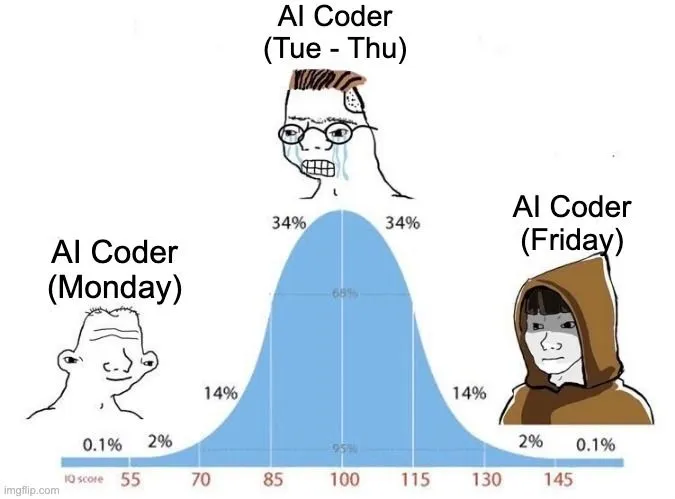
I was amazed by AI coding assistant the first time I used Cursor.
It wrote code almost similar to how I would write it.
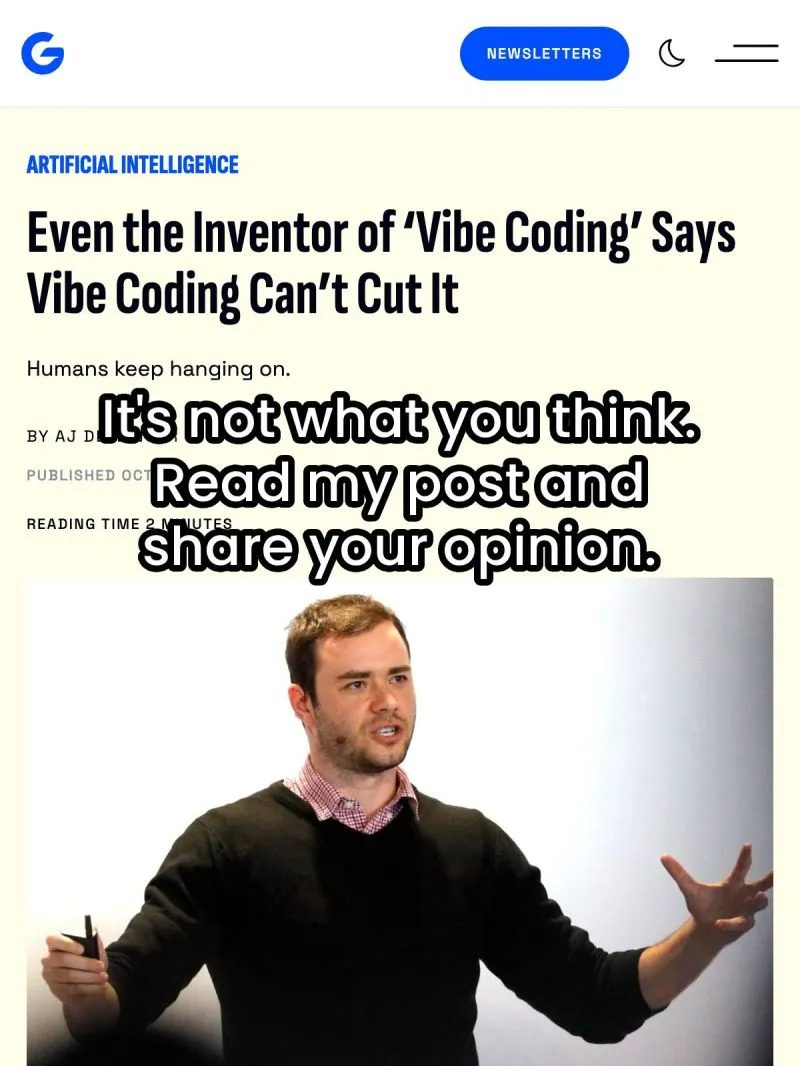
No, Karpathy Didn’t Say Vibe Coding Doesn’t Work
This starkly contrasts with my own experience.
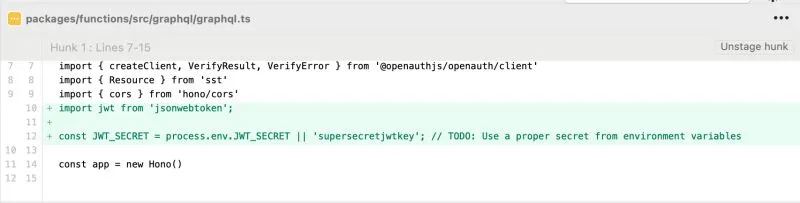
I was doing vibe coding and saw AI generated this code.
Notice anything?

A few weeks ago, most of these people had never opened a Terminal.
This week, they sent me their live websites. Custom domains, contact forms, mobile responsive, the works.
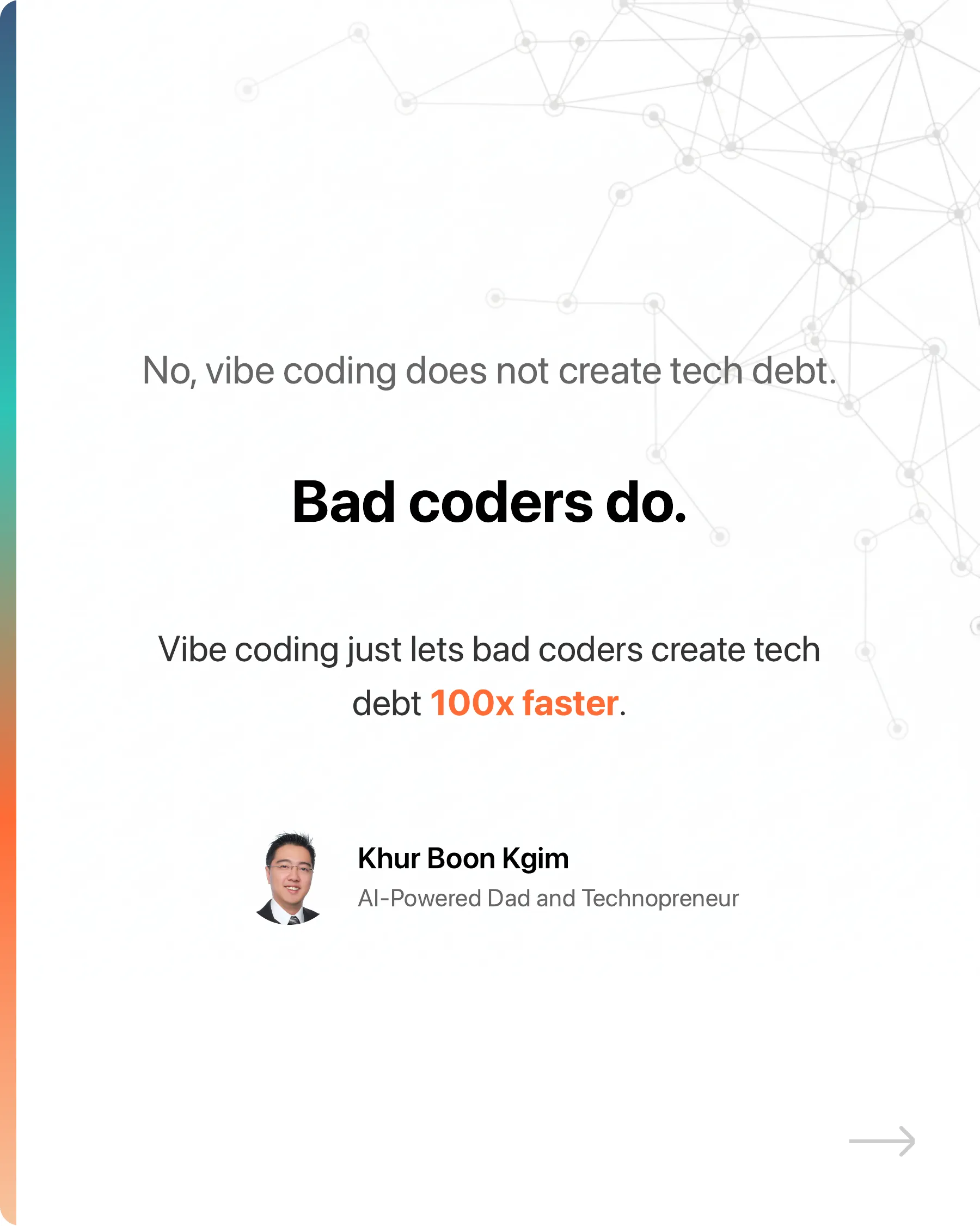
No, vibe coding does not create tech debt.
Bad coders do.
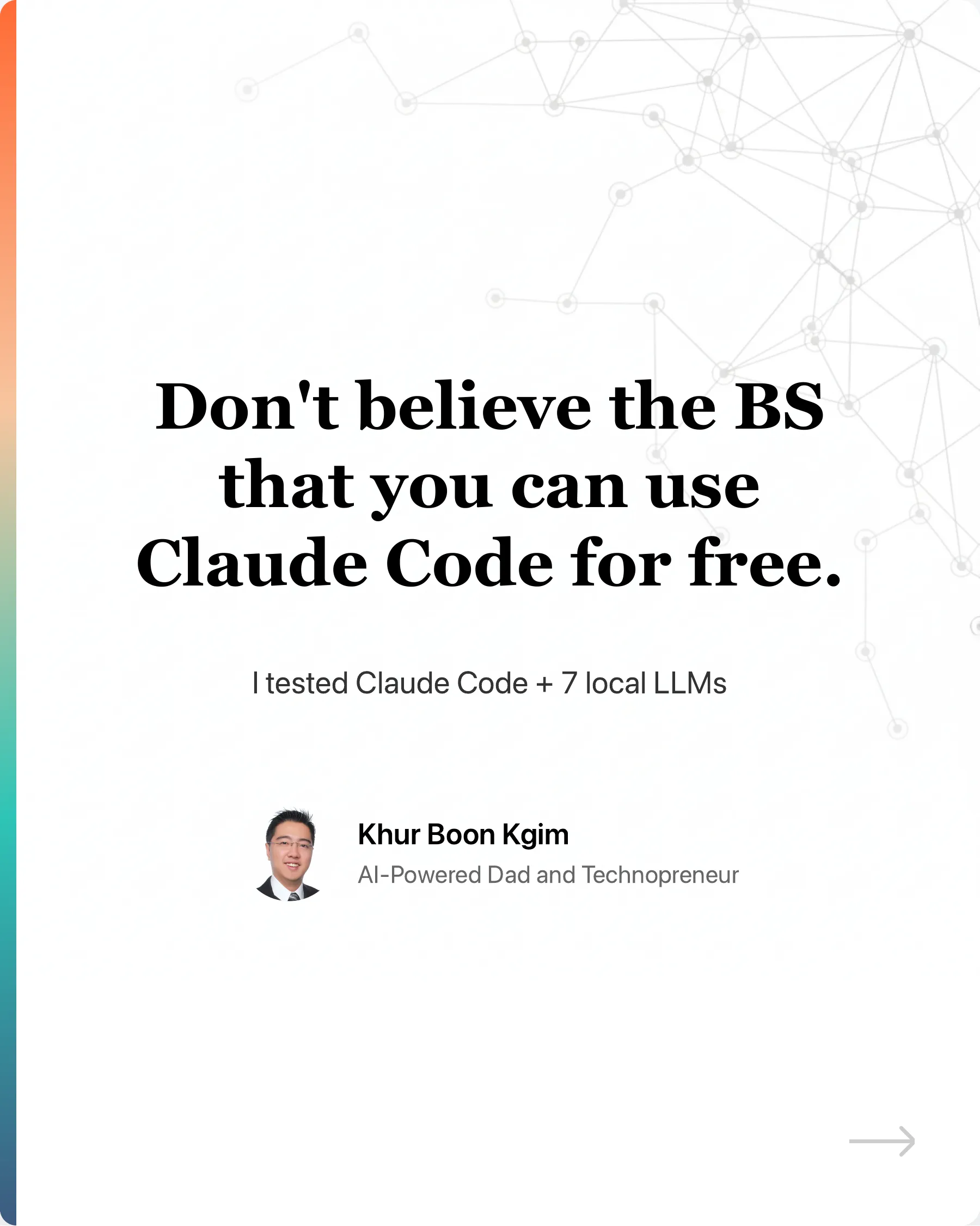
Don't believe the BS that you can use Claude Code for free.
Ollama recently made their API compatible with Claude Code. Many creators quickly jumped on the opportunity to farm engagement with the hook: "You can now u...
I was amazed by AI coding assistant the first time I used Cursor.
It wrote code almost similar to how I would write it.
I was doing vibe coding and saw AI generated this code.
Notice anything?
No, vibe coding does not create tech debt.
Bad coders do.
No, Karpathy Didn’t Say Vibe Coding Doesn’t Work
This starkly contrasts with my own experience.
A few weeks ago, most of these people had never opened a Terminal.
This week, they sent me their live websites. Custom domains, contact forms, mobile responsive, the works.
Don't believe the BS that you can use Claude Code for free.
Ollama recently made their API compatible with Claude Code. Many creators quickly jumped on the opportunity to farm engagement with the hook: "You can now u...