"What's the difference between ChatGPT, Claude Code, Claude Cowork, and OpenClaw?"
I've been asked this enough times that I thought I'd write it down. Here's my personal take.
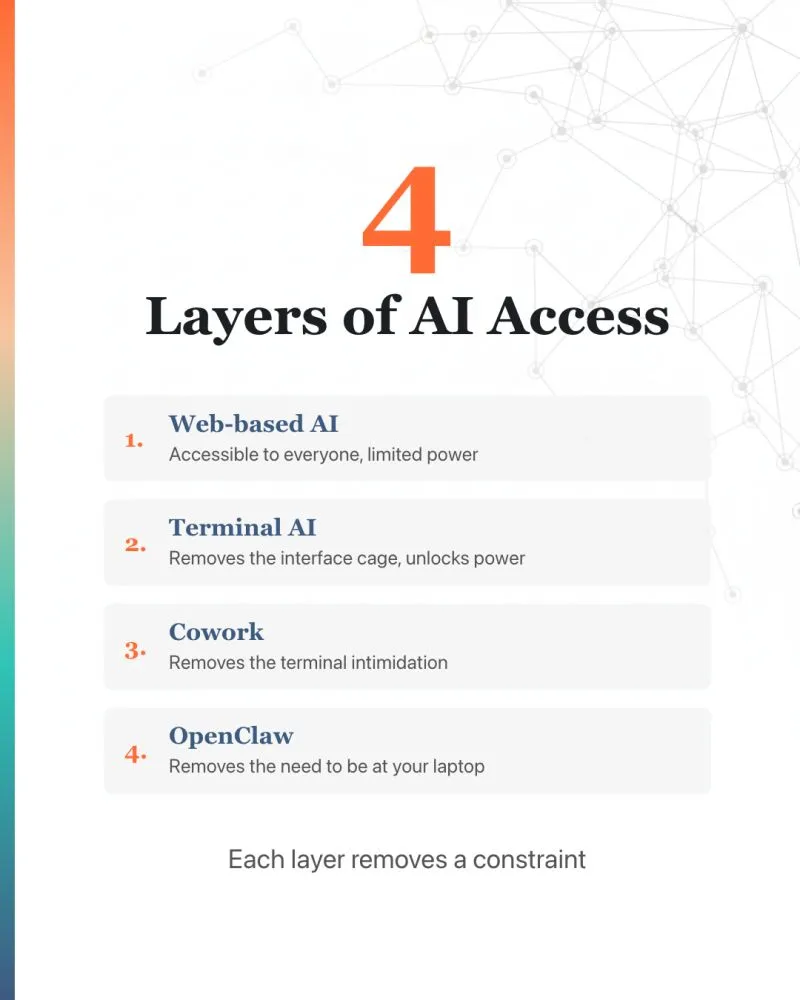
I’ve been asked this enough times that I thought I’d write it down. Here’s my personal take.
Think of them as 4 layers of AI access. Each one removes a constraint.
—
- Web-based AI (ChatGPT, Gemini, Claude.ai)
This is how most people started using AI. And probably where most people are stuck at now.
Good for quick questions, brainstorming, drafting artiles. But the web interface is also a cage. You can only do what their UI allows. Copy-paste into Word. Upload files manually. Re-explain your preferences every session.
I think most people are accessing very little of what AI can do.
I wrote about this in my previous article: https://lnkd.in/gHfpq8k5
—
- Terminal AI (Claude Code, Codex, Gemini CLI)
They work directly on your system. No browser standing between you and your computer.
They read your files, save output directly to your folders, browse the web, install tools, run complex workflows, write and run scripts to solve problems.
Originally designed for developers. But savvy technopreneurs quickly use it for many things. For example, I use Claude Code for 99% of my work that use AI and most of it is not coding - LinkedIn posts, cover images, carousels, presentations, proposals, marketing briefs, SEO audits, even this post.
This is the closest you can get to the raw power of AI.
—
- Claude Cowork
The terminal is intimidating if you’re not a developer.
Anthropic saw the opportunity to bring AI’s raw power to non-coders. Claude Cowork is a UI wrapper around Claude Code. Same engine underneath, friendlier interface.
Not “RIP software engineering.” More like “raw power of AI, now accessible without the terminal.”
—
- OpenClaw
Claude Code and Cowork still require you at your laptop.
But many AI tasks take hours. You ask it to research, write, or build something - and it doesn’t make sense to sit and wait.
OpenClaw wraps terminal-based AI agents with messaging channels - WhatsApp, Telegram, Discord. You message the agent from your phone. It messages you back when it’s done.
As long as the machine is always on, you have a remote AI assistant you can reach from anywhere.
—
The pattern:
Web-based AI - makes AI accessible to everyone
Terminal AI - removes the interface cage
Cowork - removes the terminal intimidation
OpenClaw - removes the need to be at your laptop
Most people I talk to are still on Layer 1. That’s fine if AI is just a chat assistant to you. But if you want AI to do real work - write, research, build, automate - I think it’s worth exploring at least one layer deeper.
#AI #ClaudeCode #OpenClaw #Cowork
Enjoyed this? Subscribe for more.
Practical insights on AI, growth, and independent learning. No spam.
More in Vibe Coding

OpenAI’s Windsurf deal is off — and Windsurf’s CEO is going to Google
Anyone feel like we should use AI to create a drama and publish it on Netflix?
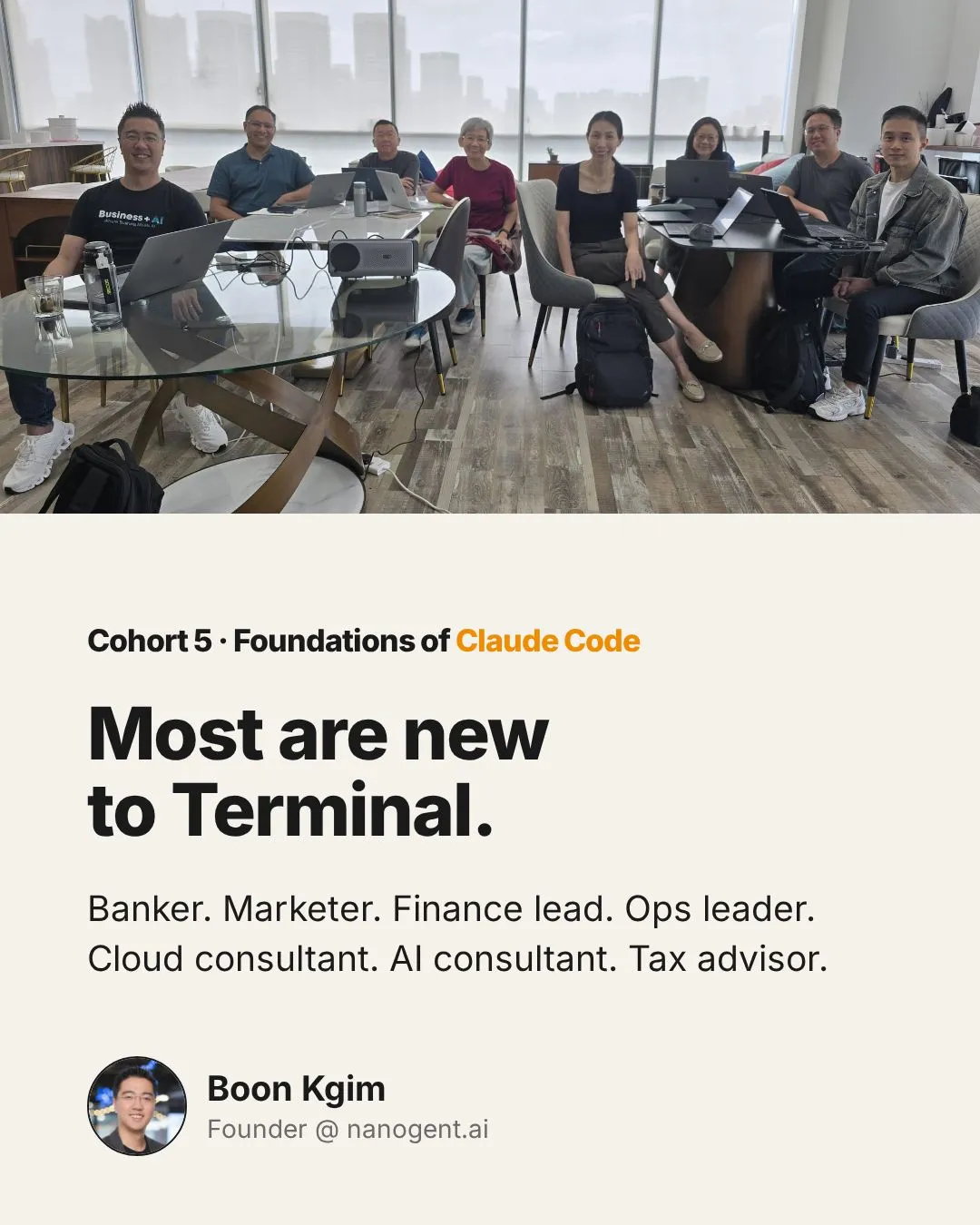
Congrats to Cohort 5 of my Foundations of Claude Code workshop.
NICHOLAS, Rebecca, Keith, Felicia, Anoop, Lewis, Joanne.
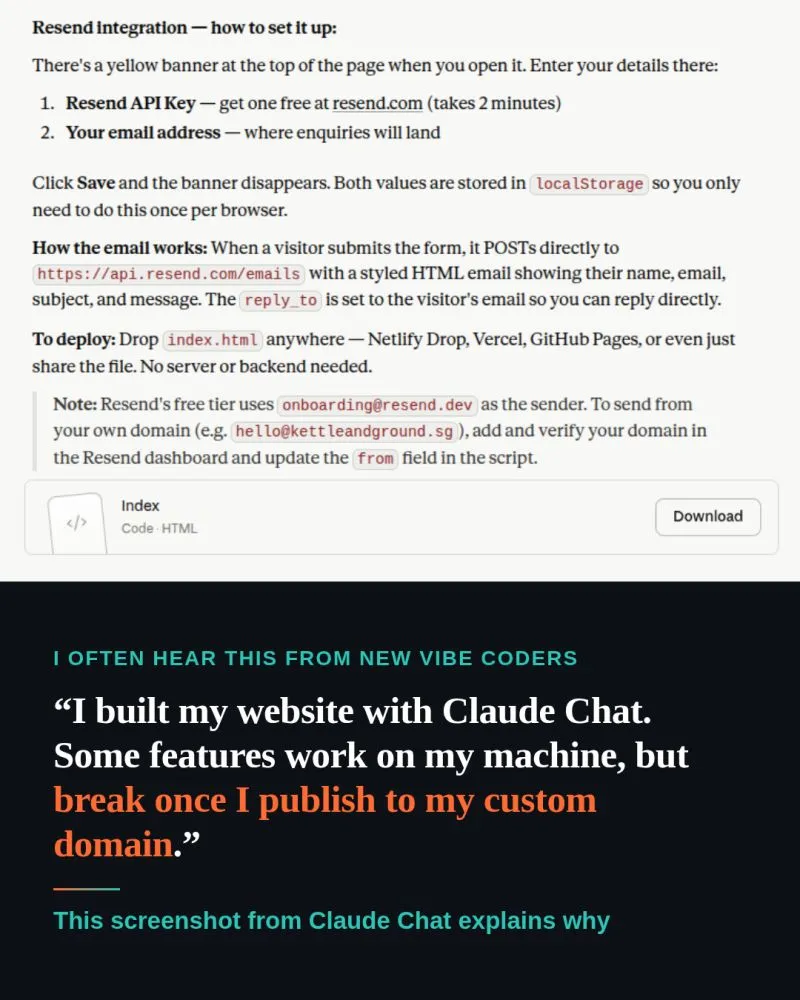
"I can build my website in Claude Chat, when would I need Claude Code?"
This is one of the most common Claude Chat vs Claude Code questions I hear in my workshops.
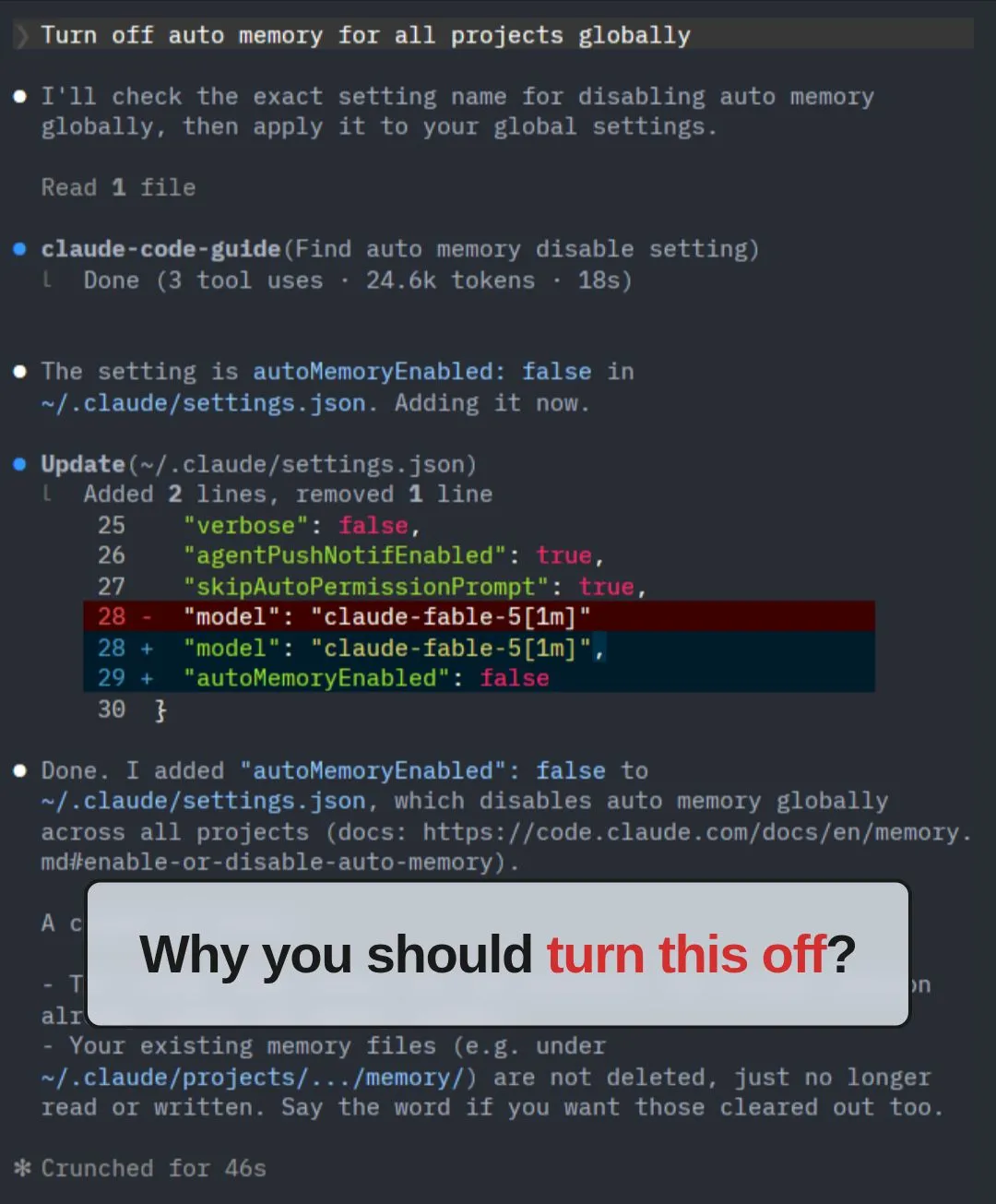
Claude Code's auto memory makes your project less portable.
What is auto memory?
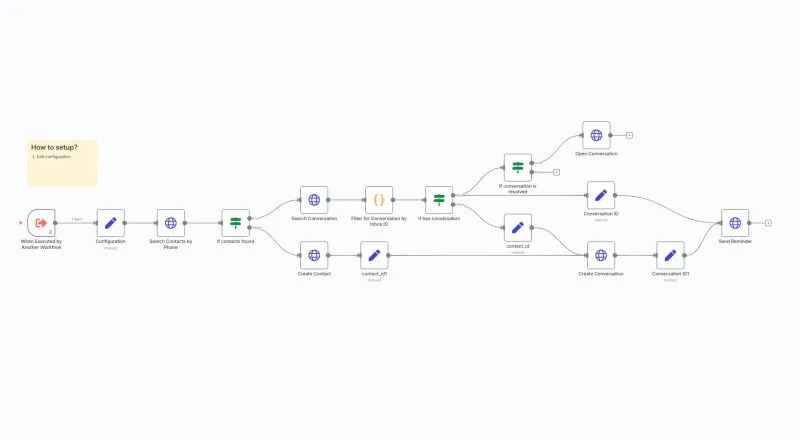
Low-code (or no-code) platforms will replace coding.
That’s the narrative we keep hearing for years.
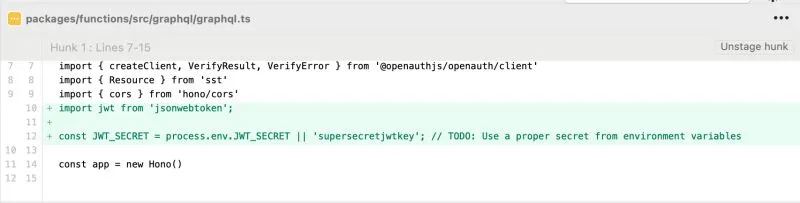
I was doing vibe coding and saw AI generated this code.
Notice anything?
OpenAI’s Windsurf deal is off — and Windsurf’s CEO is going to Google
Anyone feel like we should use AI to create a drama and publish it on Netflix?
"I can build my website in Claude Chat, when would I need Claude Code?"
This is one of the most common Claude Chat vs Claude Code questions I hear in my workshops.
Low-code (or no-code) platforms will replace coding.
That’s the narrative we keep hearing for years.
Congrats to Cohort 5 of my Foundations of Claude Code workshop.
NICHOLAS, Rebecca, Keith, Felicia, Anoop, Lewis, Joanne.
Claude Code's auto memory makes your project less portable.
What is auto memory?
I was doing vibe coding and saw AI generated this code.
Notice anything?